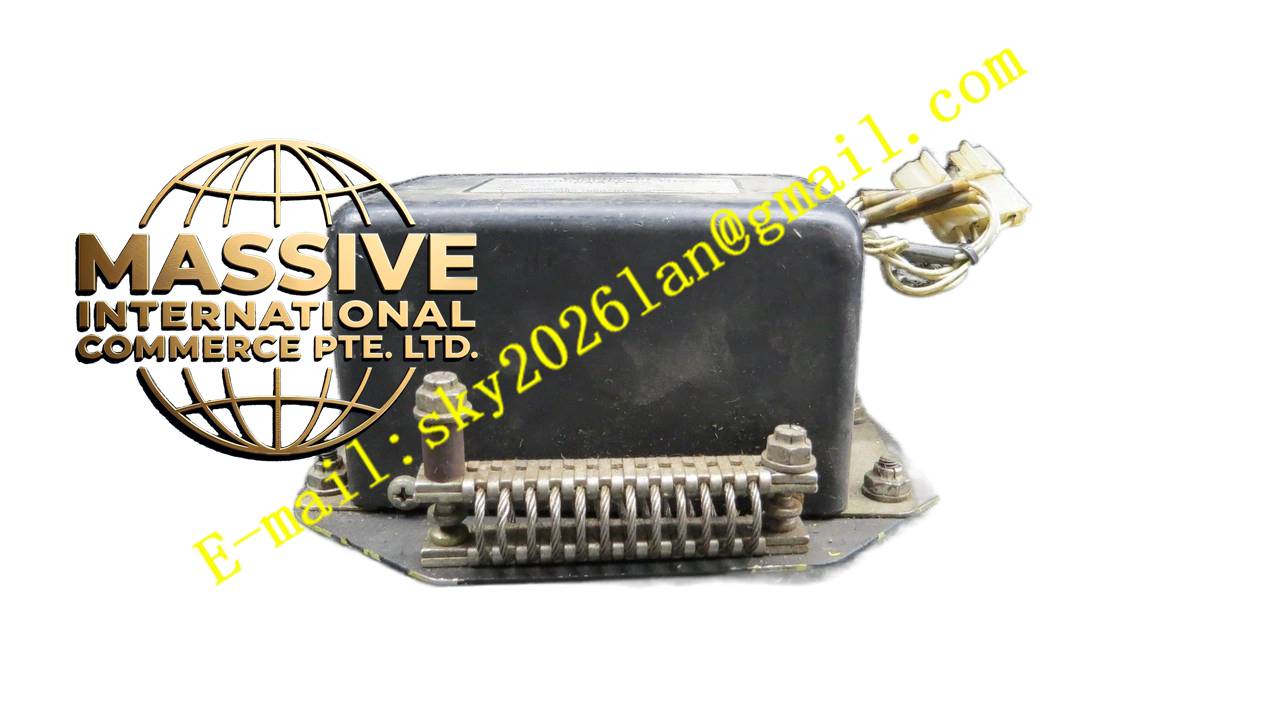
Description
Woodward 8400-016
Technical Specifications
- Product Series: 8400 Series Control / Display Unit.
- Display: High-contrast alphanumeric or graphic LCD display.
- Keypad: Sealed membrane keypad with tactile feedback for glove operation.
- Communication: Serial interface to the main turbine controller (e.g., 505E or MicroNet).
Functional Features
- Real-Time Monitoring: Displays critical turbine parameters such as speed, exhaust temperature, and valve position.
- Local Control: Allows for local start/stop, reset, and speed/load setpoint adjustments.
- Alarm Management: Visually indicates active faults and requires operator acknowledgment for safety-critical alarms.
- Menu Navigation: Intuitive, menu-driven software for accessing configuration and diagnostic screens.
Application Scenarios
Mounted on the front of turbine control panels or in local operator stations for steam turbines, gas turbines, and turbo-expanders.
Performance Parameters
- Visibility: Sunlight-readable display for installations in brightly lit or outdoor environments.
- Response Time: Instantaneous update of process data from the main controller.
Material Composition
Rugged cast aluminum or stainless steel enclosure with a chemically strengthened glass display window. UV-resistant keypad overlay for long-term durability.
Structural Characteristics
Compact, flush-mount or surface-mount design. Features a protective visor to reduce glare and a rear connector for easy panel wiring.
Working Principle
The panel communicates continuously with the main turbine controller via a serial protocol. It sends operator commands (key presses) and receives process data, rendering it on the display in a user-friendly format.
Installation Requirements
Cut the appropriate panel cutout and mount using the provided gasket and hardware to maintain the NEMA/IP rating. Connect the communication cable using shielded wire.
Usage Precautions
- Keep the display clean; use only approved, non-abrasive cleaning agents.
- Avoid pressing the keypad with sharp objects that could puncture the membrane.
- Ensure the communication link is secure; a broken link will cause the display to show a communication fault.