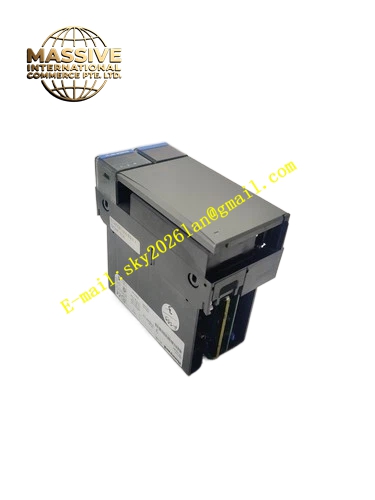
Description
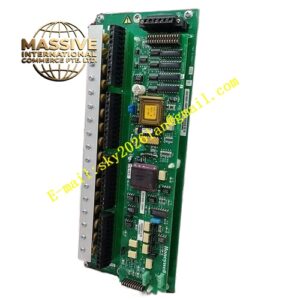
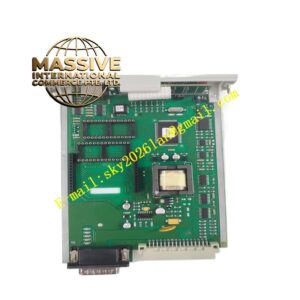
Honeywell TK-IOL101
Technical Specifications
- Communication Interface: Dual redundant I/O link bus ports
- Communication Speed: 1 Mbps
- Bus Interface: C200 controller backplane dedicated bus
- Power Supply: 5VDC from rack backplane
- Operating Ambient Temperature: 0°C to +60°C
- Storage Temperature: -40°C to +85°C
- Relative Humidity: 5% to 90% RH non-condensing
- Isolation Rating: 1500VAC isolation between I/O link bus and internal logic circuit
- Mounting Method: Plug-in slot installation on C200 control rack
- Certification: UL, CE, TÜV, RoHS
Functional Features Dual redundant I/O link bus supports automatic seamless switchover when one bus channel fails. It continuously sends heartbeat packet to monitor remote I/O rack online status. It forwards control command from C200 controller to remote I/O modules and uploads field I/O data back to controller. It detects bus cable breakage, short circuit and remote module offline fault. It uploads module fault and communication alarm to Experion PKS operator station. It supports hot swap replacement without controller shutdown. It synchronizes time stamp for all I/O data packets. It has LED indicators for power, module fault, link A and link B communication status.
Application Scenarios C200 controller remote I/O rack communication interface Petrochemical plant distributed remote I/O system spare replacement Chemical process control system remote I/O link fault repair Power plant Experion C200 remote I/O cabinet maintenance Natural gas processing plant distributed control system spare inventory
Performance Parameters
- Redundant Bus Switchover Time: Less than 150ms
- Mean Time Between Failures: 840000 hours
- Insulation Resistance: Greater than 1000 MΩ
- ESD Immunity: 8kV contact discharge
- Maximum Remote I/O Nodes Supported: 16 I/O racks per link
Material Composition FR4 flame retardant conformal coated multilayer PCB I/O link communication protocol processor chip Dual bus transceiver chips Isolation transformers for bus signal Flash memory and SDRAM memory chips TVS surge suppression components Gold plated edge connector for rack backplane Metal front panel with extraction handle and LED indicators
Structural Features Standard C200 rack plug-in module form factor. Front metal panel carries four tri-color LED status indicators and extraction handle. Two dedicated bus terminals on front panel connect to remote I/O link bus cable. Rear gold plated edge connector mates with rack backplane power and control bus. Internal PCB layout separates high speed bus signal zone and backplane logic zone to reduce electromagnetic crosstalk. Anti-key notch prevents reverse insertion into rack slot. Locking clip fixes module firmly after installation.
Working Principle After power on, the module initializes I/O link protocol stack and establishes two independent logical communication channels with remote I/O racks. It receives control command from controller backplane and forwards command to remote I/O modules through active bus channel. It collects field I/O data and diagnostic status from remote racks and transmits data back to controller. When heartbeat loss is detected on one bus channel, the module automatically switches all communication traffic to standby bus channel. Diagnostic circuit monitors hardware failure and bus abnormality, and sends fault alarm to Experion PKS.
Installation Requirements Wear anti-static wrist strap before replacement operation. Insert module into vacant rack slot, align anti-misalignment notch and lock front handle. Connect shielded I/O link bus cable to front bus terminals. Restore rack power and wait for module self-test completion. Verify remote I/O rack online status on Experion PKS operator station. Configure remote I/O rack address and communication parameters in engineering software. Test redundant bus switchover function by disconnecting one link cable.