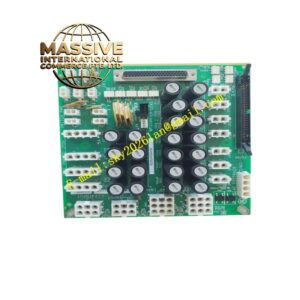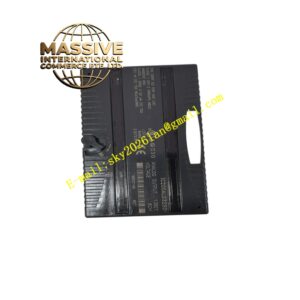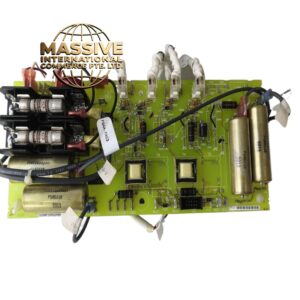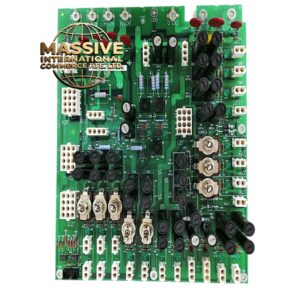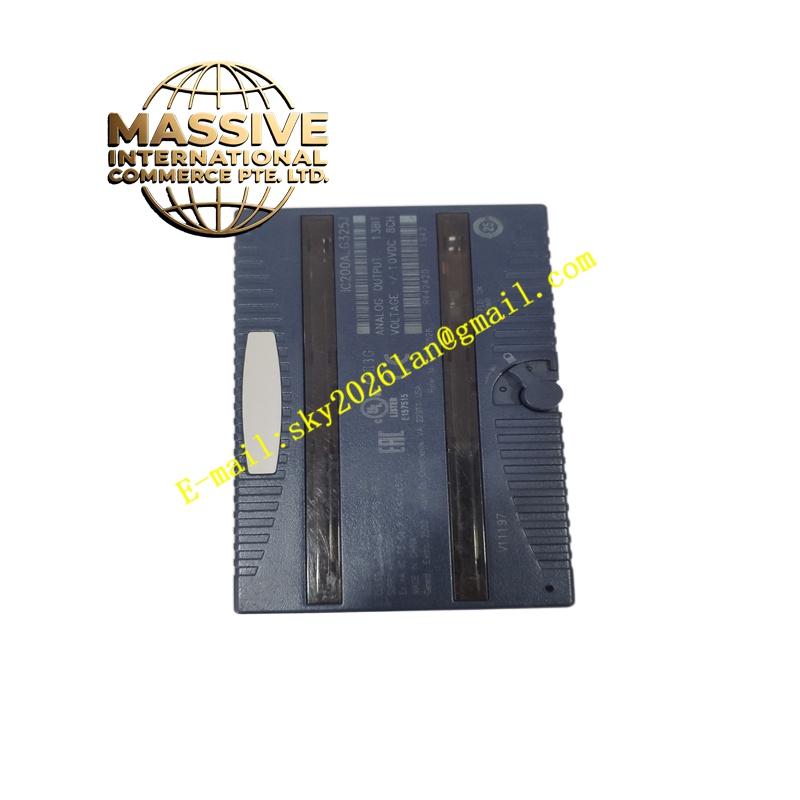
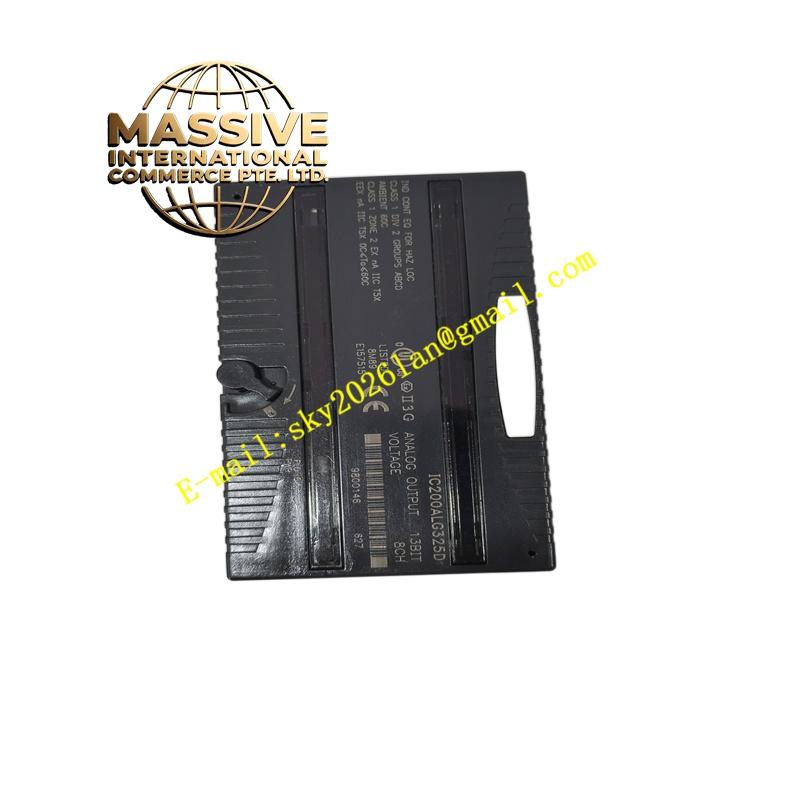
Description
GE IC200CHS022J Technical Specifications:
- Slots: 2 expansion slots.
- Mounting: DIN rail or panel mount.
- Backplane Power: Distributes 3.3V and 5V power from the CPU or power supply module.
- Dimensions: Compact footprint optimized for space-constrained control panels.
Functional Features:
- Seamless Expansion: Allows users to easily scale up I/O capacity by daisy-chaining to the main baseplate.
- Automatic Configuration: The CPU automatically recognizes and configures modules installed in this baseplate.
- Hot-Swappable Support: Modules can be replaced with the power on (subject to system configuration and safety protocols).
Application Scenarios:
- Small to medium-sized industrial automation systems requiring additional I/O density.
- Distributed control panels where space is limited.
- Retrofitting and upgrading existing VersaMax PLC installations.
Material Composition & Structural Characteristics:
- Enclosure: High-strength, flame-retardant thermoplastic housing.
- Backplane Connectors: Gold-plated edge connectors to ensure low-resistance, corrosion-free electrical contact over years of operation.
- Circuitry: Multi-layer PCB with optimized power and ground planes to minimize electromagnetic interference (EMI).
Working Principle: The baseplate acts as a passive bus distributor. It routes the 3.3V and 5V DC power from the power supply to all installed modules. Simultaneously, it provides the high-speed parallel data bus that allows the CPU to read inputs and write outputs to the expansion modules in a deterministic scan cycle.
Installation Requirements:
- Alignment: Carefully align the module pins with the backplane connectors before pressing down.
- Securing: Engage the top and bottom latches securely to lock the module in place and ensure proper backplane connection.
- Spacing: Leave adequate ventilation space above and below the baseplate for thermal dissipation.
Usage Precautions:
- Power Off: Always remove power before inserting or removing modules unless hot-swap is explicitly supported and configured.
- Dust Protection: Keep unused slots covered with blank filler plates to prevent dust accumulation on the backplane connectors.
- Grounding: Ensure the DIN rail is properly grounded to provide a low-impedance path for EMI.