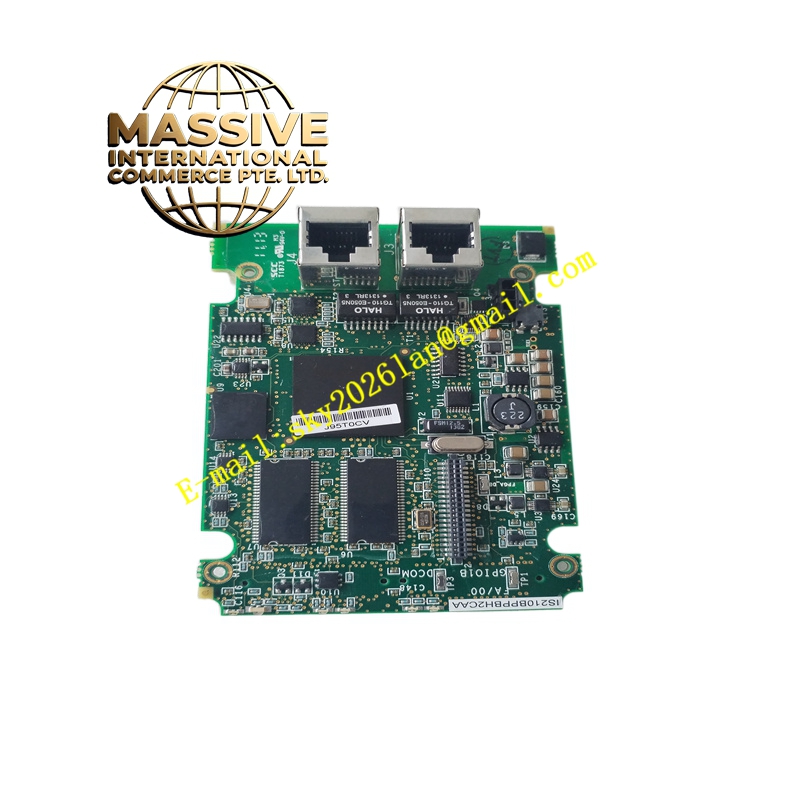
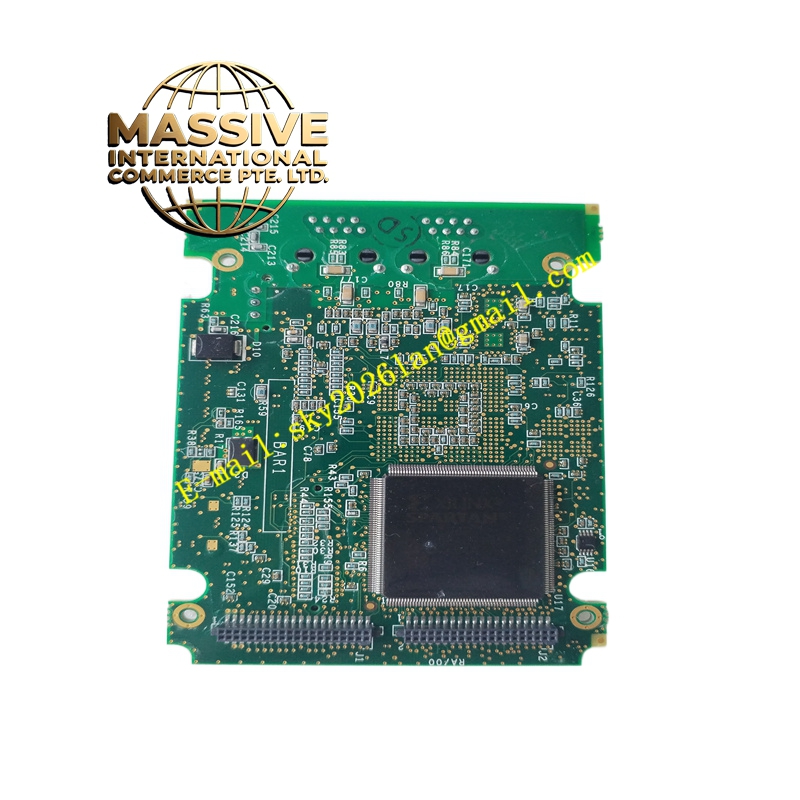
Description
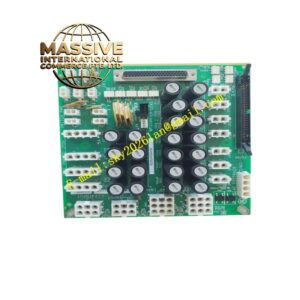
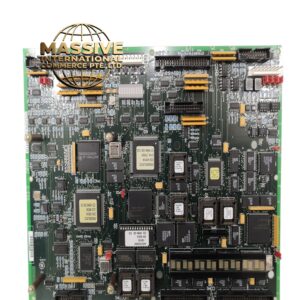
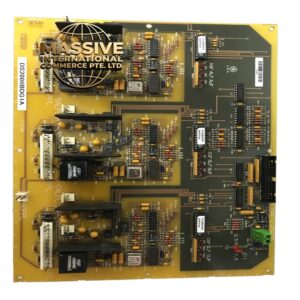
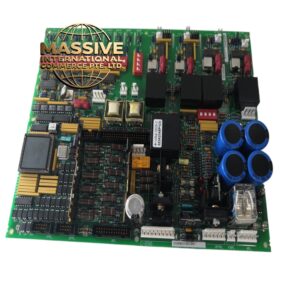
GE IS210BPPBH2CAA
- Technical Specifications:
- Series: GE Mark VI Speedtronic
- Module Type: Digital expansion module (printed circuit board)
- Connectors:
- Eight threaded plug connectors for external wiring
- Multiple interface connectors for backplane and module communication
- Protection Components: Six metal-oxide varistors (MOVs) for voltage surge protection
- Compatibility: Works with steam and gas turbine control configurations
- Mounting: Designed for installation within the main control module assembly
- Functional Features:
- Expands digital I/O capability within the Mark VI control system
- Provides surge protection via MOVs to improve system robustness
- Interfaces with main control and backup protection modules for enhanced reliability
- Supports maintenance tools including protection algorithms, sequencing, and I/O displays
- Application Scenarios:
- Gas/steam turbine control systems requiring expanded digital I/O
- Turbine protection and monitoring systems
- Integration with HMIs for operator interface and diagnostics
- Performance Parameters:
- High reliability for critical digital I/O functions
- Supports real-time status monitoring and control actions
- Material and Structural Characteristics:
- Industrial-grade PCB with high-quality connectors
- Threaded connectors provide secure field wiring connections
- Robust mechanical design for vibration resistance
- Working Principle:
- Accepts digital signals from field devices and routes them to the main controller for processing. It also sends digital control commands to actuators. The MOVs clamp voltage spikes, protecting downstream circuitry from transient events.
- Installation Requirements:
- Mount within the main control module assembly following GE instructions
- Connect field wiring to the threaded plug connectors, ensuring proper torque
- Verify compatibility with the control software version and configuration
- Follow appropriate ESD and power-down procedures during installation
- Usage Notes:
- Ensure wiring adheres to manufacturer torque specifications to prevent connection failures
- Periodically check connectors for tightness and signs of corrosion
- Use diagnostic tools and HMI functions to monitor I/O status
- Follow GE recommendations for system testing and commissioning