Description
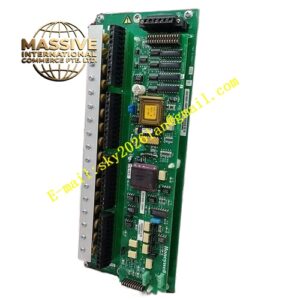
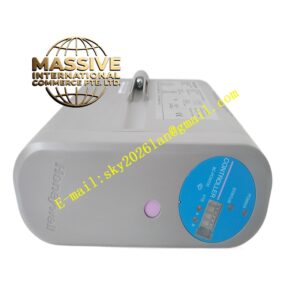
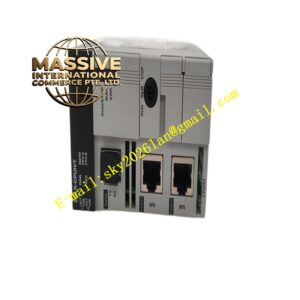
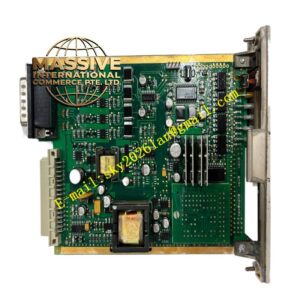
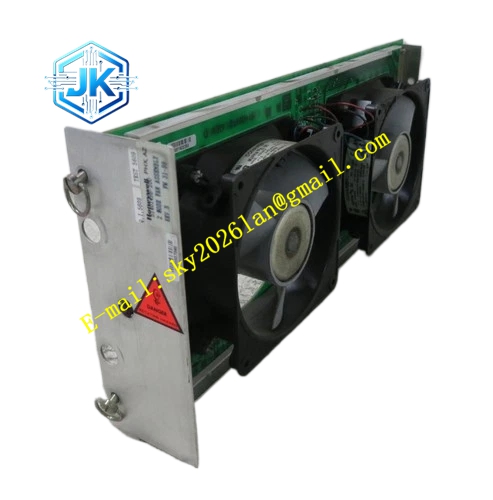
Honeywell 51401496-100
Technical Specifications Fan Quantity: 2 axial fans Fan Rated Voltage: 24V DC Rated Speed: 3200 RPM per fan Airflow: 28 CFM total airflow Power Supply: 24V DC Power Consumption: 12.6W Operating Temperature Range: 0℃ to 60℃ Storage Temperature Range: -40℃ to 85℃ Relative Humidity: 5% to 95%, non-condensing
Functional Features It supports dual redundant fan design, single fan failure does not interrupt rack cooling. It carries out real-time fan speed sampling and stall detection. It supports hot swap operation when the rack is equipped with redundant cooling configuration. It stores fan speed threshold parameters in non-volatile memory. It uploads fan stall, speed low and power loss alarm to the node diagnostic system. It adopts forward airflow direction to match the internal air channel layout of TDC3000 node rack. It includes dust filter screen to reduce dust accumulation on internal circuit boards.
Application Scenarios Thermal cooling for GUS operator station racks and LCN communication node racks. Forced air cooling for HPM high-performance process manager racks. Replacement and spare stocking for aging fan assemblies in legacy TPS control cabinets. Cooling system maintenance for high-density node racks installed in high-temperature cabinet rooms.
Performance Parameters Fan Service Life: 50,000 hours at rated operating temperature Speed Monitoring Resolution: 10 RPM Alarm Trigger Threshold: 2400 RPM Noise Level: ≤52 dB(A) at 1 meter distance
Material Composition Metal fan bracket with cold-rolled steel sheet and electrostatic spray coating Brushless DC axial fan units Hall effect speed sensing chips Fan drive and fault detection logic chips Washable synthetic fiber dust filter screen Gold-plated power and signal connector pins ABS plastic fan flow guide frame
Structural Features Standard European pluggable assembly structure, installed in dedicated fan slot at the top or bottom of TDC3000 node rack. Front panel is equipped with power indicator light, fan fault indicator light and dual fan individual status indicator lights. Dual fans are arranged side by side with shared air guide channel. The filter screen adopts slide-out structure for convenient cleaning and replacement. Power and signal wiring connectors are integrated on the rear edge of the assembly.
Working Principle 24V DC power supplies the brushless DC fan units. The fans rotate continuously and generate directional airflow to take away heat from hot electronic modules inside the rack. The hall sensor inside each fan outputs pulse signal proportional to rotation speed. The detection logic chip counts pulse frequency and calculates actual fan speed. When speed drops below preset threshold or fan stalls, the module triggers fault alarm and transmits alarm signal to the node mainboard through backplane signal line.
Installation Requirements Insert the fan assembly module into the dedicated cooling slot of the node rack and lock the side latches. Confirm airflow direction matches the rack air channel marking, reverse airflow reduces cooling efficiency. Connect the 24V DC power and signal connector to the rack internal power board. Set fan speed alarm threshold in node hardware configuration software after power on. Verify fan rotation and fault alarm function by blocking fan rotation for test.
Precautions Cut off power supply before removing the fan assembly to avoid accidental contact with rotating fan blades. Clean the filter screen periodically to prevent dust blockage and airflow reduction. Single fan failure still requires immediate replacement to avoid overheating risk under high ambient temperature. Do not run the rack for long time without fan assembly, which causes permanent thermal damage to processor modules. Avoid spraying cleaning liquid directly onto fan motor and circuit board components.