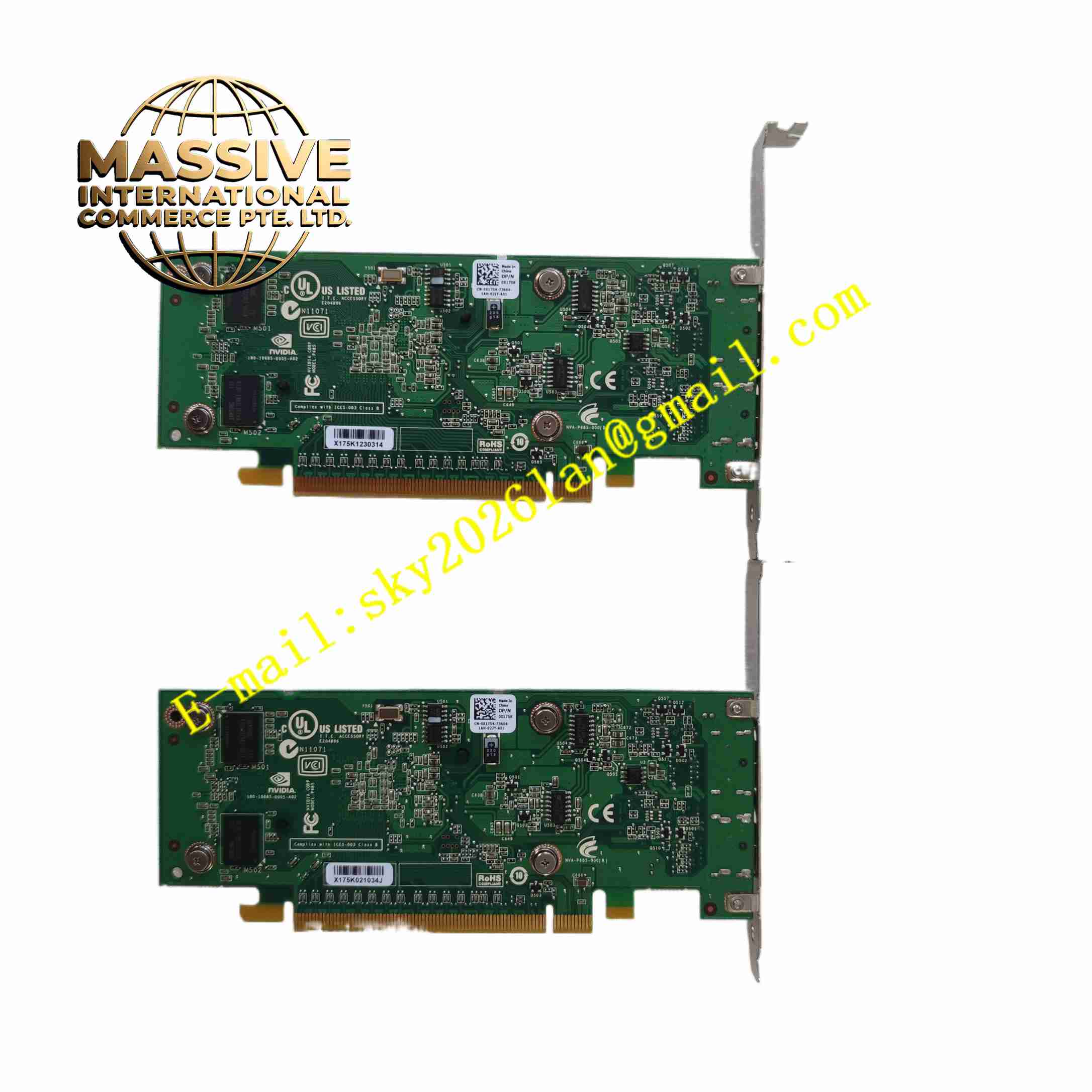
Description
NVIDIA QUADRO-NVS295 Graphics Card
Technical Specifications Model: NVIDIA Quadro NVS295 GPU Architecture: NVIDIA professional NVS series GPU Graphics Memory: Onboard dedicated graphics memory Interface: PCI Express x16 bus interface Display Output: Multiple digital display ports Power Supply: Low power consumption, powered by PCIe slot Form Factor: Low profile small form factor graphics card Operating Temperature: 0 ℃ ~ +85 ℃ Storage Temperature: -40 ℃ ~ +85 ℃
Functional Features Supports multiple independent display outputs for multi-monitor workstation. Professional display driver provides stable long-running desktop display output. Low power consumption design reduces heat generation inside industrial PC cabinet. Low profile form factor fits compact small chassis and industrial embedded host. Each display channel supports independent resolution and refresh rate configuration. Built-in hardware display engine for 2D graphics and desktop rendering. Supports Windows workstation operating system. High reliability design for 24-hour continuous operation.
Application Scenarios Industrial control multi-screen HMI workstation, control room multi-monitor operator console, bank multi-screen business terminal, retail multi-display digital signage, medical equipment multi-view display host.
Performance Parameters GPU maintains stable 2D display output under 24-hour continuous operation. Multiple display channels can run different desktop windows independently. Low power consumption keeps low heat generation under full multi-screen load. Display output signal maintains stable resolution and refresh rate for long time. PCIe bus keeps stable communication with host motherboard. Graphics driver supports multi-screen spanning and separate desktop configuration.
Material Composition PCB: FR4 printed circuit board with protective coating. Core Electronic Components: NVIDIA GPU chip, graphics memory chips, display output transceiver chips, voltage regulation power IC. Connector: PCIe gold-plated edge connector, multi-display output ports. Heat Sink: Passive aluminum heat sink without cooling fan. Fasteners: Metal bracket and stainless steel screws. Bracket: Low profile metal mounting bracket for chassis installation.
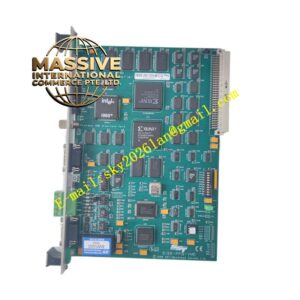
Structural Features Low profile small form factor PCB design. Passive aluminum heat sink mounted on GPU chip for heat dissipation without fan. Metal low-profile bracket fixed at front edge of PCB, carrying multiple display output connectors. Gold-plated PCIe edge connector on PCB edge to plug into motherboard PCIe slot. Internal power regulation circuit converts motherboard PCIe power to GPU working voltage. PCB layout separates GPU core circuit and display output circuit.
Working Principle The graphics card obtains DC power and PCIe bus signal from motherboard PCI Express slot. Host operating system sends desktop graphics rendering command to GPU through PCIe bus. GPU processes 2D desktop graphics data and outputs independent digital video signal to each display port. Multiple display signals can drive different monitors separately. The passive aluminum heat sink absorbs heat generated by GPU chip during operation and dissipates heat to cabinet air. GPU continuously refreshes display image according to configured resolution and refresh rate. Professional driver manages multi-screen display mode and ensures stable long-time output.
Installation Requirements Power off industrial PC host before installing graphics card. Insert card into empty PCIe x16 slot on motherboard, fasten metal bracket screw to chassis. Connect display cables to each display output port on graphics card bracket. Power on host computer, install NVIDIA Quadro professional graphics driver. Configure multi-screen display mode in operating system display setting. Reserve air circulation space around passive heat sink. Reboot host after driver installation completion.
Usage Precautions Do not install inside closed cabinet without air circulation, passive heat sink needs natural convection cooling. Use matched digital display cable for multi-screen output. Do not apply static electricity to PCB board, wear anti-static wrist strap during handling. Check display cable connection tightness periodically. Keep graphics card away from conductive dust inside industrial PC cabinet. Do not disassemble heat sink without professional authorization, GPU chip is static sensitive. Update professional graphics driver according to system requirement.