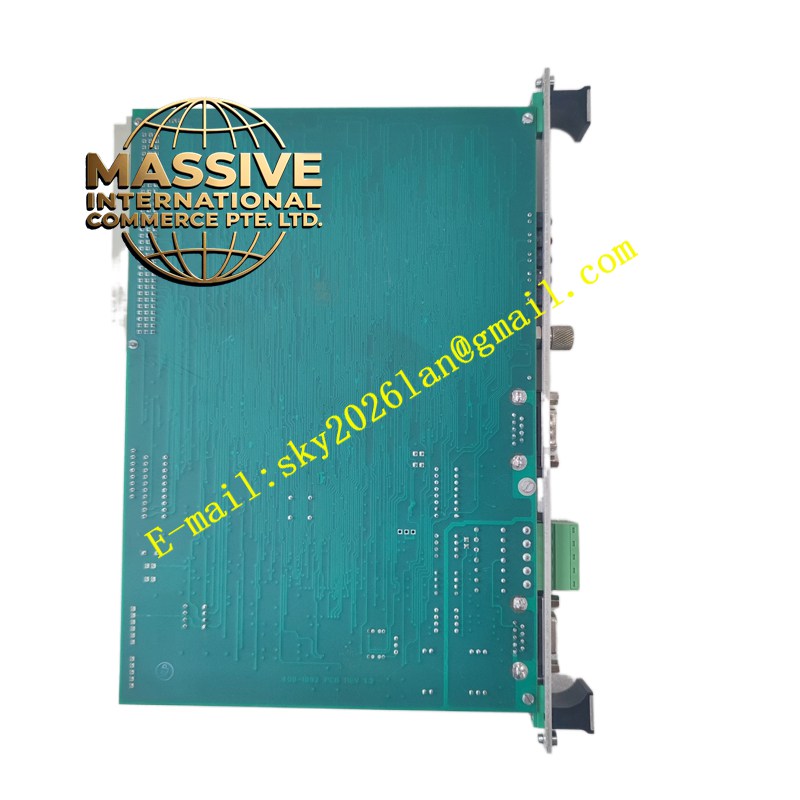
Description
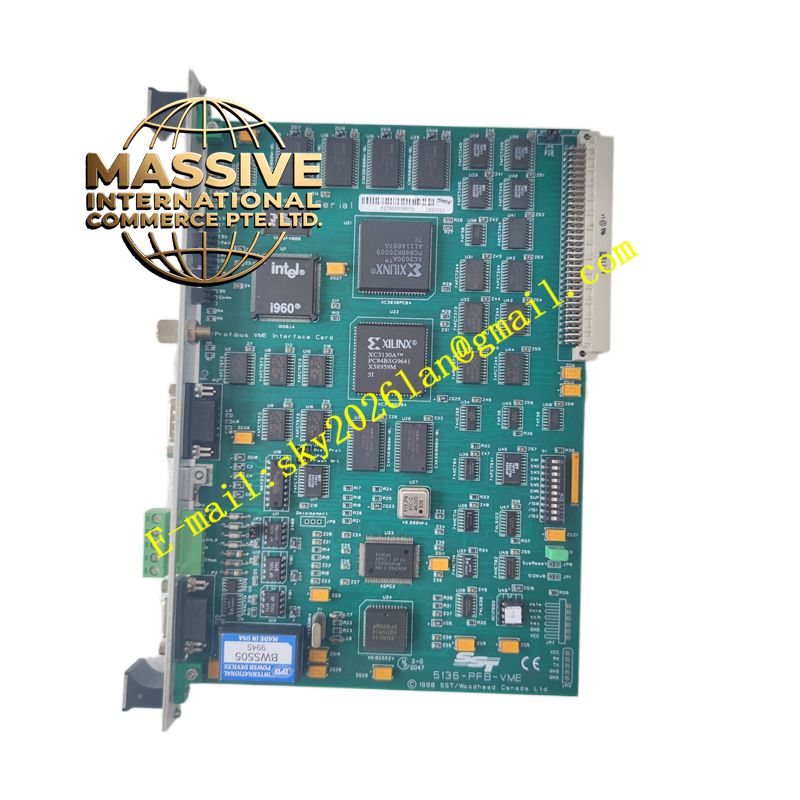
SST 5136-PFB-VME
Technical Specifications:
- Bus Interface: VMEbus (Short Address Space).
- Processor: Onboard Intel i960 32-bit CPU.
- Memory: 512 KB Local RAM, 256 KB Host Shared RAM, 512 KB Flash Memory.
- Baud Rates: Supports standard PROFIBUS rates from 9.6 Kbaud up to 12 Mbaud.
- Protocols: PROFIBUS DP Master, DP Slave, FDL (Layer 2).
Functional Features:
- Simultaneous Operation: Capable of acting as a DP Master, DP Slave, and FDL node concurrently.
- Flexible Memory Access: Shared RAM can be accessed in linear mode (256 KB block) or paged mode (sixteen 16 KB pages).
- High-Speed Processing: Offloads communication protocol processing from the host CPU to the onboard i960 processor.
- Non-Volatile Storage: Stores configuration data and software modules in onboard flash memory.
Application Scenarios:
Widely deployed in Distributed Control Systems (DCS), Programmable Logic Controllers (PLC), network switches, routers, and data centers requiring high-speed fieldbus communication.
Performance Parameters:
- Max Baud Rate: 12 Mbaud.
- Data Transfer: High-speed, deterministic data exchange via VME short address space registers.
Material Composition:
Constructed with industrial-grade printed circuit boards, high-density integrated circuits, and robust VMEbus edge connectors.
Structural Features:
Standard single-width or dual-width VME form factor with front-panel PROFIBUS DB9 connector and internal DIP switches for configuration.
Working Principle:
The onboard i960 CPU processes PROFIBUS protocols independently. Data is formatted and placed into the shared RAM. The VME host accesses this shared memory to read/write process data, ensuring fast and simple software integration.
Installation Requirements:
Insert securely into an available VMEbus slot. Ensure proper grounding and connect the PROFIBUS cable to the front-panel port with correct termination.
Usage Precautions:
Download the required PFBPROFI software module (via shared memory or serial port) before operation. Configure DIP switches correctly to set the VME base address and access permissions.