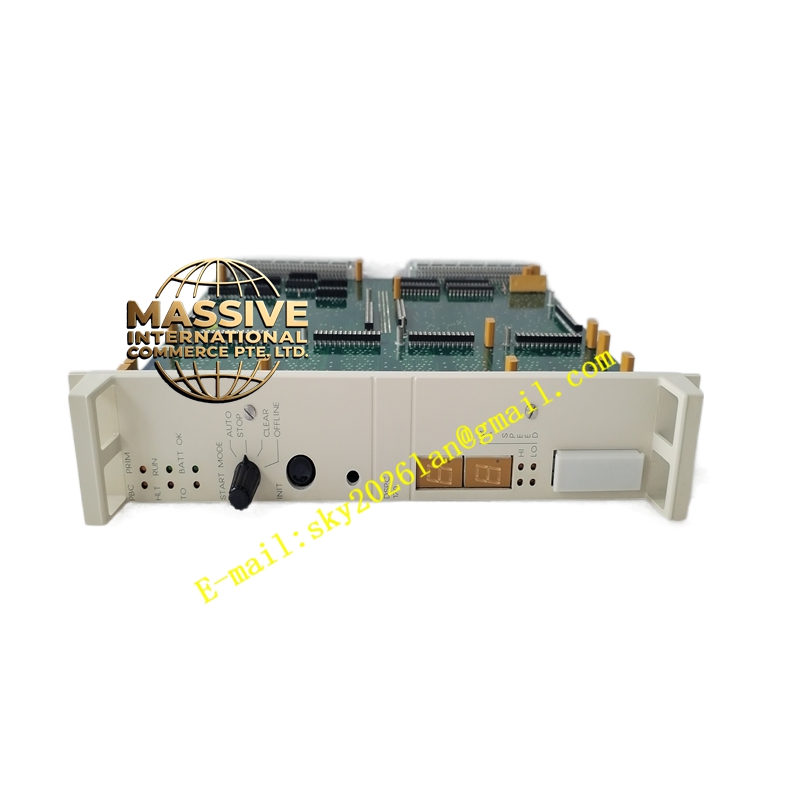
Description
ABB DSQC3120 (3HAC085590-001)
- Technical Specifications:
- Display: 6.5″ or 7″ TFT-LCD color touchscreen, 640 × 480 (VGA) or 800 × 480, 65 K colors, LED backlight
- Touch: Resistive single-touch
- Enabling Device: 3-position enabling switch (middle = enabled; released or fully depressed = disabled) — safety-certified per EN ISO 10218
- Keypad: Jog keys (X/Y/Z, reorient), menu / function / F-keys, E-Stop button (red mushroom, N.C. contacts)
- Interface to Controller: Proprietary FlexPendant bus (RS-485 / LVDS over shielded cable with 12 V / 24 V DC power from controller)
- Cable Length (std): 10 m; optional 15 m / 25 m with repeater
- Power: Supplied from IRC5 controller (12–24 V DC via FlexPendant cable)
- Operating Temp.: 0 °C to +45 °C (some versions –10 °C to +55 °C)
- Protection: IP54 (front face), IP20 (rear/cable entry); chemical-resistant plastic housing
- Weight: ≈1.1–1.3 kg (pendant only, excl. cable)
- Language: Multilingual — RAPID keywords + UI in local language selectable
- OS / Runtime: Embedded ABB FlexPendant firmware (BootP + custom GUI framework)
- Functional Features:
- Real-time 3D/2D robot position display, joint angles, tool coordinates
- Program editor for RAPID code (create/modify/debug)
- Manual jogging in World / Tool / Base coordinate frames
- I/O monitoring and forcing (DI/DO/AO/AI assigned to DSQC modules)
- Backup / restore to USB stick; log viewer, event browser
- User authorization levels (Operator / Programmer / Service)
- Touch screen + physical keys — usable with gloves
- Application Scenarios:
- Robot cell programming and path teaching in automotive / electronics / metal fab
- Production startup, fine-tuning of weld/seal points, cycle-time verification
- Troubleshooting — force I/O, view error logs, check axis limits
- Training new operators on cell operation (run / pause / E-Stop)
- Material & Structure:
- Housing: High-impact ABS/PC blend, yellow accent (ABB FlexPendant signature color) or dark gray depending on generation
- Cable: Shielded, oil-resistant PUR jacket, screw-lock connector at pendant end
- Enabling switch: Dual redundant contacts per ISO 10218-1
- E-Stop: Red mushroom-head N.C. with twist-to-release; rated for safety chain interruption
- Working Principle:
The FlexPendant boots from the IRC5 controller’s FlexPendant server task. It exchanges key/position/touch events and display updates over the FlexPendant bus. The enabling switch is monitored by the controller’s safety circuit — robot motion is permitted only while the switch is held in the mid-position (partially depressed). All RAPID execution, I/O scan, and motion control remain in the controller; the pendant is a human-machine interface only.
- Installation Requirements:
- Connect FlexPendant cable to “FlexPendant” port on IRC5 main computer (or to FlexPendant hub in multi-pendant setups)
- Secure cable strain relief in cabinet; avoid sharp bends (<5× cable Ø)
- Power on controller; FlexPendant auto-boots and synchronizes with controller
- In RobotStudio / IRC5, verify FlexPendant serial number is recognized (Menu → Control Panel → FlexPendant)
- Precautions:
- Enabling Switch is Safety-Critical: Test E-Stop and enabling switch function before first teach session — robot must not move unless enabling switch is correctly held
- Do NOT drop or strike pendant — LCD and touch digitizer are fragile
- Clean screen with soft cloth and mild detergent only — no solvents or abrasives
- Do NOT disconnect FlexPendant cable while controller is powered — may cause transient bus error (harmless but logs fault)
- For hygiene-sensitive areas (pharma/food), use pendant cover or wash-down rated variant if available