Description
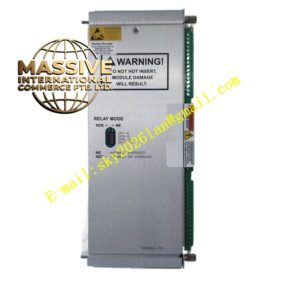
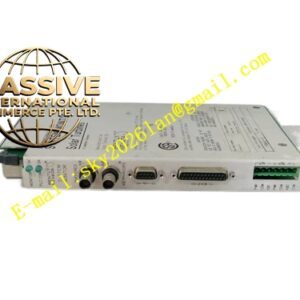
Bently 3500 92-02-01-00
Technical Specifications
- Part Number: 3500/92-02-01-00
- Module Type: Communication Gateway
- Communication Protocols: Modbus TCP/IP, Modbus RTU, or OPC (based on specific “-02-01-00” configuration)
Key Features
- High-Speed Network Integration: Provides reliable, high-bandwidth communication for real-time data acquisition.
- Protocol Versatility: Supports multiple industrial communication standards for broad system compatibility.
- Hot-Swappable: Supports online replacement without disrupting framework monitoring.
Application Scenarios
Deployed in large-scale industrial facilities to integrate critical machinery health data into plant-wide control and optimization systems.
Performance Parameters
- Network Speed: 10/100 Mbps Ethernet
- Latency: Low-latency data transmission for real-time control loops
Material Composition
Ruggedized industrial enclosure with advanced EMI/RFI shielding to protect digital communications from analog sensor noise.
Structural Characteristics
Full-height module form factor. Features front-panel RJ-45 Ethernet ports and comprehensive LED indicators for link status, activity, and faults.
Working Principle
Continuously polls the 3500 backplane for steady-state and alarm data, packages it according to the configured industrial protocol, and transmits it over the Ethernet network to external hosts.
Installation Requirements
Install in any available slot to the right of the TDI module. Connect using standard Cat5e/Cat6 Ethernet cables. Configure IP addresses and protocol parameters via the 3500 Configuration Software.
Usage Precautions
Ensure network switches support the required bandwidth. Avoid running network cables parallel to high-voltage power lines to prevent electromagnetic interference.