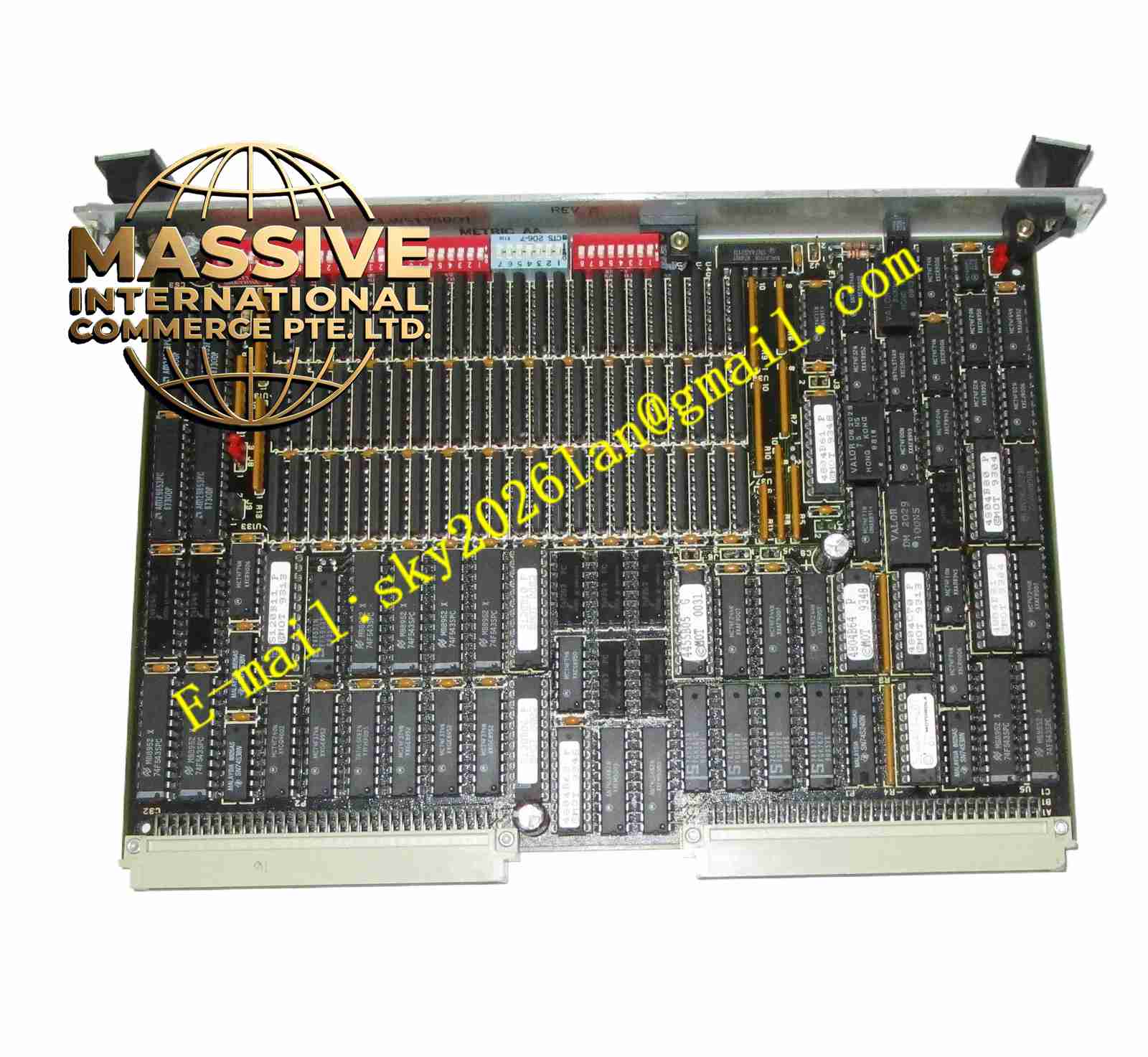
Description
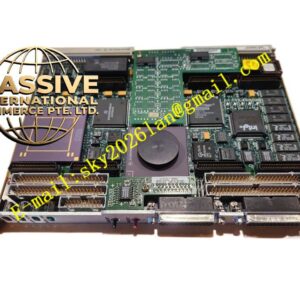
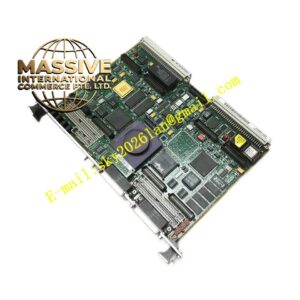
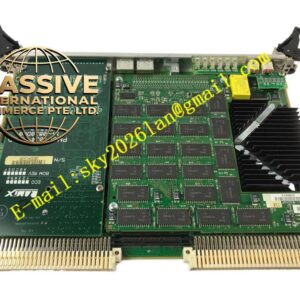
Motorola MVME712P2
Technical Specifications
- Module Type: VME P2 Adapter Board.
- Interface Standard: Fully compliant with VME64 P2 connector specifications.
- Signal Routing: Supports the breakout of SCSI signals, Ethernet signals, and multiple serial communication lines.
Functional Features
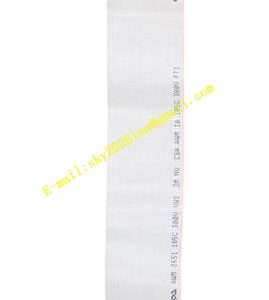
- Allows SCSI cables to connect to other SCSI devices or routes signals via flat ribbon cables to MVME712 transition modules.
- Simplifies customer external cabling requirements by providing industry-standard connectors.
- Provides mounting positions for SCSI terminating resistors, supporting end-of-line or mid-bus configurations.
Application Scenarios
Widely applied in automated and testing systems that require integrating VME processor modules into customized industrial cabinets or expanding external SCSI and network interfaces.
Performance Parameters
- Features excellent high-frequency signal transmission characteristics with precise impedance matching.
- Supports high-bandwidth data transmission without significant signal attenuation.
Material Composition
Constructed using high-precision fiberglass PCB substrates, with gold-plated edge connectors ensuring long-term electrical reliability and oxidation resistance.
Structural Characteristics
Features a compact transition board design with standardized mounting holes, perfectly aligning with the backplane and front-panel cutouts of 6U VME chassis.
Working Principle
It receives P2 signals from the back of the motherboard through physical pin correspondence or remapping. The signals are redistributed via internal PCB traces and ultimately output to front-panel physical connectors or internal ribbon cable interfaces.
Installation Requirements
- Must be precisely aligned with the motherboard P2 connector before being pushed in smoothly; violent insertion is strictly prohibited.
- Must be securely fastened with matching screws to prevent contact failure caused by vibrations.
Usage Precautions
- Verify that the motherboard P2 pin definitions perfectly match the adapter before installation.
- Never forcefully plug or unplug this module while the system is powered on to prevent pin damage.