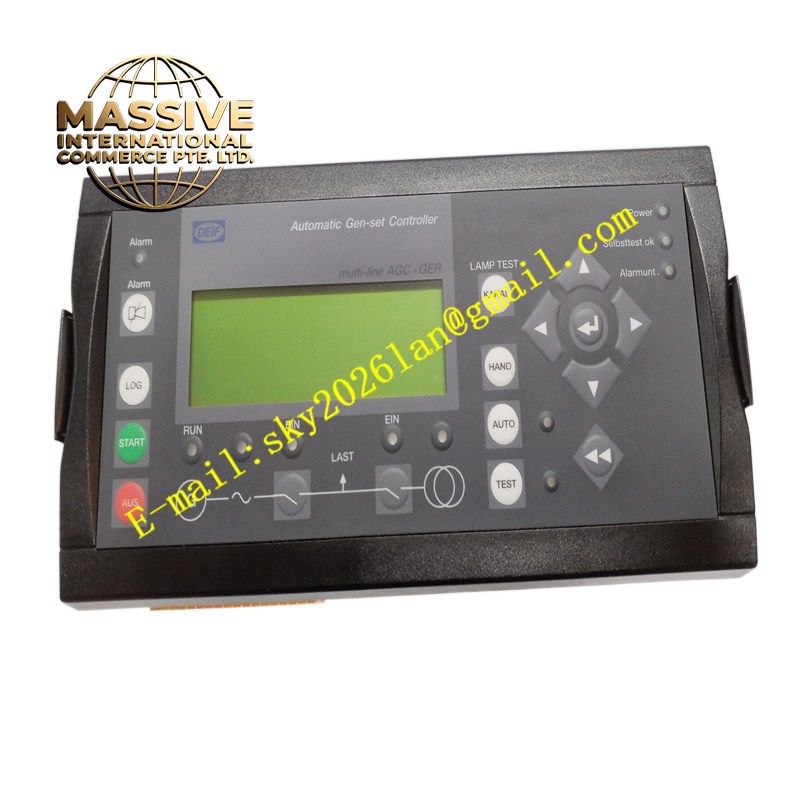
Description
Pro-Face AGP3400-S1-D24
Technical Specifications 7.5-inch TFT colour LCD display; resolution 640×480 pixels; analogue resistive touch screen; 24V DC power supply; built-in RS232, RS485 and Ethernet communication ports; internal flash memory for project storage; operating temperature 0°C to +50°C; storage temperature -20°C to +60°C; front panel IP65 protection rating.
Functional Features Runs user-designed graphical screens including gauges, bar graphs, numerical displays and alarm windows. Supports touch-based operation for device start, stop and setpoint modification. Communicates with multiple brands of PLCs and industrial controllers through dedicated communication drivers. Stores alarm history, production logs and recipe data in internal memory. Supports screen switching, pop-up alarm windows and user access permission management. Allows project upload and download via Ethernet or serial ports.
Application Scenarios Packaging machinery, injection moulding machines, conveyor automation systems, water treatment control panels, food processing production lines, building HVAC control systems.
Performance Parameters Stable touch response under continuous factory operation; consistent LCD brightness with long service life; reliable serial and Ethernet communication with short data refresh intervals; durable touch panel resistant to frequent tapping.
Material Composition Front faceplate uses flame-retardant hard plastic with oil-resistant film; touch layer is resistive polyester film; internal circuit board uses FR-4 multilayer PCB; communication and display driver chips are industrial semiconductors; rear terminal connectors use nickel-plated copper contacts.
Structural Characteristics Panel mount form factor for cabinet installation. Front sealed structure achieves IP65 protection against dust and splashing liquid. Rear housing contains communication connectors, power terminal block and mounting latches. Rubber gasket between panel and cabinet prevents liquid ingress.
Working Principle The HMI establishes data exchange with the connected controller over serial or Ethernet channels. Process values and status bits from the controller refresh graphical elements on the LCD screen. Touch actions on the resistive panel generate coordinate signals processed by the onboard CPU, which sends corresponding command signals back to the PLC to trigger control actions.
Installation Requirements Prepare the standard panel cutout and insert the HMI from the front of the cabinet. Fit the rubber gasket and lock the rear mounting clips evenly. Connect 24V DC power supply and communication cables to the rear ports. Download the HMI project file from the programming software. Verify communication connection with the PLC and test all touch functions.
Precautions for Use Avoid scratching the touch surface with sharp hard objects. Prevent chemical solvents from contacting the front panel film. Do not route power cables together with communication cables. Disconnect power before uploading or downloading project files.