Description
SIGMATEK DPB021
Technical Specifications
Brand: SIGMATEK
Product Series: DIAS
Product Model: DPB021
Product Type: DIAS Bus Module
Bus Interface: SIGMATEK DIAS local bus interface
Fieldbus Connection: Depends on specific variant configuration
Supply Voltage: 24 V DC (typical for DIAS system modules)
Protection Rating: IP20
Operating Temperature: 0°C to 55°C (32°F to 131°F)
Storage Temperature: -20°C to 70°C (-4°F to 158°F)
Relative Humidity: 5% to 95% (non-condensing)
Certification Standards: CE compliant
Functional Features
Bus Coupling: Connects the DIAS local bus to fieldbus networks or higher-level controllers
Data Exchange: Transfers input data from local I/O modules to the controller and output commands from the controller to local modules
Modular Integration: Works seamlessly with other DIAS modules to build scalable I/O stations
Diagnostics: Provides status information and fault detection for the bus communication link
Compact Design: Small form factor suitable for space-constrained control cabinet installations
Plug-and-Play: Easy integration into existing DIAS systems with minimal configuration
Application Scenarios
Industrial Automation: Integration of distributed I/O stations in manufacturing and process control systems
Machine Building: I/O communication for packaging machines, textile machinery, and assembly equipment
Material Handling: Control system communication for conveyor systems and automated storage systems
Process Control: Data acquisition and command distribution in process automation applications
Robotics: I/O interfacing for robotic workcells and automated production lines
Performance Parameters
Bus Communication Speed: High-speed data transfer over the DIAS local bus
Data Throughput: Efficient handling of digital and analog I/O data for real-time control applications
Reliability: Designed for continuous industrial operation with robust communication protocols
Response Time: Low-latency data exchange between fieldbus and local I/O modules
Material Composition
Industrial-grade printed circuit board with surface-mounted electronic components, communication interface controllers and transceivers, signal conditioning circuitry, aluminum or reinforced polymer housing, flame-retardant materials compliant with industrial safety standards, gold-plated connector pins for reliable signal transmission
Structural Features
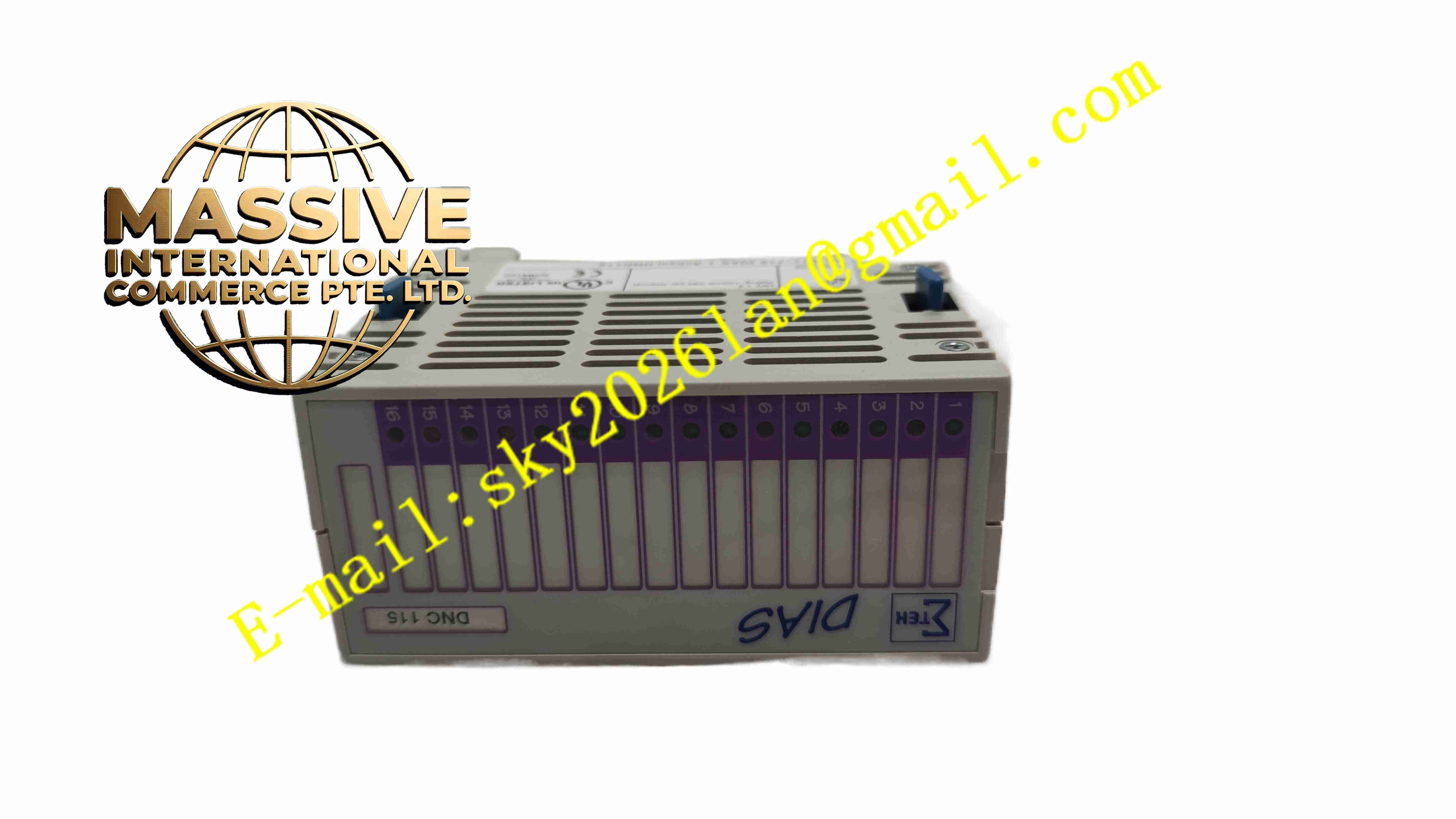
Compact modular housing designed for DIN rail mounting, DIAS local bus connector for attachment to adjacent modules, fieldbus or communication port for connection to higher-level networks, LED indicators for power, bus status, and communication activity, mounting clips for secure DIN rail installation, ventilation features for passive cooling, clearly labeled connectors and indicators
Working Principle
The DPB021 acts as a communication gateway between the SIGMATEK DIAS local bus and an external fieldbus or control network. It receives data from I/O modules connected on the DIAS local bus, formats the data according to the fieldbus protocol, and transmits it to the central controller. Conversely, it receives output commands from the controller via the fieldbus interface and distributes them to the appropriate I/O modules on the local bus. The module continuously monitors the communication link status and reports any errors or interruptions to the control system.
Installation Requirements
Verify the module is undamaged and all accessories are complete before installation
Mount the module on a DIN rail in the control cabinet alongside other DIAS modules
Connect the DIAS local bus by attaching adjacent modules or using the appropriate bus connector
Connect the fieldbus or communication cable to the designated port
Connect the 24 V DC supply voltage to the power terminals
Ensure proper grounding of the module and the control cabinet
Configure the bus parameters using SIGMATEK engineering software before commissioning
Perform communication testing to verify proper data exchange between the controller and local I/O modules
Usage Precautions
Ensure all bus connections are secure before applying power
Do not exceed the rated supply voltage specifications
Monitor the LED indicators for communication status and fault conditions
Keep the module clean and free of dust accumulation
Handle the module with care during installation to avoid damage to connectors
Refer to the official SIGMATEK DIAS documentation for detailed configuration and troubleshooting procedures
Contact SIGMATEK technical support for application-specific guidance