Description
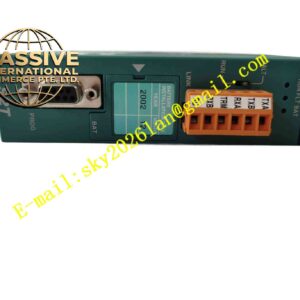
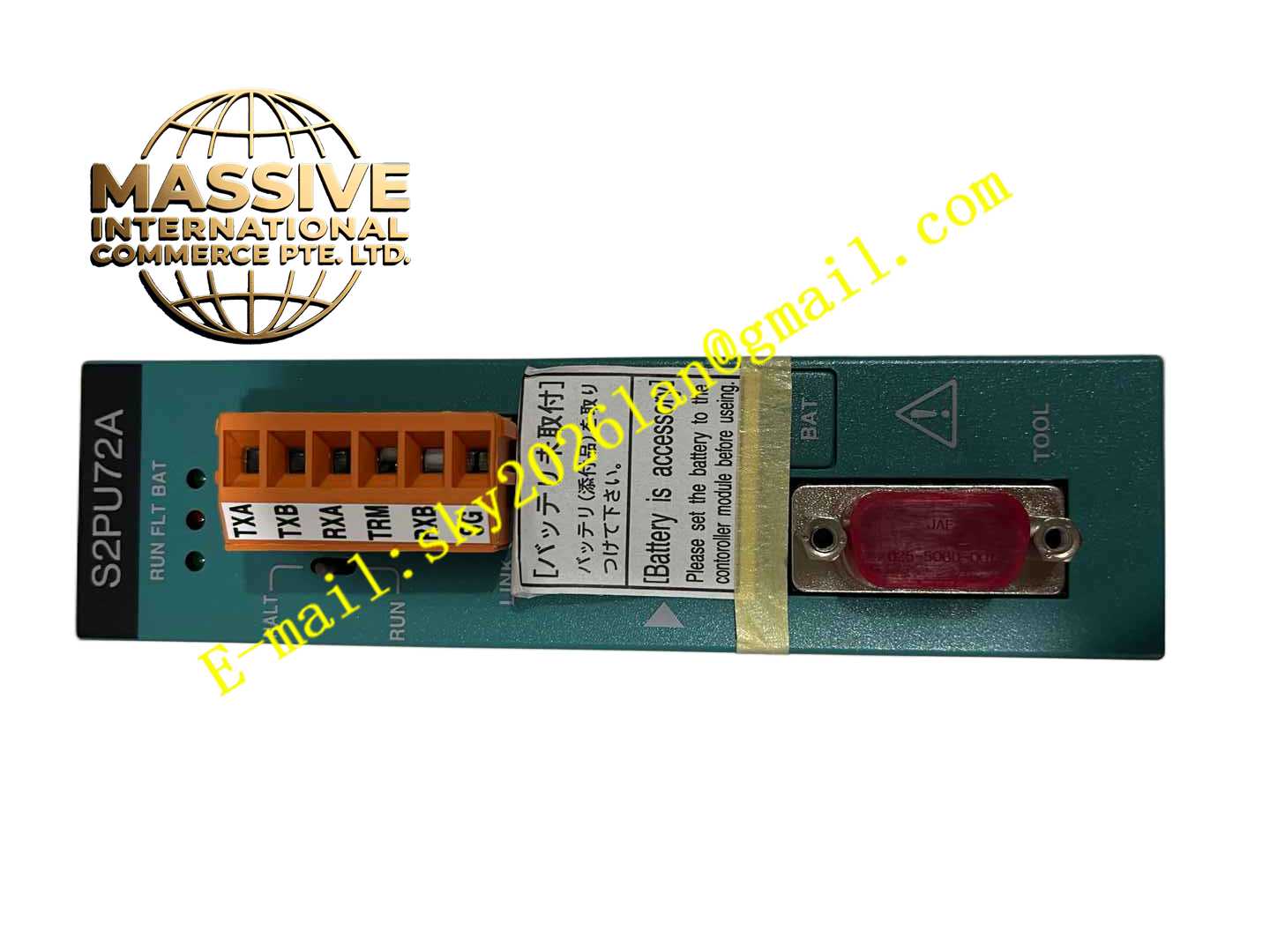
TOSHIBA S2PU72A
Technical Specifications
- Brand: Toshiba
- Product series: V series, model 2000, S2 sequence control module
- Model: S2PU72A
- Product type: PLC / sequence controller CPU module
- Control method: Stored program cyclic scan
- Scan mode: Regular scan and floating scan
- I/O refresh: Batch refresh and direct refresh
- Program capacity: 64 k steps
- Data memory: 48 kW RAM plus available Flash ROM
- Operation mode switch: HALT and RUN
- Status indicators: RUN, FAULT and BAT LEDs
- Communication ports: TOOL port RS-232C and LINK port RS-485
- Battery: Built-in memory backup battery with battery cover
- System type: Standalone module configuration
Functional Features
- Executes IEC 61131-compliant control programs.
- Provides high-speed sequence control processing.
- Supports multitask execution for different control cycles.
- Offers real-time online trace function during program execution.
- Includes RS-232C TOOL port for programming and debugging.
- Includes RS-485 LINK port for touch panel or host computer communication.
- Stores critical programs and parameters in built-in Flash ROM.
- Provides RUN, FAULT and battery status indication.
- Supports standalone operation without additional station controller.
Application Scenarios
- Small industrial automation systems.
- General manufacturing equipment control.
- Plant sequence control.
- Material handling and conveyor systems.
- Packaging machine control.
- Utility monitoring and control.
- Machine tool auxiliary control.
- Process equipment interlocking and sequencing.
Performance Parameters
- 64 k-step program capacity.
- 48 kW RAM data memory.
- Flash ROM available for program and parameter storage.
- RS-232C and RS-485 communication ports.
- Cyclic scan control with regular and floating scan support.
- Batch and direct I/O refresh.
- Real-time online trace capability.
- Exact basic instruction execution speed, maximum I/O points, multitask cycle settings, communication protocol details, power supply voltage, current consumption and environmental ratings should be confirmed from the Toshiba V series S2 CPU module manual.
Material Composition
- Industrial-grade printed circuit board.
- Main processor and memory components.
- Flash ROM and RAM storage.
- RS-232C and RS-485 communication interfaces.
- Parallel I/O bus interface.
- Operation mode switches.
- Status LEDs.
- Backup battery and battery cover.
- Metal and plastic housing structure.
Structural Features
- Modular CPU module design.
- Front panel status LEDs for RUN, FAULT and battery condition.
- HALT/RUN operation mode switch.
- Setup switches for configuration.
- TOOL port RS-232C connector.
- LINK port RS-485 connector.
- Battery compartment cover on the front panel.
- Designed for installation in Toshiba V series model 2000 racks.
Working Principle
The S2PU72A continuously scans the user program stored in memory and processes input signals from connected I/O modules. Based on the program logic, it calculates output states and updates digital or analog outputs. The module supports multitask execution, allowing different control tasks to run at suitable cycles. Communication ports enable programming, monitoring, data collection and connection to touch panels or host computers. The built-in Flash ROM helps retain programs and parameters, while the backup battery maintains memory data during power-off conditions.
Installation Requirements
- Install in a Toshiba V series model 2000 controller rack.
- Ensure the rack power supply matches the module requirement.
- Insert the module firmly into the correct slot.
- Connect the TOOL port and LINK port only when the system is properly configured.
- Verify that the operation mode switch is set correctly before startup.
- Install the backup battery correctly if replacement is required.
- Keep ventilation spaces around the controller rack.
- Avoid installation in locations with excessive dust, moisture or vibration.
Precautions for Use
- Do not change the HALT/RUN switch during unsafe operating conditions.
- Back up programs and parameters before maintenance.
- Replace the backup battery only according to Toshiba instructions.
- Avoid hot insertion or removal unless permitted by the system manual.
- Check FAULT and BAT LEDs regularly.
- Use the real-time trace function for diagnostics rather than frequent program changes during operation.
- Confirm I/O module compatibility before system expansion.
- Refer to the Toshiba V series S2 CPU module user manual for wiring, programming, troubleshooting and maintenance details.