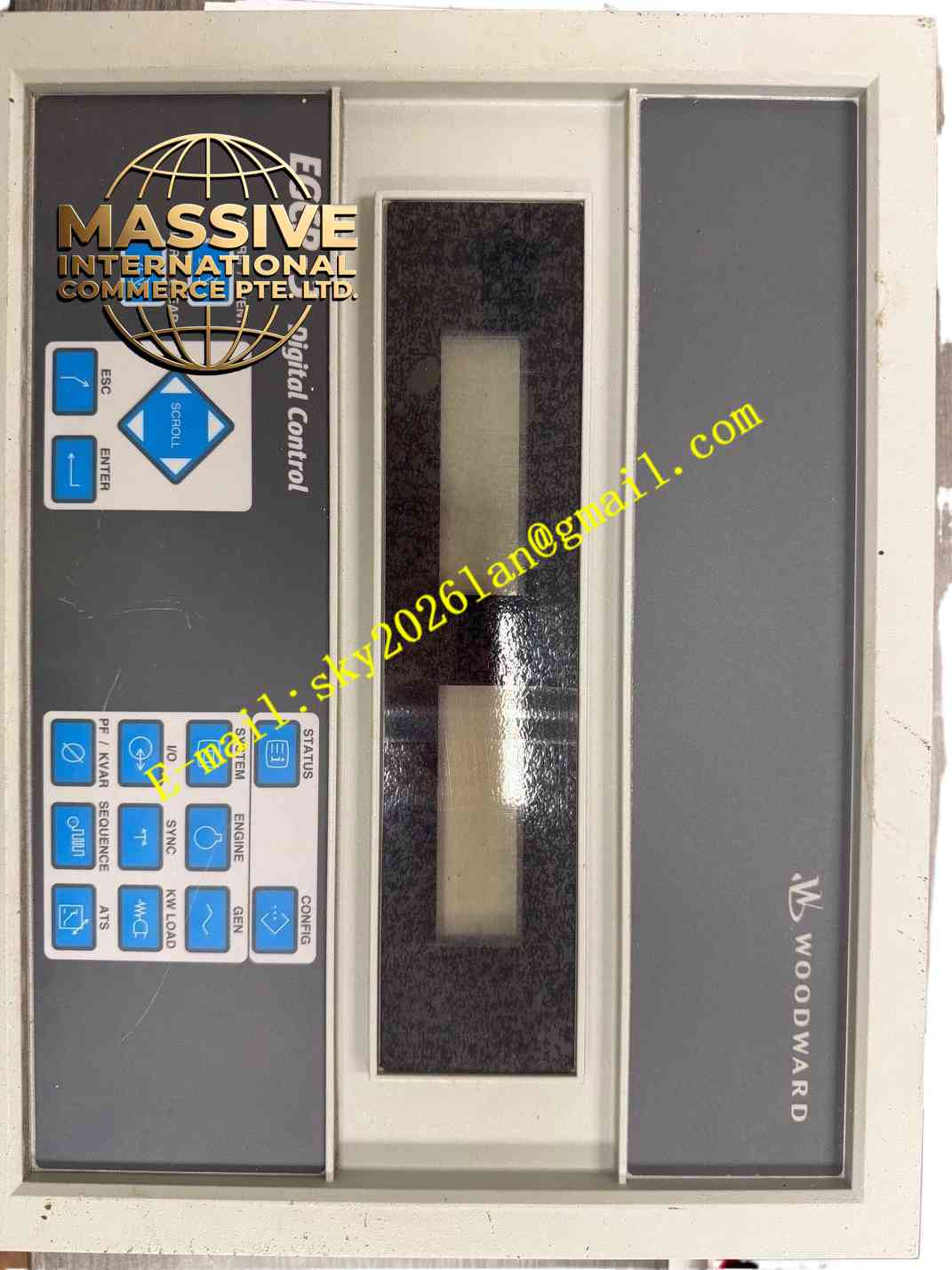
Description
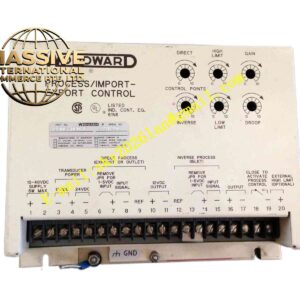
Woodward 8406-113
Technical Specifications
- Brand: Woodward
- Part Number: 8406-113
- Product Type: Dual Display Operator Interface
- Series: EGCP-3
Functional Features
- Dual-Screen Display: Shows multiple parameters simultaneously, such as engine RPM, generator voltage, current, and frequency.
- Local Control: Allows operators to start, stop, synchronize, and load/unload the generator directly from the panel.
- Configuration: Enables local adjustment of control parameters and alarm setpoints without a laptop.
Application Scenarios
Mounted on the exterior of generator control cabinets for local operator interaction during startup, maintenance, and emergency operations.
Mounted on the exterior of generator control cabinets for local operator interaction during startup, maintenance, and emergency operations.
Performance Parameters
- Readability: High-contrast displays optimized for visibility in low-light or outdoor environments.
- Responsiveness: Instantaneous update of real-time engine and generator data.
Material Composition
Features a rugged, industrial-grade plastic bezel and a protective polycarbonate screen cover to withstand physical impact.
Features a rugged, industrial-grade plastic bezel and a protective polycarbonate screen cover to withstand physical impact.
Structural Characteristics
Compact panel-mount design with integrated pushbuttons for navigation and control, and a rear connector for communication with the main controller.
Compact panel-mount design with integrated pushbuttons for navigation and control, and a rear connector for communication with the main controller.
Working Principle
Communicates continuously with the main engine controller via a serial bus, translating raw data into human-readable formats and translating operator button presses into control commands.
Communicates continuously with the main engine controller via a serial bus, translating raw data into human-readable formats and translating operator button presses into control commands.
Installation Requirements
Cut the appropriate panel opening and secure the module using the provided mounting clips or brackets. Connect the communication cable securely to the rear port.
Cut the appropriate panel opening and secure the module using the provided mounting clips or brackets. Connect the communication cable securely to the rear port.
Usage Precautions
Do not use sharp objects or abrasive cleaners on the display screen. Ensure the panel gasket is properly seated to maintain the environmental seal.
Do not use sharp objects or abrasive cleaners on the display screen. Ensure the panel gasket is properly seated to maintain the environmental seal.