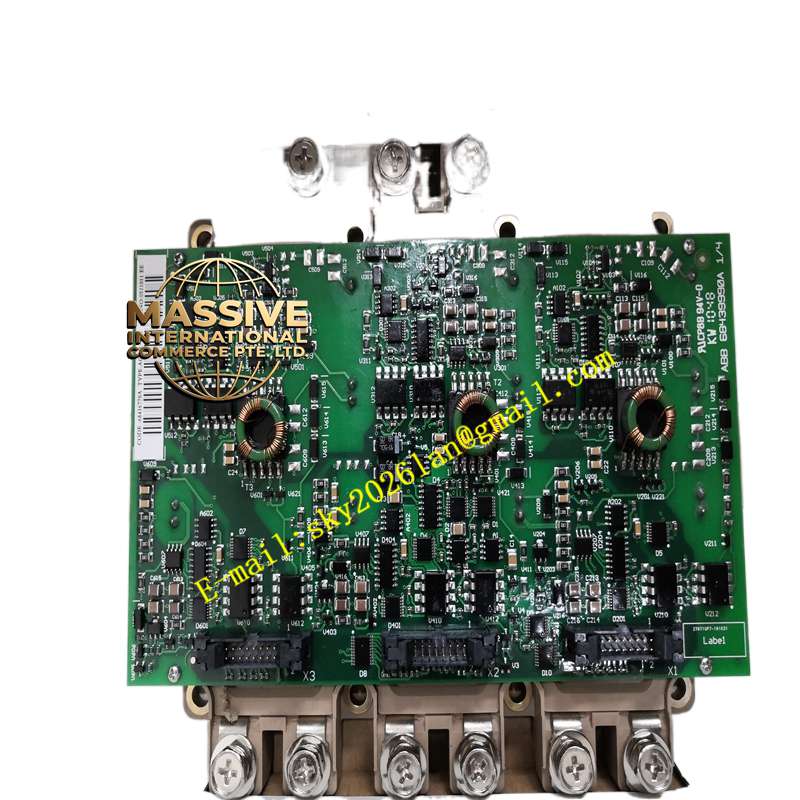
Description
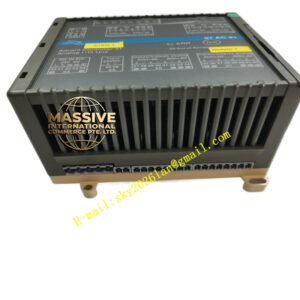
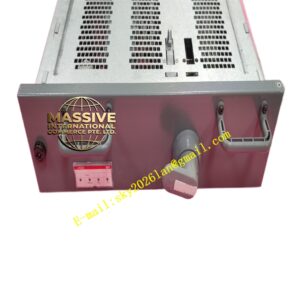
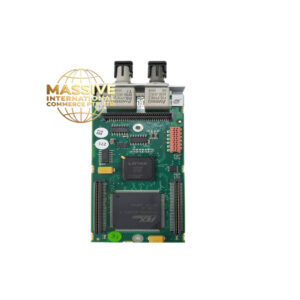
ABB 6MBI450U-120A-05 / AGDR-71C
Technical Specifications:
- Brand: ABB
- Model Numbers: 6MBI450U-120A-05 (Power Module) / AGDR-71C (Gate Drive)
- Component Type: IGBT Module and Gate Driver
- System Application: ABB ACS800/ACS880 Industrial Drives
Functional Features:
- Precise Triggering: The AGDR-71C generates highly accurate, optically isolated gate pulses.
- Real-Time Monitoring: Continuously monitors collector-emitter voltage to detect short circuits and desaturation.
- High Current Capacity: The 6MBI450U module handles massive continuous and peak motor currents.
Application Scenarios:
- Industrial AC and DC variable speed drives.
- Heavy-duty conveyor and hoist applications.
- Pump and fan control systems in water treatment and HVAC.
Performance Parameters:
- Switching Frequency: Optimized for high-frequency PWM operation with minimal losses.
- Protection Response: Microsecond-level fault detection and safe turn-off.
Material Composition & Structural Features:
- Optical Isolation: Fiber optic links between the AGDR-71C and the IGBT module for complete electrical isolation.
- Robust Terminals: High-current, low-inductance power terminals designed for easy and secure busbar connections.
Working Principle:
The AGDR-71C receives PWM commands from the main drive controller, converts them to optical signals, and triggers the IGBT module. It simultaneously monitors the IGBT’s health and feeds back status and fault data to the controller.
Installation Requirements:
- Connect the fiber optic cables carefully; do not bend beyond the minimum radius.
- Ensure the AGDR-71C is securely mounted and properly aligned with the IGBT gate terminals.
Usage Precautions:
- Never operate the drive without the properly connected, as it provides critical short-circuit protection.
- Inspect fiber optic connectors for dust or damage before installation.