Description
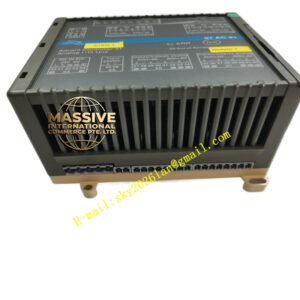
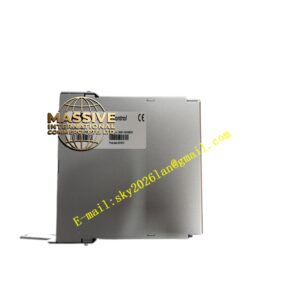
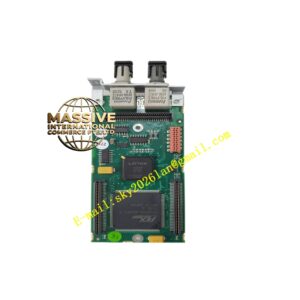
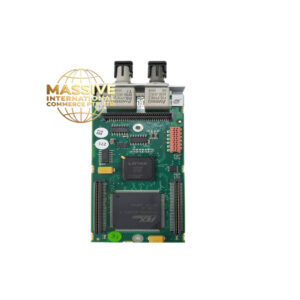
ABB DSTK150
- Technical Specifications (typical):
- Function: I/O bus coupler / communication interface for S100 rack
- Supported Protocols: ABB Advant S100 local bus; optionally Profibus DP (with DP-V1), Modbus RTU (RS-485), Modbus TCP (Ethernet) — depends on fitted option / firmware
- Ports: 1 × 9-pin D-sub (Profibus), 1 × RJ45 or 9-pin (Modbus/serial), 1 × backplane edge connector
- Max I/O Modules per Rack: Typically up to 16 I/O modules (DI/DO/AI/AO) behind one DSTK150
- Cycle Time: Configurable; typical I/O update 5–50 ms depending on bus load
- Power: From S100 rack backplane (5 V + 24 V DC)
- Indicators: PWR, RUN, ERR, BUS ACTIVE LEDs
- Operating Temp.: 0 °C to +60 °C
- Mounting: Leftmost slot of S100 I/O rack (dedicated coupler slot)
- Certifications: CE, UL, cUL, Profibus / Modbus certified where applicable
- Functional Features:
- Automatic I/O image assembly from all modules in rack
- Module identification & hot-swap detection
- Diagnostic upload to controller — module missing, configuration mismatch, wire break
- Redundant bus option on some versions (dual Profibus DP)
- Application Scenarios:
- Connecting S100 local I/O rack to Advant Controller 450 CPU via S100 bus
- Linking I/O cluster as remote station to Profibus DP master (Siemens PLC or ABB AC 800M with CI854)
- Standalone Modbus TCP remote I/O head for third-party DCS
- Material & Structure / Working Principle / Installation / Precautions:
- Install in leftmost (or designated) slot of rack; all DI/DO/AI/AO modules to the right
- Set node address via DIP switches (Profibus station address) or rotary BCD switch
- Import GSD file (for Profibus) or EDS (for Devicenet/EthernetIP if applicable) into engineering tool
- Verify baud rate matches network master setting
- Do NOT remove while rack is powered unless hot-swap supported — power down for initial installation