Description
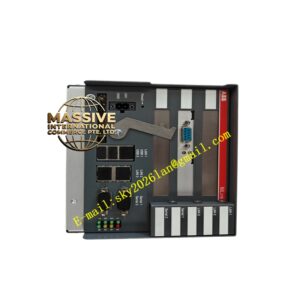
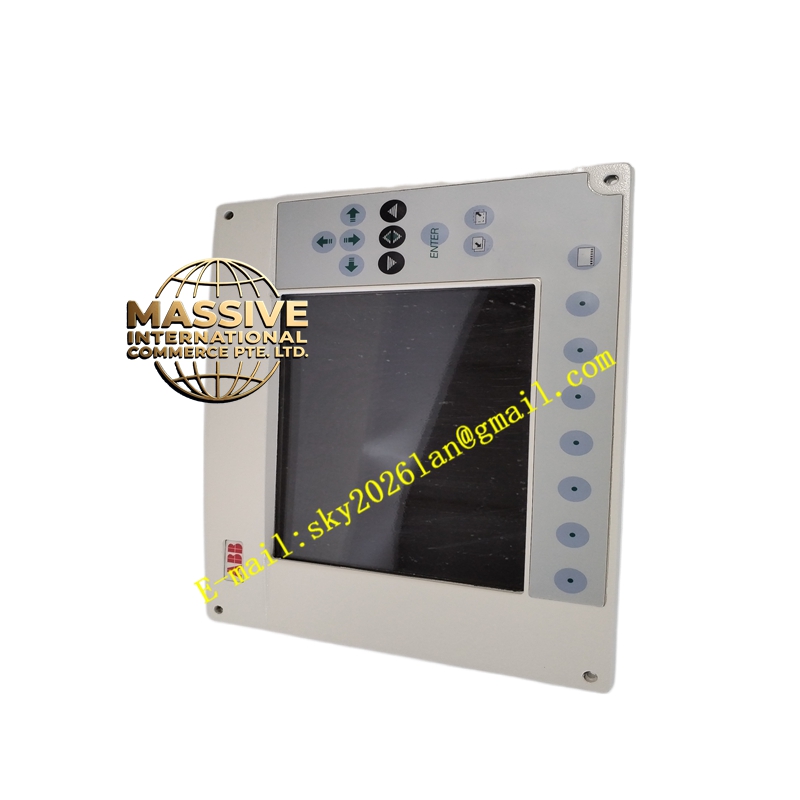
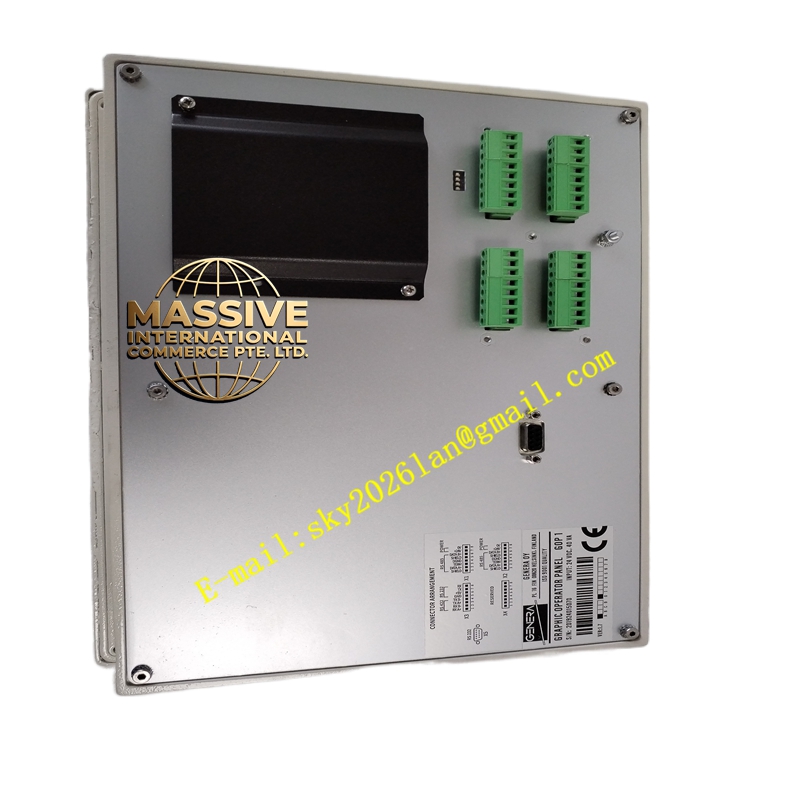
ABB GOP1
- Technical Specifications (typical for ACS-drive GOP):
- Display: 128 × 64 pixel graphic LCD or 2 × 16 alphanumeric (model-dependent); backlit
- Keys: Start, Stop, Reset, Menu, Up/Down/Left/Right, Enter, Escape, Reference adjust
- Language: Multi-language menu (English, German, French, Spanish, Italian, Chinese, etc.)
- Interface: ABB Drive Panel Bus (proprietary serial, 9600 bps) via 9-pin D-sub or RJ45
- Power: Drawn from drive control board (typically 5 V / 12 V DC, <200 mA)
- Cable Length: Std. 3 m; max. 10 m (shielded)
- Operating Temp.: –10 °C to +50 °C
- Protection: IP54 front face (when properly gasketed in cutout); rear IP20
- Mounting: Panel cutout 92 × 52 mm (typical for ACS keypad) or 115 × 86 mm (large graphic GOP)
- Functional Features:
- Real-time display of motor speed (rpm), current (A), frequency (Hz), fault code
- Parameter copy (upload/download to GOP memory) on capable versions — useful for cloning drive settings
- Local start/stop with configurable interlocks
- Contrast and backlight adjustable; auto-dim after inactivity
- Application Scenarios:
- Local control of VFD in pump/fan/compressor installations
- Parameter commissioning without PC (DriveWindow / Automation Builder not required)
- Machine-mounted drive — operator adjusts setpoint from GOP
- Material & Structure / Working Principle / Installation / Precautions:
- Cut panel per dimension drawing; secure with 4 mounting clips; ensure rubber gasket seals for IP54
- Connect cable to drive panel port (X1 on ACS800); verify panel is recognized on power-up (shows drive type)
- Precaution: Do NOT disconnect/reconnect GOP cable while drive power is ON — may cause brief comm error (harmless but logs fault)
- For copying parameters, verify GOP has “copy” capability (some basic keypads are display-only)
- Clean with soft cloth; avoid solvents on LCD