Description
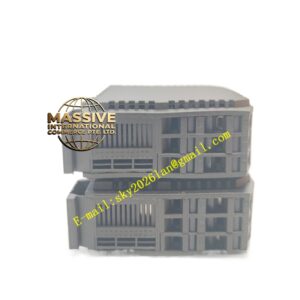
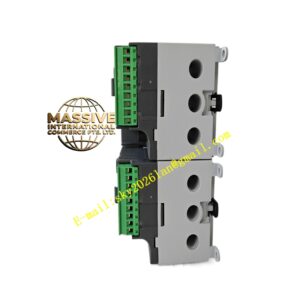
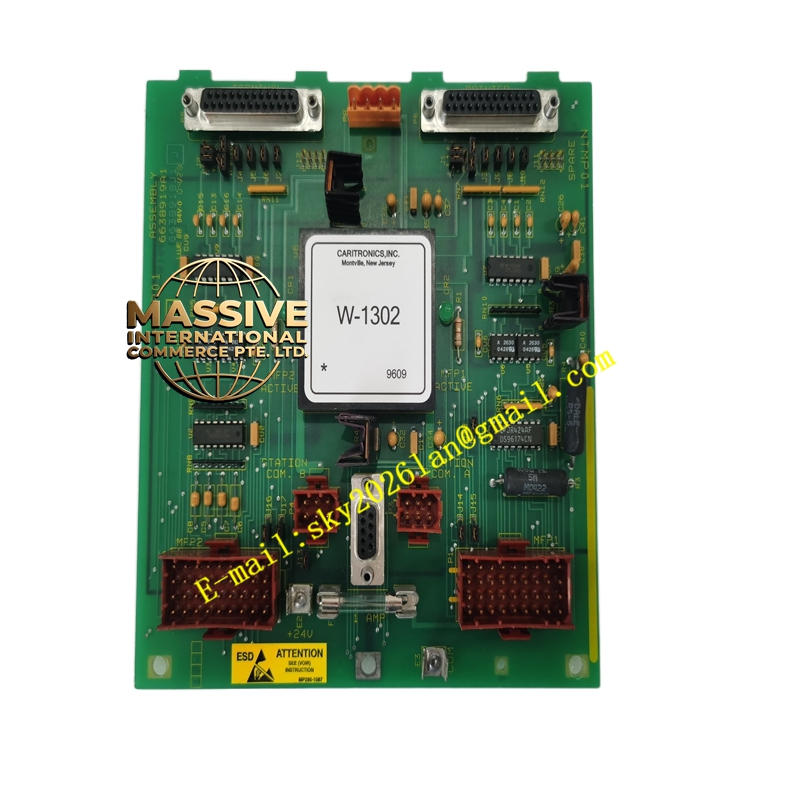
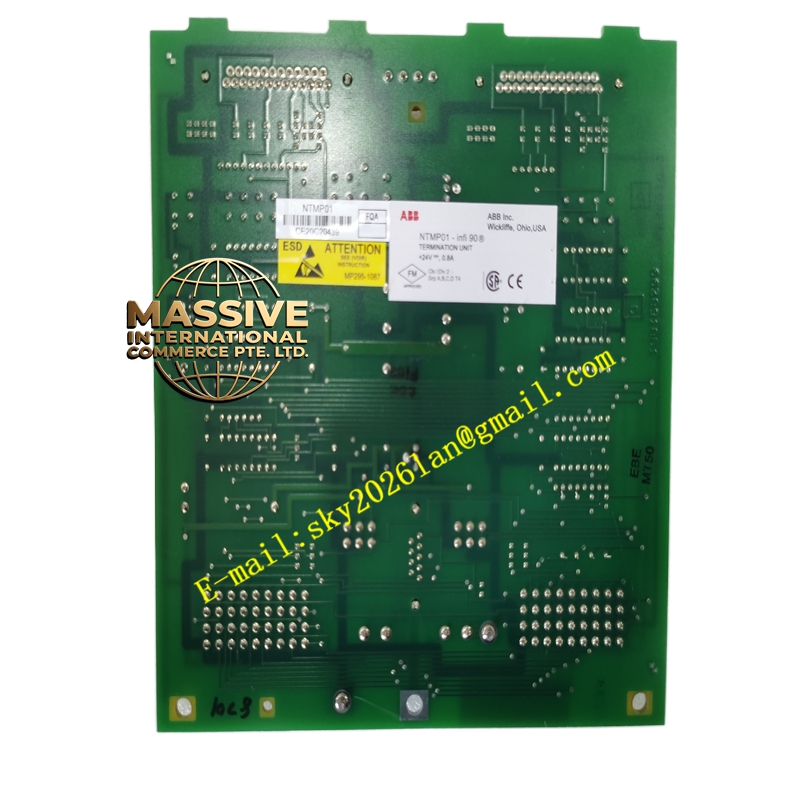
ABB NTMP01
- Technical Specifications (typical):
- Function: Stores INFI 92 application database (function blocks, compound/unit definitions, I/O config, tunings)
- Memory Type: Battery-backed CMOS SRAM + Flash (early) → Flash + supercap (later) — retains data ≥10 years without power (with intact battery / supercap)
- Capacity: 512 KB – 2 MB (depends on BRC firmware version — sufficient for typical INFI 92 application with 1000s of blocks)
- Battery: On-board 3 V lithium coin cell (or supercap) for SRAM retention during power-off — typical life 5–7 years; “Battery Low” flagged in diagnostics
- Interface: 30-pin or 72-pin edge connector to controller backplane; sometimes a small SIMM/DIMM form-factor that plugs into controller motherboard
- Indicators: None externally (some have hidden test point); battery status readable via controller diagnostic
- Operating Temp.: 0 °C to +60 °C (same as controller)
- Replacement: Hot-swappable in redundant controller pair — remove from failed CPU, insert into replacement; controller reads config on boot
- Functional Features:
- Retains complete application — no re-download needed after controller power cycle (if battery good)
- Facilitates controller change-out — swap NTMP01 from old BRC to new BRC → new CPU boots with identical config
- Version ID encoded — controller checks NTMP01 compatibility on boot; mismatch halts boot with error code
- Can be backed up to engineering workstation via INFI 92 download/upload functions
- Application Scenarios:
- Every INFI 92 / Harmony controller rack — NTMP01 is mandatory for application retention
- Spare kept on-site — pre-loaded with latest approved application for rapid controller replacement
- During commissioning — engineer downloads compiled database to NTMP01 via Control Builder / INFI 92 Configurator
- Material & Structure / Working Principle / Installation / Precautions:
- In controller CPU module (BRC-100/300): locate NTMP01 slot (usually top or side of CPU board); gently insert — keyed
- After inserting into replacement CPU, power up — controller reads config; Run LED should come on after initialization
- Periodically check “Battery Low” diagnostic in OIS / diagnostic panel — replace (or battery if user-replaceable type) per maintenance schedule
- Precautions:
- Before removing from live redundant controller: ensure other CPU is primary and healthy — removing from active CPU causes it to reboot / drop control
- Always make a fresh upload backup before changing
- If battery dead and power lost → config lost — restore from latest saved file and reload
- Do NOT expose to static — handle by edges with ESD wrist strap