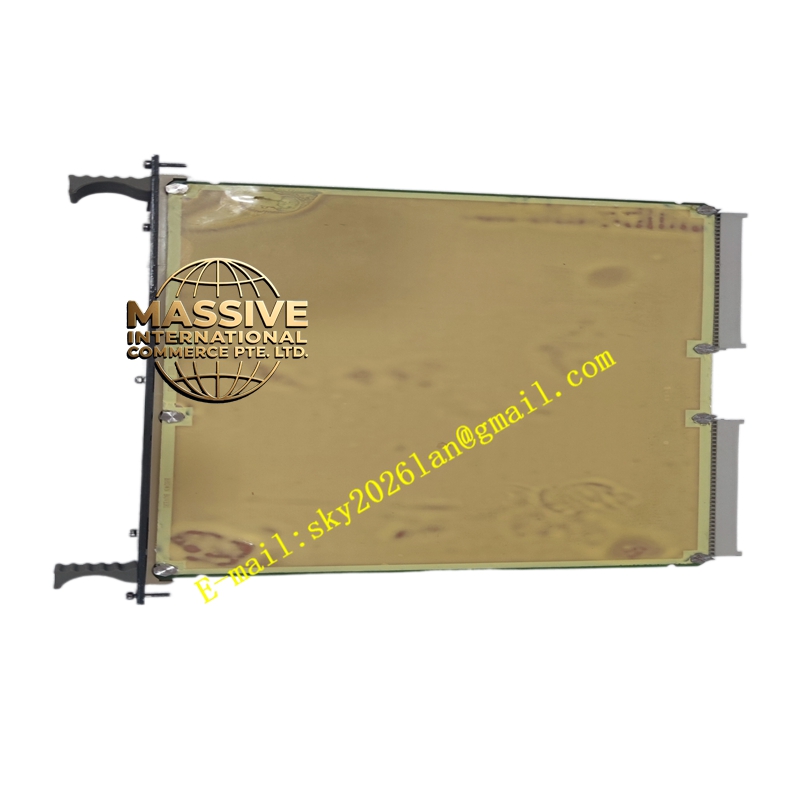
Description
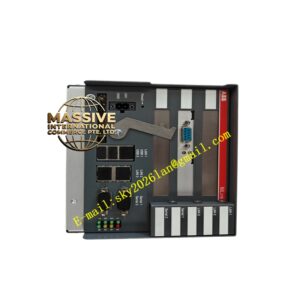
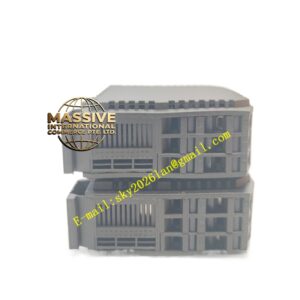
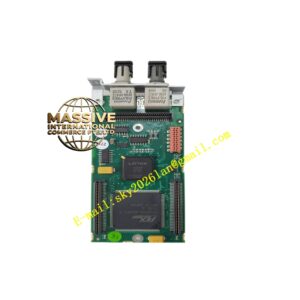
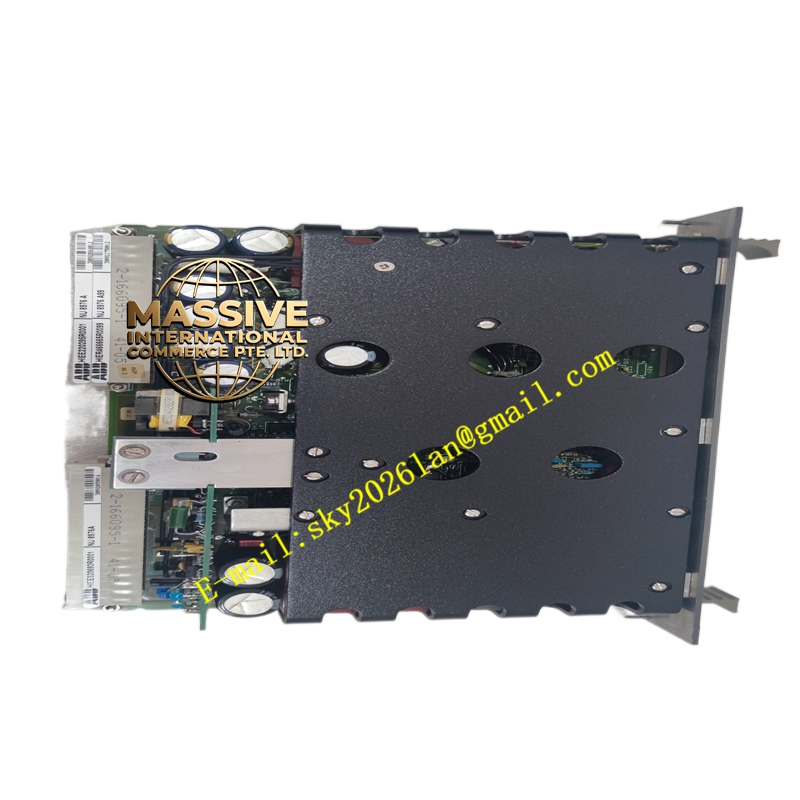
ABB NU8976A
- Technical Specifications (typical for C.W.↔HN800 bridge):
- Function: Bidirectional protocol conversion / data marshalling between C.W. (INFI 92 side) and HN800 (S+ I/O side)
- Ports: 1 × C.W. interface (to IEMMU21 backplane edge); 1–2 × HN800 ports (RJ45 or fiber ST for HN800 bus to SD I/O stations)
- HN800 Capability: Supports up to N SD I/O stations per link; redundant HN800 A/B supported
- Data Update: Cyclic I/O scan + acyclic parameter/diagnostic messages
- Power: From controller backplane (5 V / 24 V DC)
- Indicators: Run, C.W. Active, Link Active, Fault LEDs (visible when board is accessible)
- Mounting: Plugs into dedicated slot/header on controller motherboard or on IEMMU21’s communication slot (depending on implementation)
- Operating Temp.: 0 °C to +60 °C
- Functional Features:
- Transparent I/O mapping — S+ I/O modules (HAI805, HDO, HDI…) appear as legacy I/O blocks to INFI 92 application
- Supports redundant bus with automatic switchover
- Diagnostic upload to controller — reports node missing, I/O module fault, CRC errors
- Time synchronization passed from C.W. master clock to I/O stations
- Application Scenarios:
- Hybrid system — INFI 92 controller with newer Symphony Plus S+I/O (HN800bus) via NU8976Abridge
- Retrofit — keep existing INFI 92 application logic; replace old S100 I/O with S+ I/O for better diagnostics & HART
- Spare for controller node — replacement requires firmware/configuration compatibility check
- Material & Structure / Working Principle / Installation / Precautions:
- Install in designated controller slot (often the comm slot adjacent to INNIS21 or on CPU motherboard header)
- Connect bus cable to SD termination unit first I/O station; daisy-chain or star per design
- In Engineering Workbench: define node type with + NU8976A bridge; assign I/O addresses per S+ I/O catalog
- Verify link LED before downloading I/O config
- Precaution: Firmware on NU8976A must match system release — mismatch causes node fail to boot. After replacement, confirm C.W. and links show active before loading I/O configuration. Handle with ESD precautions.