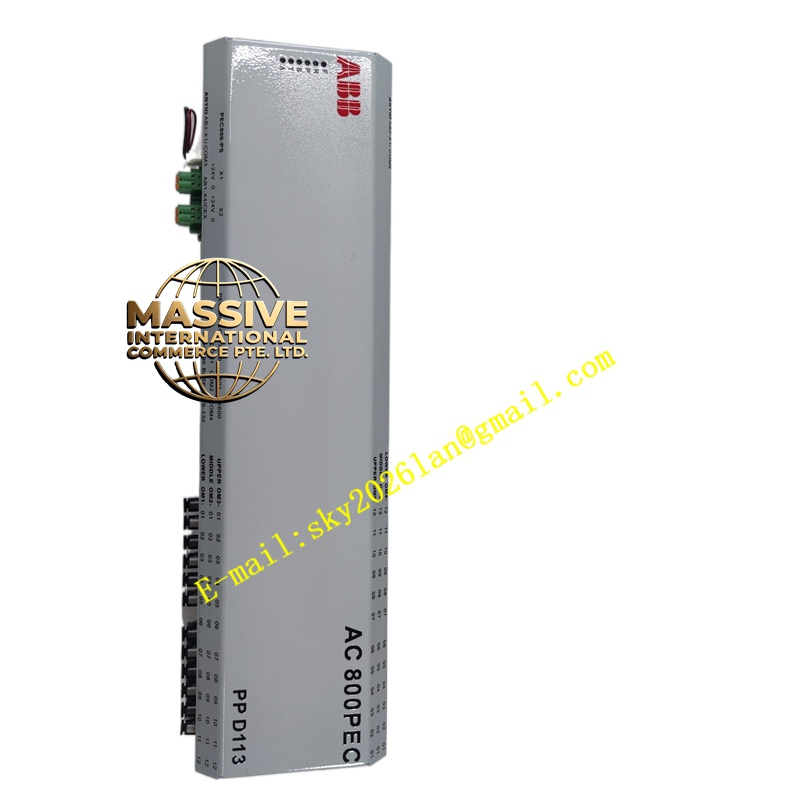
Description
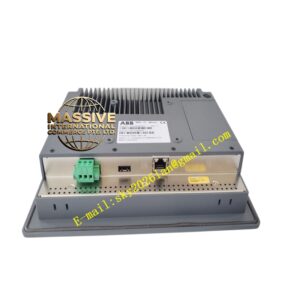
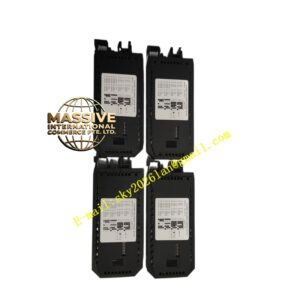
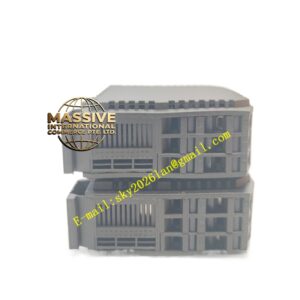
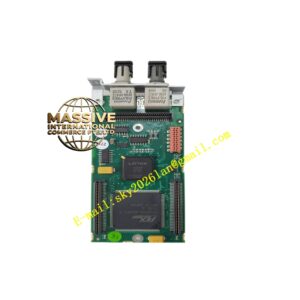
ABB RDCO-03
- Technical Specifications (mezzanine board):
- Function: Passive interconnect / buffered I/O expansion for RDCU
- Headers: 1 × 40-pin for analog I/O board (NAIO-03/NAIO-03F); 1 × 20-pin for fieldbus option card; edge-finger to RDCU/RDCO-02
- Supported Add-ons:
- NAIO-03 / NAIO-03F (3 AI + 2 AO)
- NIOC-01 / NIOC-02 (6 DI + 2 DO + 2 AI/AO via NAIO-03 on RDCO-03)
- Fieldbus cards: RPBA-01 (Profibus DP), RCNA-01 (ControlNet), RDNA-01 (DeviceNet), RETA-01 (Modbus TCP/Ethernet IP — on RDCO-02 usually)
- Power: Derived from RDCU (5 V / 24 V DC)
- Indicators: None (activity shown on drive door LEDs / via drive parameter readout)
- Mounting: Plugs vertically onto RDCU or onto RDCO-02 (stacked mezzanine — max 2 RDCO boards per RDCU)
- Operating Temp.: Same as drive control unit (–20 °C to +60 °C)
- Dimensions: ≈80 × 60 mm PCB
- Functional Features / Application / Material / Structure / Working Principle / Installation / Precautions:
- Used when drive requires > basic onboard DI/DO/AI/AO or needs fieldbus communication
- Installation sequence: RDCU in drive → plug RDCO-02 onto RDCU → plug RDCO-03 onto RDCO-02 (if 2nd mezz needed) → plug NAIO-03, NIOC, fieldbus card into appropriate header
- In drive parameter: Group 50 (I/O config) → “Option Board Scan” → drive detects RDCO-03 + attached boards → assign functions (AI ref, AO monitor, DI start/stop, DO fault/ready)
- Precaution: Handle by edges — ESD sensitive; power down drive before inserting/removing mezzanine boards. Ensure fieldbus card inserted fully — partial insertion causes comm failure. After installation, run option board scan — if RDCO-03not detected check seating & that RDCU firmware supports the option board count.