Description
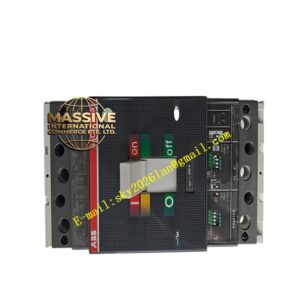
ABB TPC-1582H
Technical Specifications:
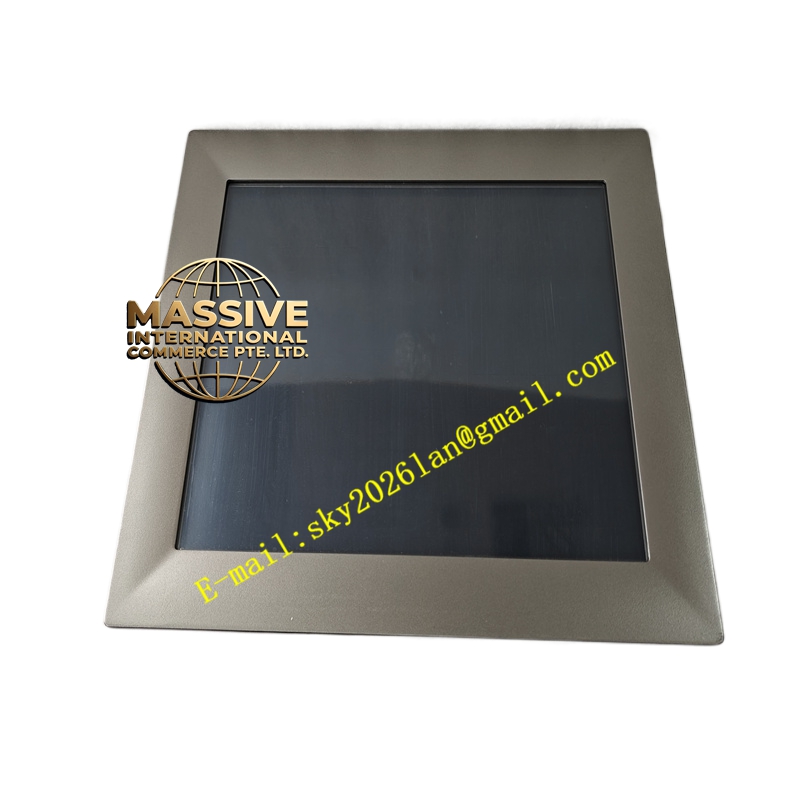
- Display Size: 15-inch TFT LCD color display.
- Touch Technology: High-durability resistive or projected capacitive touch screen.
- Resolution: High-resolution XGA or SVGA display for crisp graphics and text.
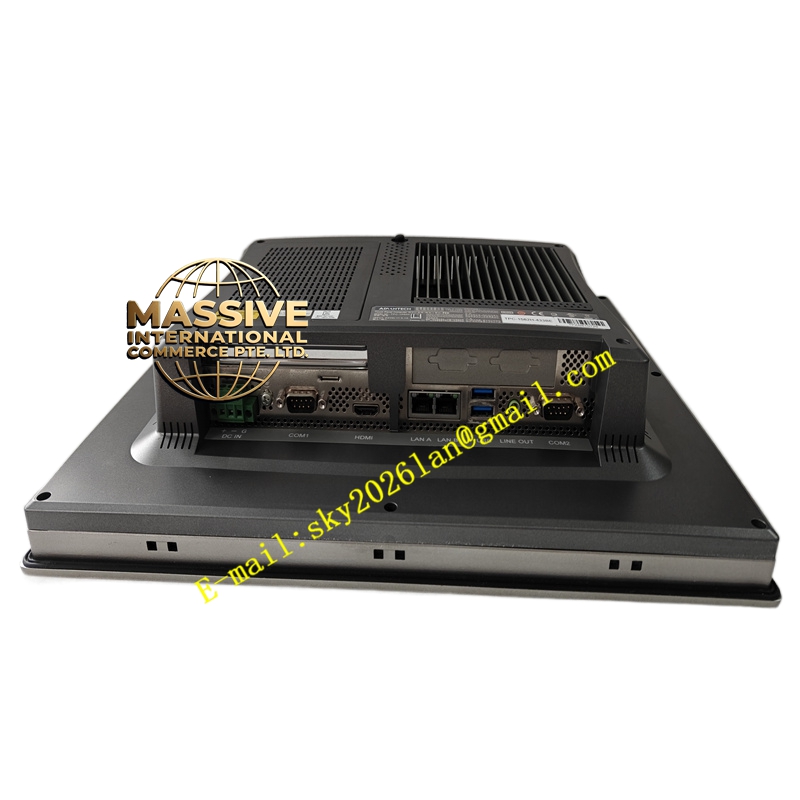
- Communication Ports: Multiple serial (RS232/RS485) and Ethernet ports for PLC and controller connectivity.
- Processor: High-speed industrial ARM or RISC processor for smooth graphics rendering.
Functional Features:
- Real-Time Visualization: Displays dynamic process graphics, trending charts, and alarm banners with high refresh rates.
- Data Logging: Built-in data logging capabilities to store historical process variables and alarm events locally.
- Recipe Management: Allows operators to store, recall, and modify production parameters for different product batches.
- Multi-Protocol Support: Supports a wide range of industrial communication protocols (e.g., Modbus, Siemens, Allen-Bradley, OPC).
Application Scenarios:
- Machine-level control and monitoring in packaging and assembly lines.
- Centralized operator stations in water treatment and power generation plants.
- Process visualization in food and beverage, and pharmaceutical manufacturing.
- Remote monitoring panels in oil and gas facilities.
Performance Parameters:
- Brightness: High-brightness backlight (typically >500 nits) for excellent readability in well-lit industrial environments.
- Response Time: Ultra-fast touch response and screen refresh rates to prevent operator lag.
- Memory: Ample RAM and flash storage for complex HMI projects and extensive historical data logging.
- Backlight Life: Long-life LED backlighting rated for tens of thousands of hours of continuous operation.
Material Composition & Structural Characteristics:
- Front Bezel: Ruggedized plastic or metal bezel with IP65 front-panel protection against dust and water jets.
- Display Glass: Chemically strengthened, anti-glare, and scratch-resistant touch glass.
- Internal Chassis: Die-cast aluminum or steel housing for excellent heat dissipation and EMI shielding.
- Connectors: Industrial-grade, locking communication and power connectors to prevent accidental disconnection.
Working Principle:
The TPC-1582H runs a dedicated real-time HMI runtime operating system. It continuously polls connected PLCs and controllers via its communication ports to fetch real-time process data. The processor renders this data into graphical elements on the LCD screen. When an operator touches the screen, the touch controller calculates the exact coordinates and sends a command to the HMI software, which triggers the corresponding control action or screen navigation.
Installation Requirements:
- Panel Cutout: Precisely cut the control panel opening according to the manufacturer’s dimensional drawing to ensure a proper IP65 seal.
- Mounting: Use the provided heavy-duty metal mounting clamps to securely fasten the HMI to the panel.
- Ventilation: Maintain adequate clearance behind the HMI to allow for natural convection cooling.
- Wiring: Use shielded communication cables and ensure proper grounding of the HMI chassis to prevent screen flicker or communication dropouts.
Usage Precautions:
- Cleaning: Clean the touch screen only with a soft, damp cloth and mild, non-abrasive cleaners; avoid harsh solvents that can degrade the screen coating.
- Touch Tools: If using a resistive touch screen, use the provided stylus or a soft-tipped object; avoid sharp tools that can scratch the glass.
- Environmental Protection: Avoid exposing the HMI to direct sunlight for prolonged periods to prevent screen burn-in and overheating.
- Software Backup: Always maintain a backup of the HMI project file on an external drive to facilitate quick recovery in case of hardware failure.