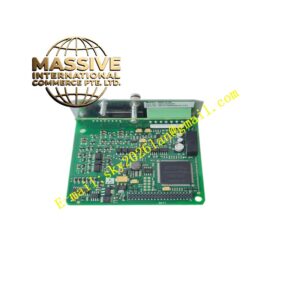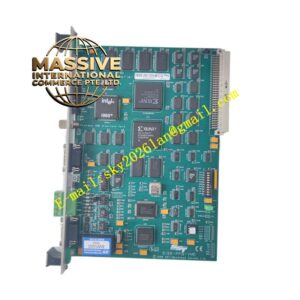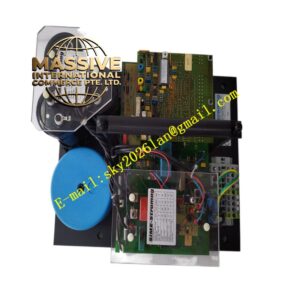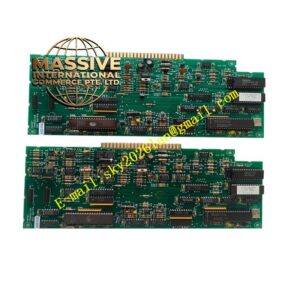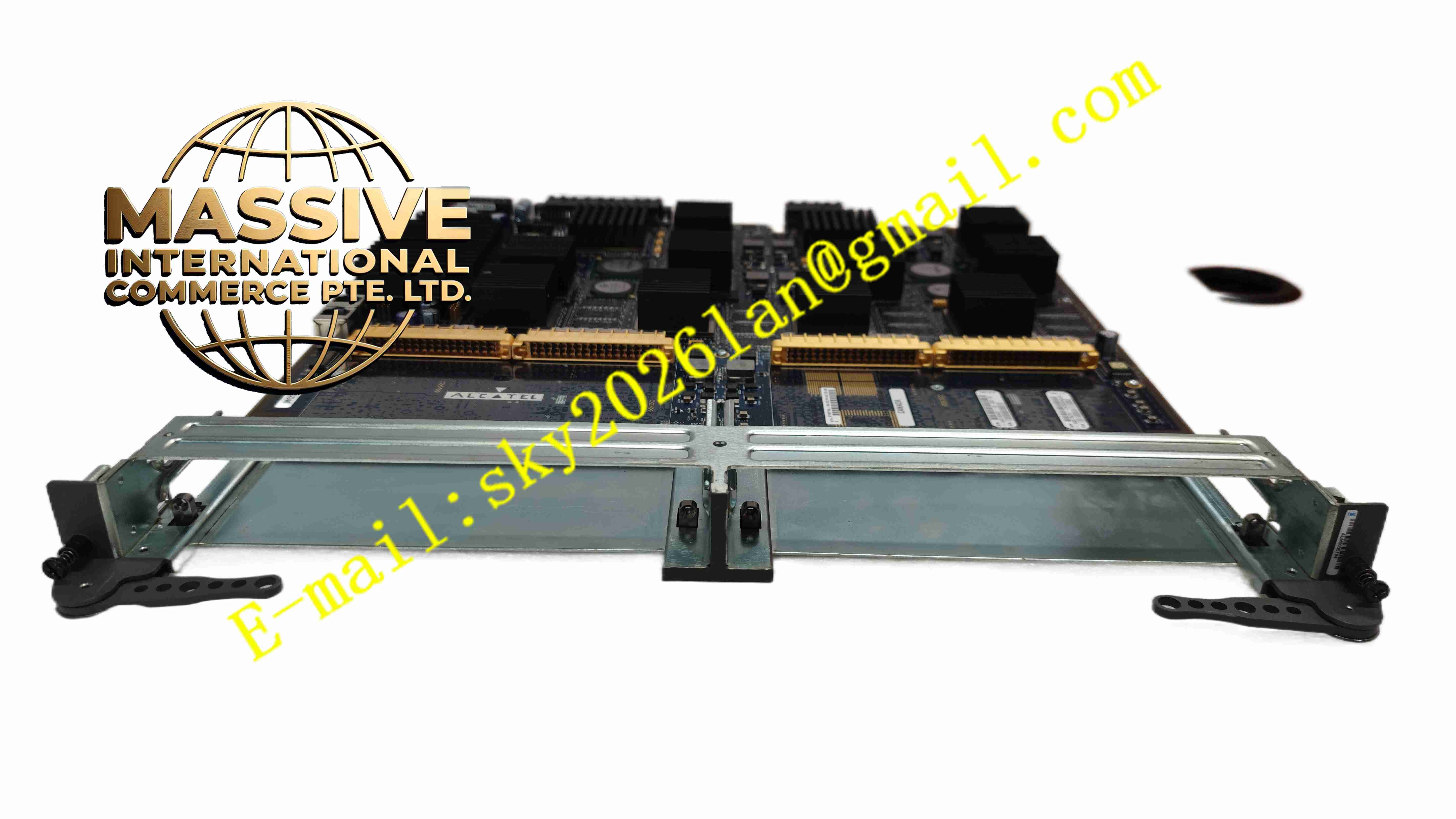
Description
Alcatel-Lucent IOM2-20G
Technical Specifications
- Product Type: Chassis-based network IOM module, 20G capacity
- Switch Fabric Interface: High speed chassis backplane bus
- Traffic Capacity: 20 Gbps full duplex
- Mounting: Plug-in module for Alcatel-Lucent service router chassis
- Protection Rating: IP00 for module, IP20 installed in equipment cabinet
- Operating Temperature: 0 °C to +45 °C
- Humidity: 5 % to 85 %, non-condensing
- Cooling: Forced air cooling via chassis fan tray
- Weight: 1.45 kg
Functional Features
- 20G full duplex packet forwarding for carrier grade router chassis.
- High speed backplane interface connects to chassis central switch fabric.
- Packet processing engine executes traffic classification, QoS and policing.
- Support layer 2 switching and layer 3 routing function for network packets.
- Built-in hardware fault detection for port, transceiver and backplane link.
- Front panel LED indicators show port status, module power and alarm state.
- Hot swap capability allows module replacement without chassis power shutdown.
- Optical transceiver support for long distance fiber communication.
- Carrier grade reliability with hardware protection for power and over temperature.
- SNMP and CLI management interface for remote module configuration and monitoring.
Application Scenarios
- Telecom service provider backbone router chassis
- Large enterprise core data center network
- Power utility wide area communication backbone network
- Railway centralized control communication network
- Oil and gas remote site backbone data transmission network
Material Composition
- Main PCB: High density FR4 printed circuit board
- Packet processor: High speed network ASIC chip
- PHY components: Optical and copper network transceiver chips
- Backplane connector: Gold plated high speed differential edge connector
- Front panel: Metal panel with LED indicators and transceiver slots
- Heat sink: Aluminium alloy heat sink for ASIC heat dissipation
Structural Characteristics
- Horizontal plug-in metal module for router chassis slot.
- Front panel integrates transceiver slots and LED status indicators.
- Rear high speed backplane connector connects to chassis switch fabric.
- Aluminium heat sink attached to main packet processing ASIC.
- Internal airflow channel designed for chassis forced air cooling.
- Metal housing provides electromagnetic shielding for high speed signal.
Working Principle Data packets enter IOM2-20G module from front panel transceivers. PHY chip recovers serial data stream and converts to parallel packet data. Packet processor classifies packet, executes QoS policing and forwards packet to chassis switch fabric via backplane. Packets coming from switch fabric enter IOM2-20G, processed and transmitted out through front panel ports. Hardware monitoring circuit checks module temperature, power and link status, triggers alarm when fault occurs.
Installation Requirements
- Insert IOM2-20G module into designated empty slot of Alcatel-Lucent router chassis.
- Install matched SFP optical transceivers into front panel slots.
- Use single mode or multimode fiber cable according to link distance requirement.
- Verify chassis fan tray operates normally before module power up.
- Complete module recognition and port configuration via router CLI.
- Test link connectivity and 20G traffic forwarding performance after installation.
- Check module temperature during full load operation.
Usage Notes
- Do not remove module while chassis fan system fails.
- Keep front panel blank filler panels installed for empty slots to maintain airflow.
- Backup router configuration before module replacement or firmware upgrade.
- Wear anti-static wristband when handling module and transceivers.
- Do not touch optical transceiver end face to avoid contamination.
- Replace module immediately when permanent packet forwarding or backplane interface fault occurs.