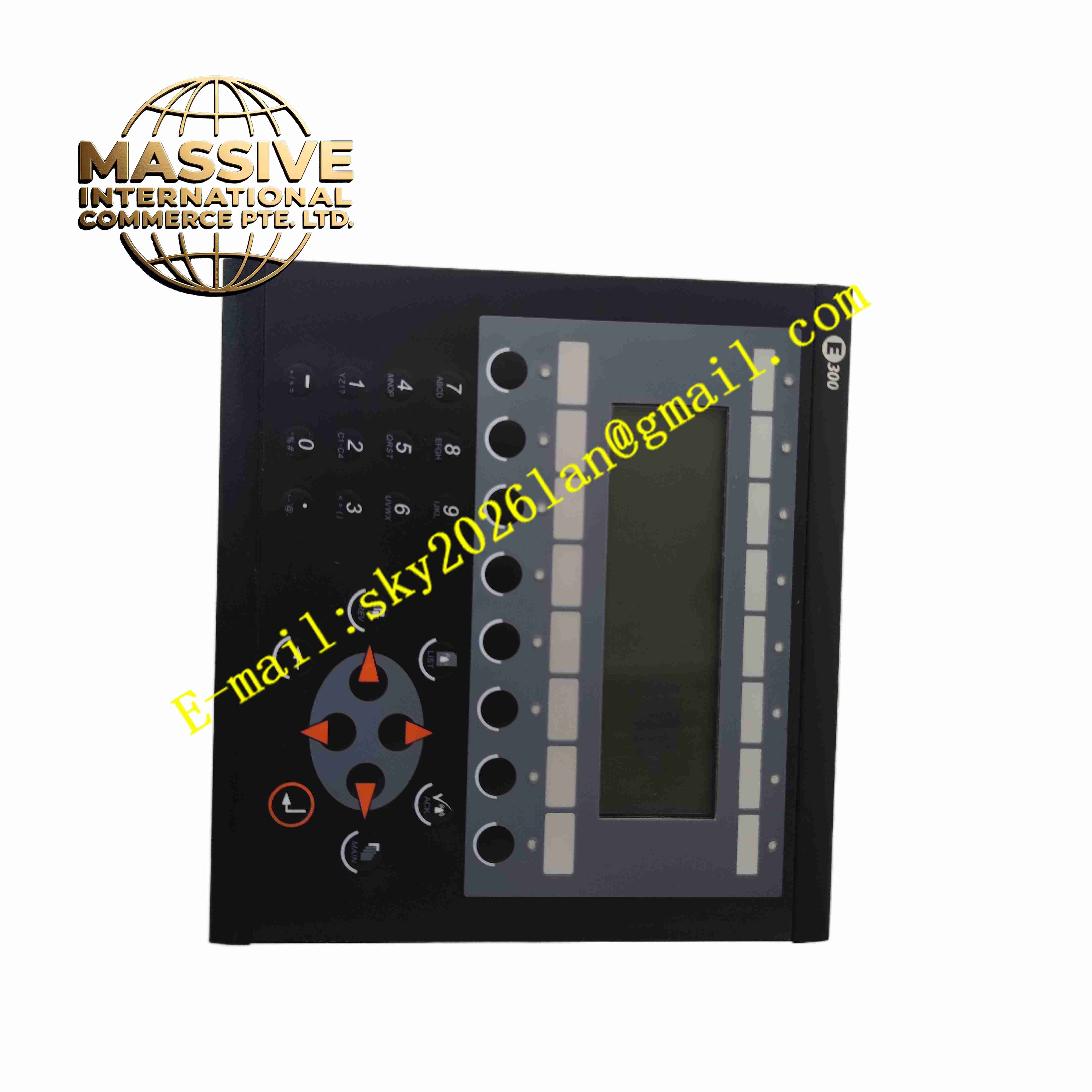
Description
Beijer E300-04380A
Technical Specifications
- Product Type: Industrial touchscreen HMI operator panel
- Display Type: Color TFT LCD
- Input Method: Resistive touch screen
- Power Supply: 24 VDC
- Communication Ports: RS232, RS485 serial ports
- Memory: Flash memory for project storage
- Protection Rating: IP65 on front panel
- Operating Temperature: 0 °C to +50 °C
- Storage Temperature: -20 °C to +70 °C
- Mounting: Panel cutout flush mounting
Functional Features
- Resistive touch panel supports operation under dusty and oily workshop environment.
- Serial communication ports support connection with multiple brands of PLC.
- Real-time display of process values, setpoints, equipment status and alarm logs.
- Recipe storage function saves multiple product parameter sets for batch production switching.
- Alarm message logging records fault event time stamp for troubleshooting.
- Front panel IP65 protection against dust and liquid splash.
- Project download via serial port or memory transfer.
- Multi-language text support for international production lines.
- User access password management to restrict unauthorized operation.
- Compact panel mount design embedded into machine cabinet door.
Application Scenarios
- Packaging machine operator interface
- Injection molding and plastic machinery control panel
- Conveyor and material handling equipment
- Woodworking and metal processing machine tools
- Automated assembly line local operation station
Material Composition
- Front panel: Reinforced plastic frame with polyester membrane touch film
- Display: TFT LCD module with backlight
- Main circuit board: FR4 industrial PCB with flash memory and communication chips
- Housing: Flame retardant plastic rear enclosure
- Sealing gasket: Foam rubber gasket for front panel sealing
- Connector: Industrial D-sub serial connectors and power terminal block
Structural Characteristics
- Flush panel mounting structure, front panel exposed on cabinet door.
- Rear plastic housing contains main circuit board and communication connectors.
- Foam sealing gasket between front frame and cabinet cutout to achieve IP65.
- Rear side equipped with RS232, RS485 serial ports and 24VDC power terminal.
- Touch film laminated on front of LCD display.
- Mounting clips fixed on rear housing for fastening into cabinet cutout.
Working Principle The HMI runs compiled project screens stored in flash memory. It communicates with connected PLC via serial port to continuously read PLC register data, then display values and status on LCD screen. When operator touches screen, resistive touch controller calculates touch coordinate, triggers assigned function, and sends corresponding command or setpoint value to PLC. Alarm events are stored in internal memory with time stamp for later review.
Installation Requirements
- Cut matching rectangular opening on cabinet door for flush panel mounting.
- Install rubber sealing gasket between HMI front frame and cabinet plate.
- Tighten rear mounting clips evenly to compress gasket for sealing.
- Use 24 VDC SELV power supply for HMI power input.
- Use shielded serial communication cable, separate routing from power cables.
- Verify communication protocol and station address matching with PLC.
- Keep front panel away from direct strong solvent and heavy impact.
Usage Notes
- Do not use sharp hard objects to press touch screen surface.
- Clean touch panel only with soft cloth and mild neutral detergent.
- Disconnect 24VDC power before removing rear housing.
- Do not expose front panel to strong chemical solvent spray.
- Backlight has limited service life, replace backlight when brightness fades.
- Always backup HMI project file to external storage.
- Check sealing gasket condition after panel disassembly and reinstallation.