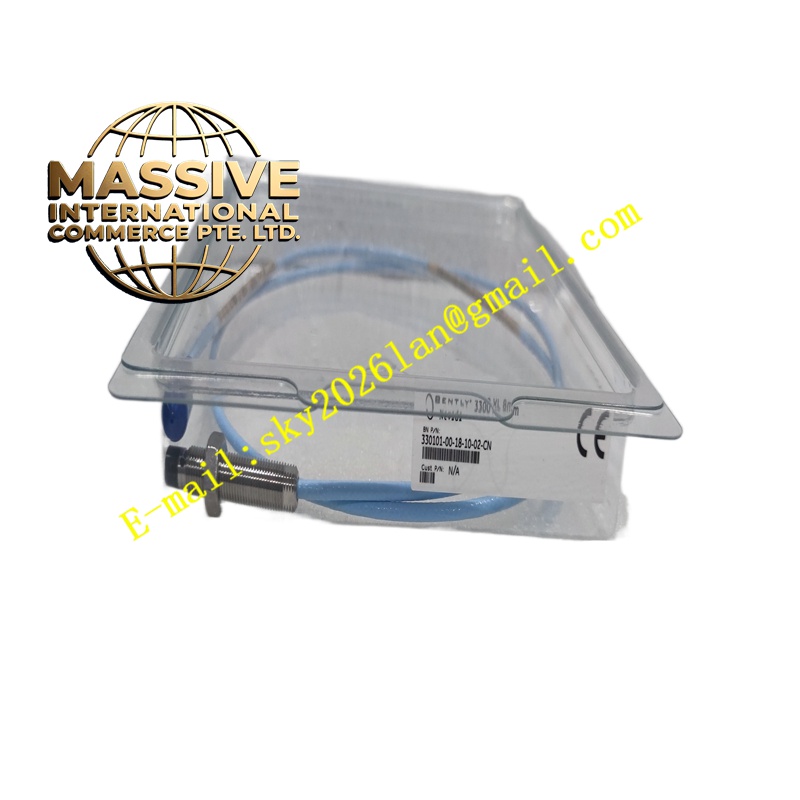
Description
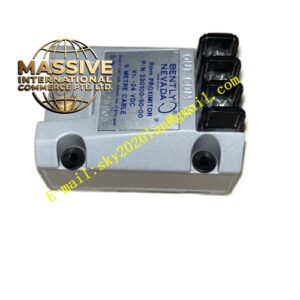
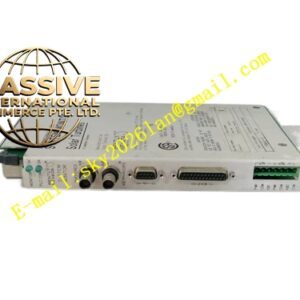
Bently 3500/04-00
Technical Specifications
- Module Type: Rack Interface Module (RIM)
- Communication: RS232, RS485, Ethernet (depending on configuration)
- Protocol Support: BN Master Computer Protocol, Modbus RTU/TCP
- Slot Position: Slot 1 (mandatory)
Functional Features
- System Configuration: Enables local and remote configuration of all modules in the rack via 3500 Configuration Software.
- Data Gateway: Routes steady-state and alarm data to host computers, DCS, and PLC systems.
- Firmware Management: Supports online firmware upgrades for all rack modules.
- Security: User-access levels and password protection for configuration security.
Application Scenarios
Required in every 3500 rack that requires external communication. Used in all industrial facilities where machinery monitoring data must be integrated with plant-wide control and diagnostic systems.
Performance Parameters
- Data Throughput: High-speed communication for real-time data updates
- Network Compatibility: Standard industrial Ethernet and serial protocols
- Reliability: Continuous operation with no impact on core protection functions
Material Composition
Built with industrial-grade communication components and shielded circuitry for reliable data transmission in electrically noisy environments.
Structural Characteristics
Single-width module occupying Slot 1 with front-panel communication port, status LEDs, and rear network connectors.
Working Principle
Acts as the communication hub for the 3500 rack, translating between the proprietary 3500 backplane protocol and standard industrial communication protocols for external systems.
Installation Requirements
Must be installed in Slot 1. Connect network cables using shielded, industrial-rated cabling. Configure network parameters using the 3500 Configuration Software.
Usage Precautions
Ensure proper network segmentation and cybersecurity measures are in place. Never disconnect network cables during active data transfer. Verify communication integrity after any configuration changes.