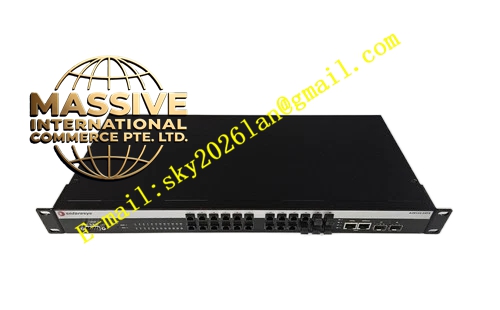
Description
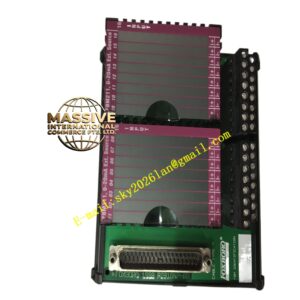
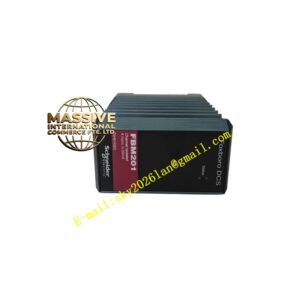
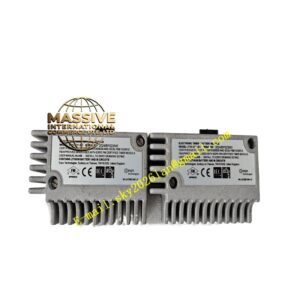
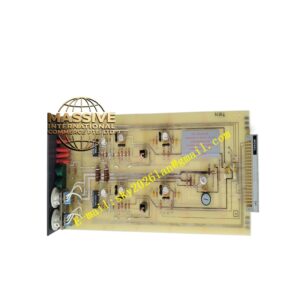
Foxboro P0973BK
Technical Specifications
- Communication Protocols: Supports Modbus, OPC, or proprietary Foxboro protocols.
- Interface Type: Provides RJ-45 Ethernet or fiber optic interfaces.
- Data Rate: Supports 10/100Mbps auto-negotiation or higher bandwidth.
Functional Features
- Protocol Conversion: Achieves transparent data transmission between different network layers and protocols.
- Data Buffering: Features large-capacity buffers to prevent data loss due to network congestion.
- Safety Isolation: Provides electrical isolation to protect the control system from external network surges.
Application Scenarios
Used for integrating DCS systems with upper-level management networks like MES and ERP, or for interconnecting with third-party PLCs and HMIs.
Performance Parameters
- Throughput: Wire-speed forwarding with low latency.
- Connection Capacity: Supports a large number of concurrent TCP/IP connections.
Material Composition
Industrial-grade communication chips, metal shielding enclosure, and high-quality connectors.
Structural Characteristics
Compact plug-in card design with network activity and link status indicator LEDs on the front panel for easy troubleshooting.
Working Principle
Receives raw data from the system bus, encapsulates it according to the configured protocol, and transmits it via Ethernet. Conversely, it parses incoming Ethernet packets, extracts valid data, and writes it to the system bus.
Installation Requirements
Ensure network cables meet category requirements and shielding layers are properly grounded. IP address and subnet mask configurations must align with the network plan.
Usage Precautions
- Avoid running communication modules parallel to high-voltage power cables.
- Regularly monitor network load and error counts to identify potential network issues early.
- Perform firmware upgrades during scheduled maintenance windows.