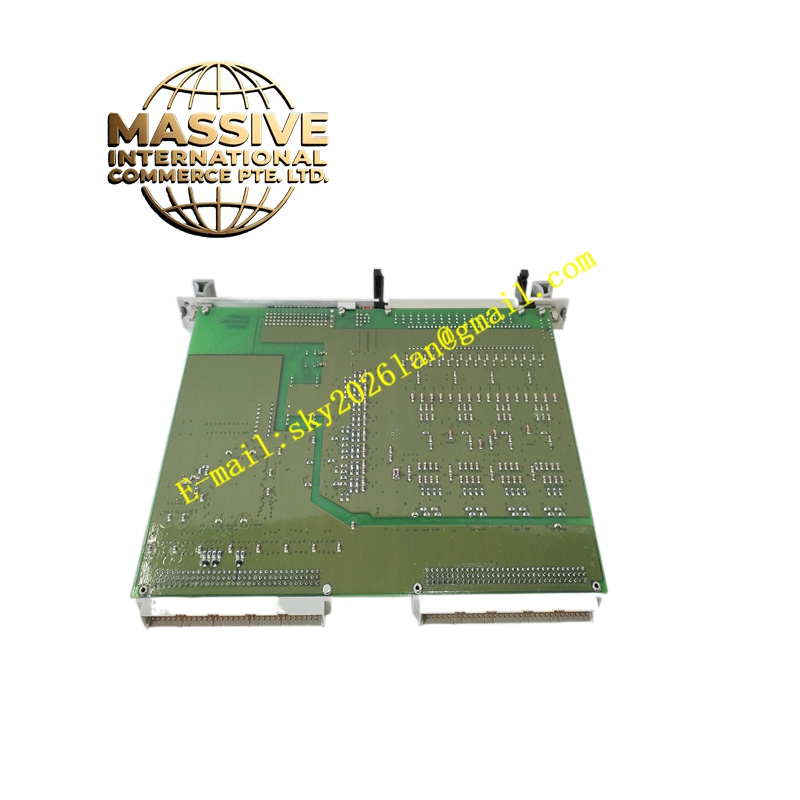
Description
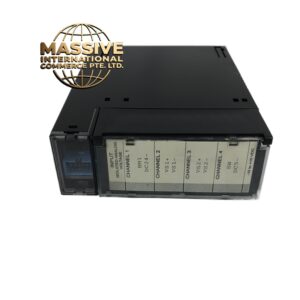
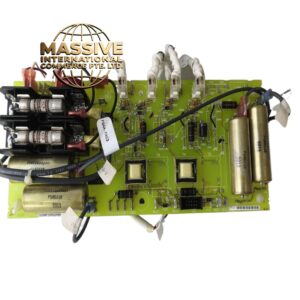
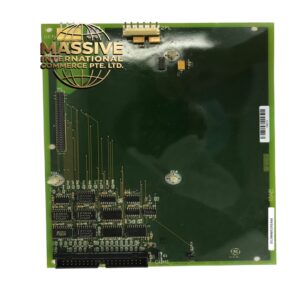
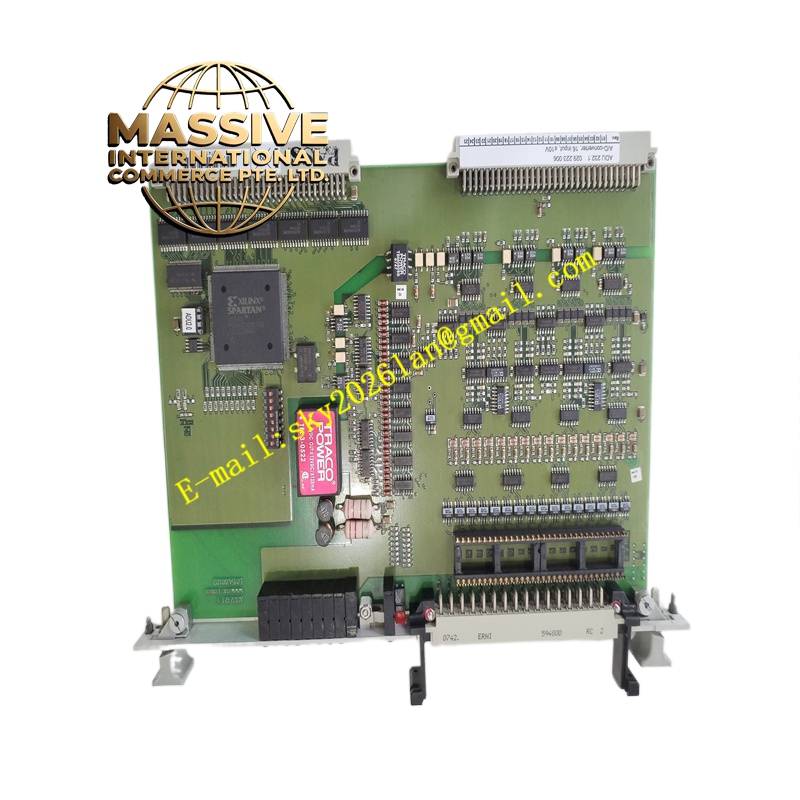
GE ADU232
Technical Specifications:
-
Interface Type: RS-232 serial port
-
Connector: DB-9 male or female connector (depending on variant)
-
Baud Rates: 9600, 19200, 38400, 57600, 115200 bps (auto-detect or fixed)
-
Data Format: 8 data bits, 1 stop bit, no parity (standard configuration)
-
Cable Length: Maximum 15 meters (50 feet) per RS-232 specification
-
Power Supply: Derived from host device or external 5V DC supply
-
Isolation: Optional optical isolation (1500V AC) depending on model variant
-
Dimensions: Compact inline or panel-mount enclosure
Functional Features:
-
Plug-and-play compatibility with GE programming software
-
LED indicators for transmit, receive, and power status
-
Automatic baud rate detection for quick connection establishment
-
DTE/DCE configuration switch for flexible cable connection
-
Surge protection on all signal lines (15kV ESD protection)
-
Ruggedized housing for industrial field use
Application Scenarios:
-
PLC programming and maintenance laptop connection
-
HMI panel configuration and runtime communication
-
Variable frequency drive parameter upload and download
-
Barcode scanner and weigh scale data input
-
Remote modem connection for dial-up diagnostics
-
Serial printer connection for alarm and report logging
Performance Parameters:
-
Data Transfer Rate: Up to 115.2 kbps sustained throughput
-
Latency: Less than 1 millisecond per character
-
Driver Support: Windows 7, 8, 10, 11 compatible virtual COM port drivers
-
Reliability: MTBF greater than 100,000 hours
Structural Characteristics:
-
Durable ABS or aluminum enclosure with mounting flanges
-
Screw terminal alternative for permanent installations
-
Strain relief boot for cable protection
-
LED status window for visual communication monitoring
Working Principle: The ADU232 converts TTL-level serial signals from the host device to standard RS-232 voltage levels (±3V to ±15V). The adapter contains a level translator IC (such as MAX232 or equivalent) that inverts and amplifies the digital signals to meet EIA-232 standards. When receiving data, the adapter converts the RS-232 levels back to TTL levels for the host processor. The optional isolation variant incorporates optocouplers on the data lines and a DC-DC converter for power isolation, preventing ground loops between connected devices.
Installation Requirements:
-
Connect directly to the host device’s serial port or header
-
Use standard straight-through or null-modem cable as appropriate
-
Secure the adapter to prevent vibration-induced connection failure
-
Provide proper grounding for the shield if using shielded cables
-
Install in protected location if not using environmentally sealed variant
Usage Precautions:
-
Verify DTE/DCE switch setting before connecting to avoid signal conflict
-
Do not exceed the 15-meter cable length to prevent signal degradation
-
Disconnect power before changing configuration switches
-
Use surge protectors in lightning-prone environments
-
Ensure correct COM port selection in programming software