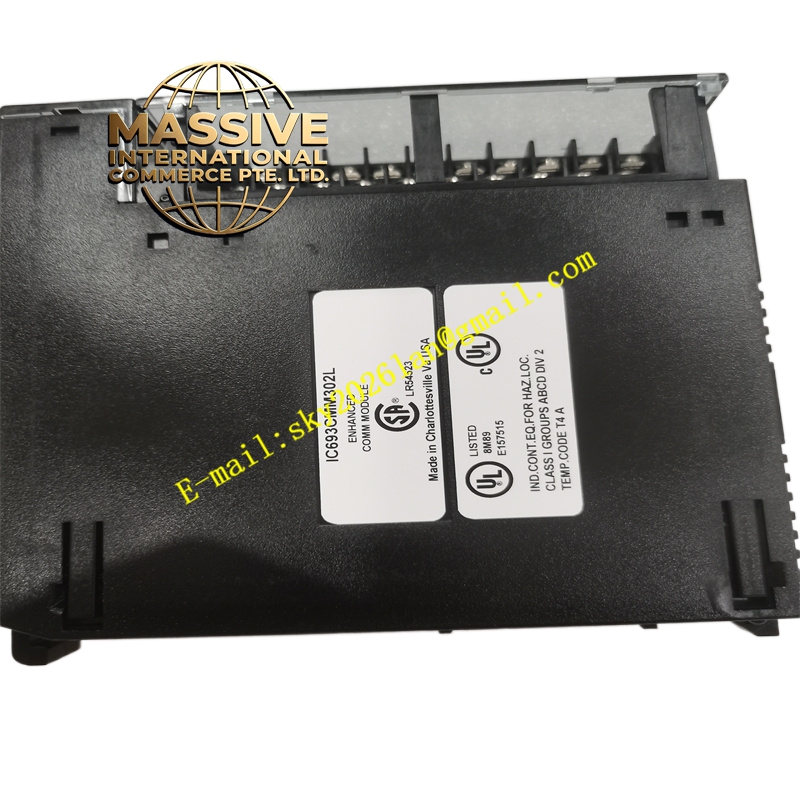
Description
GE IC693CMM302 Technical Specifications:
- Port Count: 2 Independent Serial Ports
- Port Types: RS-232 and RS-485 (configurable)
- System Compatibility: GE Fanuc Series 90-30 PLC
- Protocol Support: SNP, SNPX, RTU, and User-Configured protocols
Functional Features:
- Dual Port Flexibility: Use one port for programming/HMI and the other for peripheral devices simultaneously.
- Protocol Versatility: Supports multiple GE proprietary and open serial protocols.
- Isolated Ports: Galvanic isolation protects the PLC from ground loops and voltage spikes.
- Status Indicators: LEDs for transmit, receive, and power status on each port.
Application Scenarios:
- Connecting multiple serial devices to a single PLC.
- Freeing up the CPU’s serial port for programming while maintaining peripheral communication.
- Industrial data collection from serial instruments.
Performance Parameters:
- Baud Rates: Configurable from 300 to 19.2K baud (or higher depending on firmware).
- Data Format: Configurable data bits, parity, and stop bits.
Material Composition & Structural Characteristics:
- Enclosure: Standard Series 90-30 module housing.
- Connectors: Front-panel DB9 connectors for both serial ports.
- Indicators: TX/RX LEDs for each port.
Working Principle: The module contains dual UART controllers that handle serial communication independently. The CPU sends data to the module via the backplane, and the module formats and transmits it serially. Incoming serial data is buffered and placed in the CPU’s memory via the backplane.
Installation Requirements:
- Slot Placement: Install in any available I/O slot.
- Wiring: Use shielded cables for RS-485 connections and observe proper termination.
- Configuration: Configure port parameters in the PLC programming software.
Usage Precautions:
- Port Assignment: Clearly label cables to avoid connecting devices to the wrong port.
- Termination: Use proper termination resistors for RS-485 networks.
- Protocol Conflicts: Ensure no two devices on the same serial bus have the same station address.