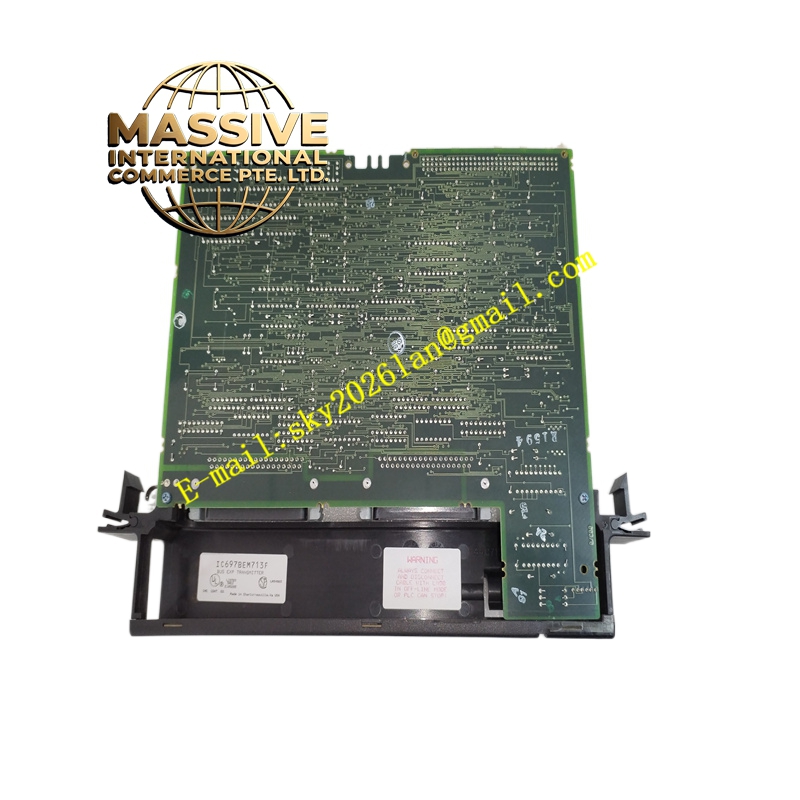
Description
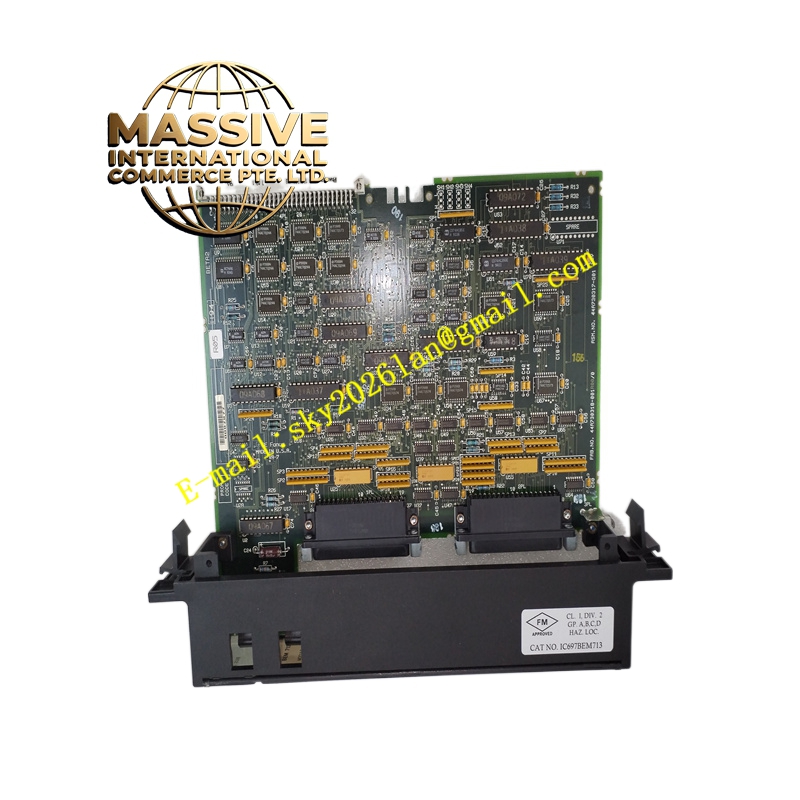
GE IC697BEM713
Technical Specifications:
- Function: Bus Transmitter and parallel programming port
- Slot Occupation: Single slot
- Expansion Support: Interfaces with Bus Receiver Modules (IC697BEM711) in expansion racks
- Programming Port: Parallel port for connecting programming devices
- Indicators: Status LEDs for module and port activity
- Configuration: Software-configured via programming software
- Operating Temperature: 0°C to 60°C
- Humidity: 5% to 95% non-condensing
Functional Features:
- Provides a high-speed parallel interface for programming the PLC, reducing upload/download times.
- Enables connection to expansion racks for system I/O expansion.
- Seamless integration with Series 90-70 system configuration and diagnostic tools.
Application Scenarios:
- Large control systems requiring frequent program updates or fast programming.
- Systems with multiple expansion racks needing centralized CPU control.
Performance Parameters:
- Ensures reliable data transfer for programming and expansion operations.
- Low-latency communication between CPU and expansion racks.
Material and Structural Characteristics:
- Industrial-grade components with standard Series 90-70 single-slot design.
- Robust connectors for programming and expansion cables.
Working Principle: The module transmits data from the CPU to expansion racks and provides a parallel port for programming devices. It manages data traffic to ensure consistent and timely updates across the system. Installation Requirements:
- Install in a single slot in the CPU rack.
- Connect expansion cables to Bus Receiver Modules in expansion racks.
- Connect programming cables to the parallel port when required.
Usage Notes:
- Avoid hot-swapping; power down the rack before installation or removal.
- Use proper cabling and shielding to maintain signal integrity.