Description
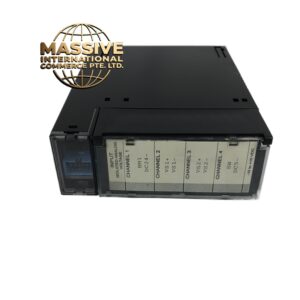
GE IC697CMM742
Technical Specifications:
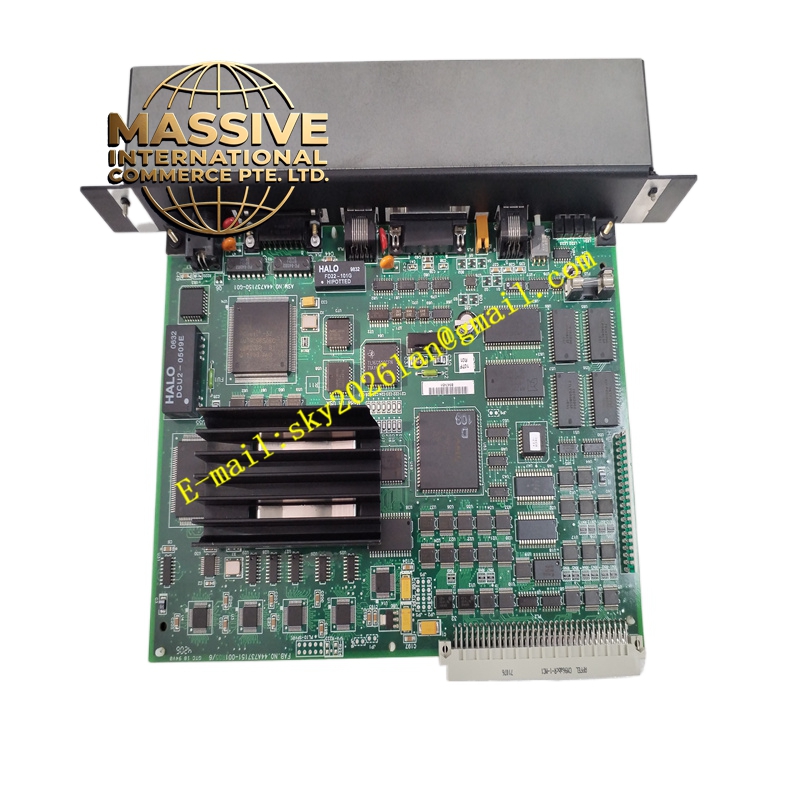
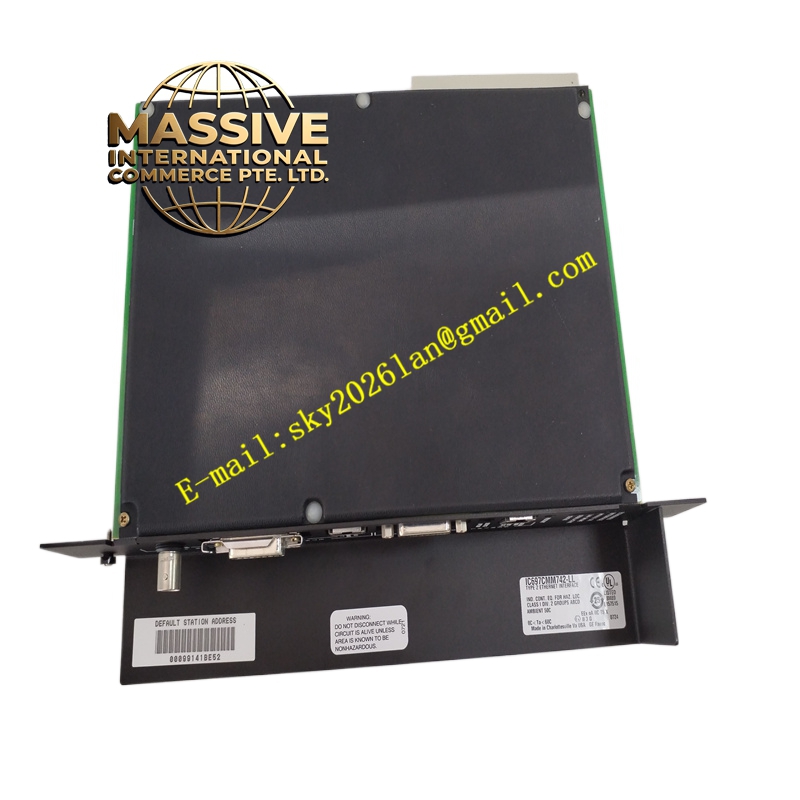
- Network Ports: Three ports (10BaseT RJ-45, 10Base2 BNC, AUI 15-pin)
- Supported Media: 10Base5, 10Base2, 10BaseT, 10BaseF, 10Broad36 (via user-provided transceivers)
- Data Rate: 10 Mbps
- Protocols: TCP/IP, SRTP, Modbus TCP, Ethernet Global Data (EGD)
- Configuration: Pre-installed firmware; upgradeable via RS-485 port
- Indicators: Four LEDs (Module OK, LAN Online, Serial Activity, Status OK)
- Power Requirements: +5V DC (2A); +12V DC (0.5A)
- Operating Temperature: -20°C to 60°C
- Storage Temperature: -40°C to 85°C
- Humidity: 5% to 95% non-condensing
Functional Features:
- Provides multiple network interface options for flexible system integration.
- Supports Ethernet Global Data for high-speed data exchange.
- Includes comprehensive station management and diagnostic tools accessible via RS-232 or Ethernet.
- Allows full PLC programming and configuration over the network.
Application Scenarios:
- Networked control systems requiring high-speed data exchange.
- Integration with SCADA and MES systems for enterprise connectivity.
- Remote monitoring and programming of PLCs over LANs.
Performance Parameters:
- Ensures reliable Ethernet communication in industrial environments.
- Handles multiple network connections and data streams efficiently.
Material and Structural Characteristics:
- Single-slot module with robust connectors for network and serial ports.
- Industrial-grade components for long-term reliability.
Working Principle: The module bridges the PLC backplane and an Ethernet LAN, encapsulating PLC data into TCP/IP frames and vice versa. It manages network traffic and provides services such as global data exchange and station management. Installation Requirements:
- Install in any available slot in a Series 90-70 rack.
- Configure IP addresses and network parameters using Station Manager.
- Connect appropriate network media to one of the ports (only one port active at a time).
Usage Notes:
- Ensure only one network port is actively connected; the module auto-detects the active port.
- Use proper Ethernet cabling and grounding to avoid signal degradation.
- Update firmware as needed to maintain compatibility and security.