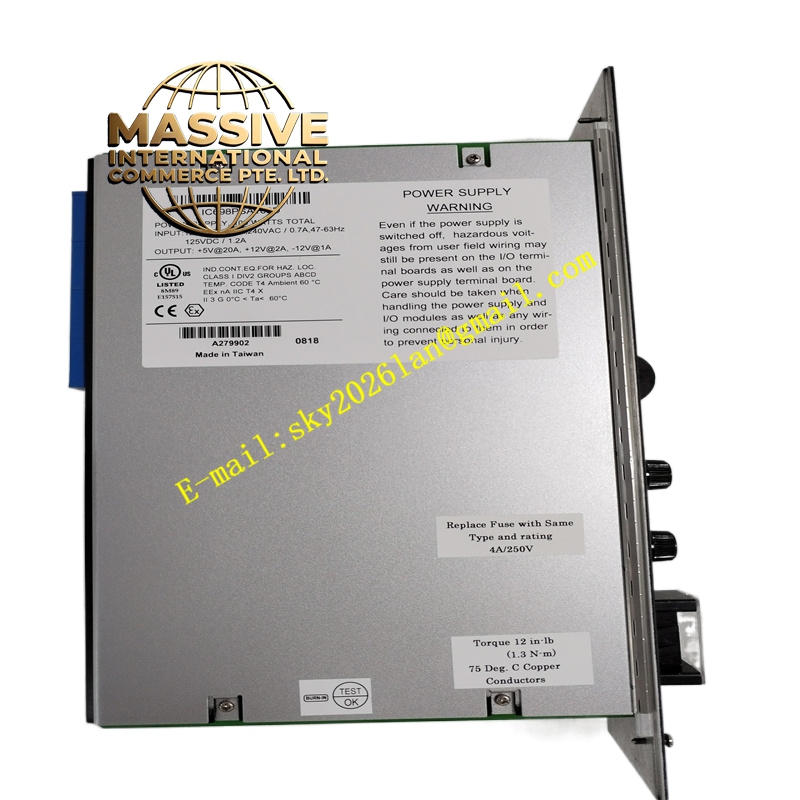
Description
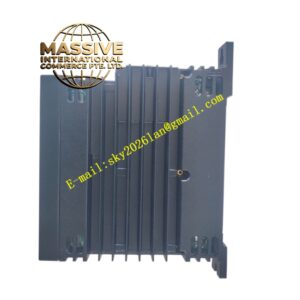
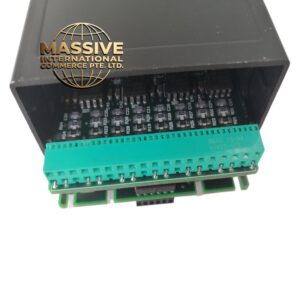
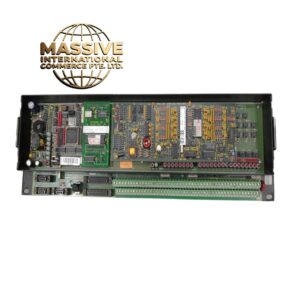
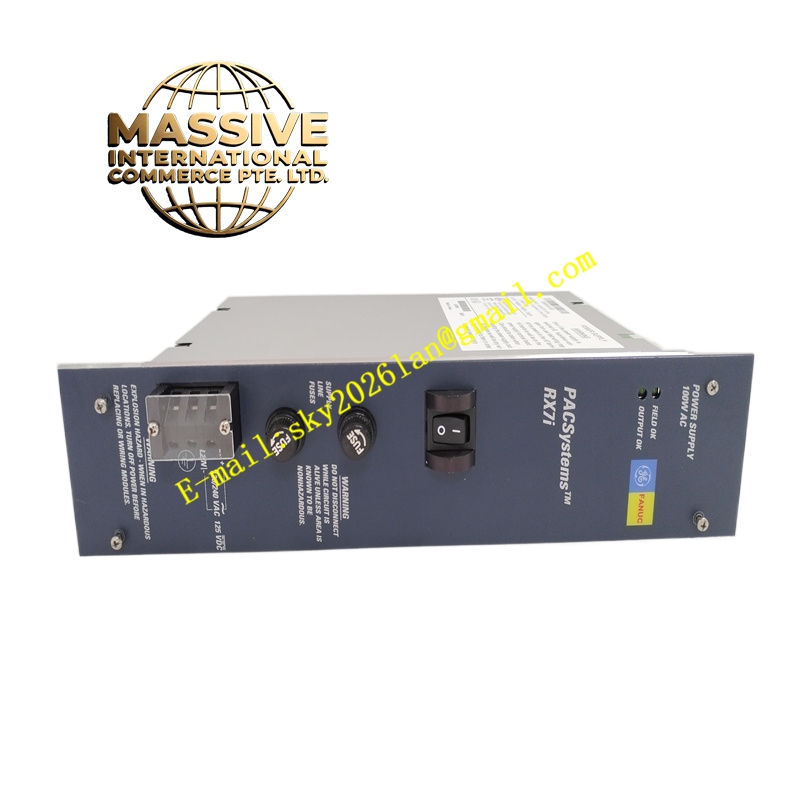
GE IC698PSA100
Technical Specifications:
- Input Voltage: 85–264 VAC (47–63 Hz) or 100–150 VDC
- Output Power: 100 W total
- Outputs: +5 VDC (4.875–5.25 V, up to 20 A); +12 VDC (11.64–12.6 V, up to 2 A); -12 VDC (-12.60 to -11.64 V, up to 1 A)
- Protection: Overvoltage, overcurrent, overtemperature; hold time and ride-through specified
- Logic-Level Sequencing: Provides startup sequencing signals to the backplane
- Power Factor Correction: 0.99 for AC operation
- Isolation: 1500 VDC between input and outputs
- Operating Temperature: 0 °C to 60 °C
Functional Features:
- Wide input range supports global plant power
- LEDs indicate Field OK, Output OK, and Overtemp status
- Front-panel logic-level switch enables/disables outputs without interrupting AC input
- Ride-through capability maintains outputs during brief input power interruptions
Application Scenarios:
- Powering medium-sized RX7i racks with moderate I/O counts
- Control systems in manufacturing, water treatment, and building automation
- Situations requiring redundancy and easy field replacement
Performance Parameters:
- Hold time ensures continuity during power glitches; ride-through protects against short interruptions
- Low ripple and tightly regulated outputs for stable module operation
- Efficiency and power factor reduce energy losses
Material and Structural Characteristics:
- Compact single-slot module with screw-type input terminals
- Robust construction with protective conformal coating options
- Designed for slide-in rack mounting
Working Principle: The module converts AC or DC input to regulated DC outputs, distributing them via the backplane to all modules. It also issues sequencing signals to ensure modules power up in the correct order. Installation Requirements:
- Install only in slot 0 of an RX7i rack
- Use appropriately sized conductors (AWG #16 for power; #12 for ground) with 75 °C insulation rating
- Ensure proper grounding and secure terminal connections
- Provide adequate ventilation and avoid blocking cooling airflow
Usage Notes:
- Confirm input voltage settings before applying power
- Periodically check LED indicators for fault conditions
- Replace only with the correct model to maintain system compatibility
- De-energize the rack before installation or removal