Description
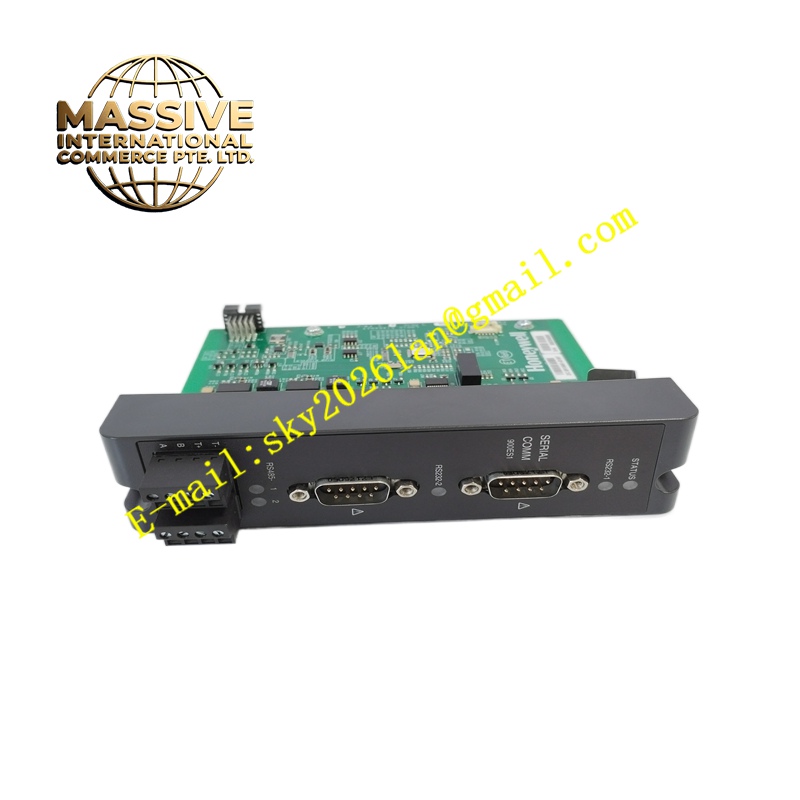
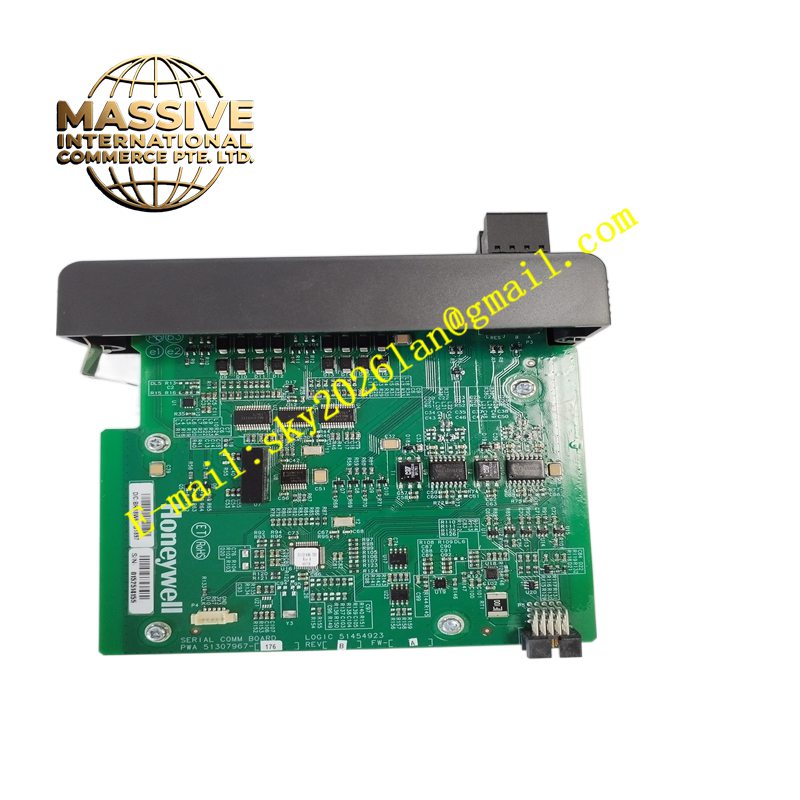
Honeywell 900ES1-0100
Technical Specifications Industrial Ethernet interface; supports mainstream industrial Ethernet protocols; backplane bus communication with controller; 24V DC backplane power supply; built-in hardware communication watchdog; supports static IP address configuration.
Functional Features Realizes high-speed data exchange between the controller and networked upper equipment. Supports point-to-point and multi-node network communication. The hardware watchdog automatically resets the communication circuit when communication is abnormal. Communication status can be viewed in configuration software. It can be used for remote monitoring and program uploading and downloading.
Application Scenarios Factory automation production lines, building auxiliary control, water and sewage control systems, and small and medium process plants using Honeywell 900 PLC.
Performance Parameters Stable network transmission rate; short data refresh cycle; strong resistance to industrial network interference; fast fault recovery after network fluctuation.
Material Composition PCB substrate is FR-4 flame-retardant multilayer board; network processing chip is industrial wide-temperature component; backplane connector contacts are gold-plated; front panel shell is flame-retardant PC material.
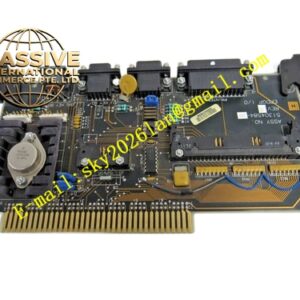
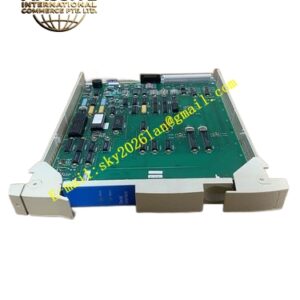
Structural Characteristics Rack plug-in communication card; front panel with network and running status LED indicators; rear gold fingers connected to the backplane of Honeywell 900 rack; anti-misinsertion positioning pins; fixed on the rack by mounting screws; external Ethernet port reserved on the panel.
Working Principle The module exchanges control data with the controller through the backplane bus. It packages the controller data into Ethernet protocol frames and sends them to the network. It receives network commands and data from upper devices, converts the data format and transmits information to the controller. The watchdog circuit monitors the communication operation state in real time.
Installation Requirements Cut off cabinet power before installation. Insert the module into the designated communication slot of the 900 rack and tighten the screws. Use industrial shielded Ethernet cables to connect network switches. Set IP address and communication protocol through Honeywell configuration software after power on.
Precautions for Use Anti-static operation is required during disassembly and assembly. Hot plugging of the module is prohibited. The Ethernet cable should stay away from high-frequency and high-power equipment. When network interruption occurs, check network cables and switch ports first.