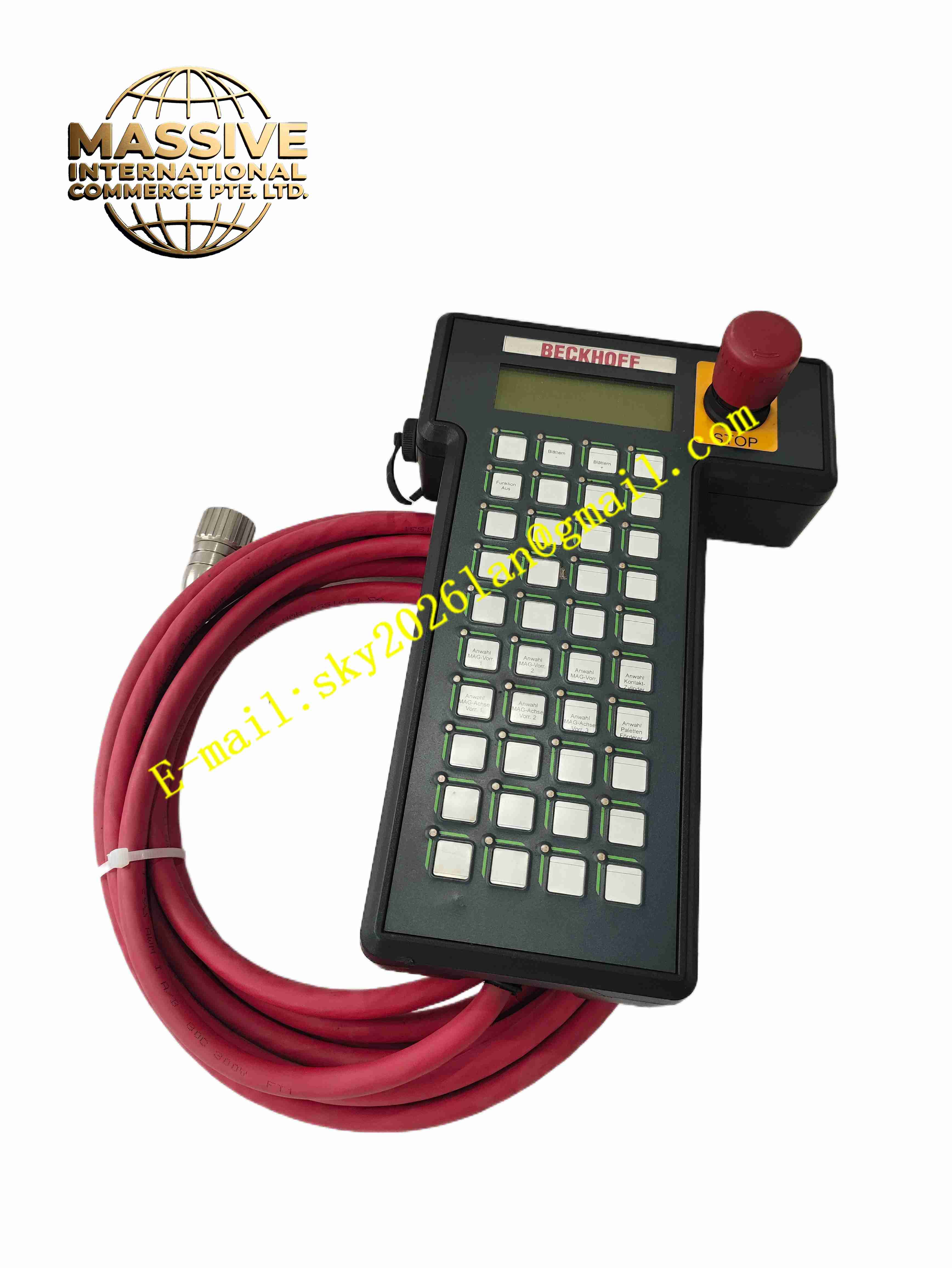
Description
KEBA HT401-222-40 KONT.26428
Technical Specifications
Brand: KEBA
Model: HT401-222-40
Reference marking: KONT.26428
Device type: Teach pendant / handheld operator panel
Compatible platforms: KEBA KeMotion, KePlast, and related controller families
Display: High-resolution industrial display, available in LCD or touchscreen variants depending on version
Input devices: Function keys, navigation keys, emergency stop, and enable controls depending on configuration
Communication interfaces: CAN, EtherCAT, RS232, RS485, or controller-specific serial/bus interfaces depending on version
Protection class: Typically IP54 or higher for industrial environments
Mounting style: Handheld pendant with cable connection to controller
Operating environment: Industrial production floors with moderate dust and splash exposure
Functional Features
Portable operator control for KEBA automation systems
Graphical or text-based display for machine status visualization
Manual axis jogging and motion control support
Program start, stop, and mode selection functions
Parameter editing and machine setup support
Diagnostics and alarm display for maintenance support
Emergency stop and safety-related control functions
Robust housing suitable for factory environments
Direct integration with KEBA controller software platforms
Suitable for commissioning, production operation, and troubleshooting
Application Scenarios
Industrial robot programming and manual operation
Injection molding machine control and setup
Packaging line operation and diagnostics
Material handling and conveyor system control
CNC and automated machining equipment operation
Assembly and test station supervision
Special-purpose machinery with KEBA controllers
Maintenance and commissioning of automated production lines
Performance Parameters
Display resolution: High-resolution industrial display depending on version
Input response: Controller-dependent scan and communication cycle
Communication speed: Determined by installed interface and controller configuration
Protection rating: IP54 or higher depending on version
Cable length: Pendant cable length depends on machine integration
Power supply: Supplied from the connected KEBA controller or dedicated pendant interface
Material Composition
Industrial-grade plastic housing
Reinforced front membrane or touchscreen overlay
LCD or TFT display module
Tactile function keys and navigation switches
Emergency stop and enable switch assemblies
Internal control electronics and communication interface board
Shielded pendant cable and connector assembly
Structural Features
Ergonomic handheld housing for one-hand or two-hand operation
Front-mounted display for machine status and parameter visualization
Function keys arranged for quick access during operation
Emergency stop button for safe machine shutdown
Enable switch for safe manual motion control
Cable entry with strain relief for durable connection
Rear or side mounting points for pendant holder installation
Clear labeling of KEBA branding and model identification
Working Principle
The HT401-222-40 connects to a KEBA controller through a dedicated communication interface. When an operator presses a key or navigates a menu, the pendant sends the command to the controller. The controller processes the request, updates machine status, and returns display data to the pendant. During manual operation, the pendant allows axis selection, speed control, and incremental or continuous jogging. During production, it provides access to alarms, process values, and operating modes. Safety functions such as emergency stop and enable control are handled according to the connected machine safety configuration.
Installation Requirements
Connect only to compatible KEBA controller systems
Verify that the controller firmware supports the installed pendant version
Route the pendant cable away from moving machine parts
Avoid excessive bending or pulling of the cable connector
Mount the pendant holder in an accessible and safe location
Ensure the emergency stop function is tested after installation
Keep the display and keypad clean and free from oil or solvent contamination
Verify communication after power-up before starting production
Usage Precautions
Do not use the pendant if the housing or cable is damaged
Avoid exposing the unit to excessive moisture, chemicals, or impact
Test the emergency stop and enable functions regularly
Use only authorized personnel for machine operation and parameter changes
Do not open the pendant housing during operation
Keep spare pendants stored in dry, clean conditions
Replace damaged cables with genuine KEBA accessories
Refer to the official KEBA documentation for exact wiring, configuration, and safety instructions