Description
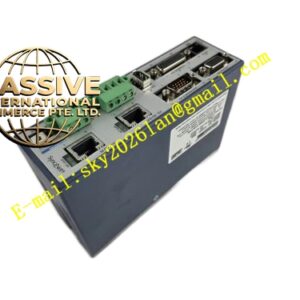
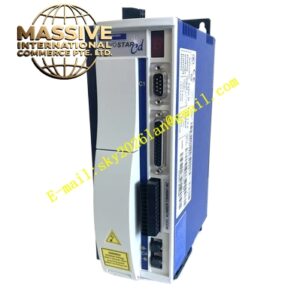
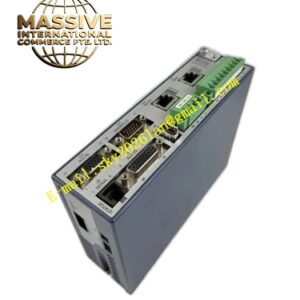
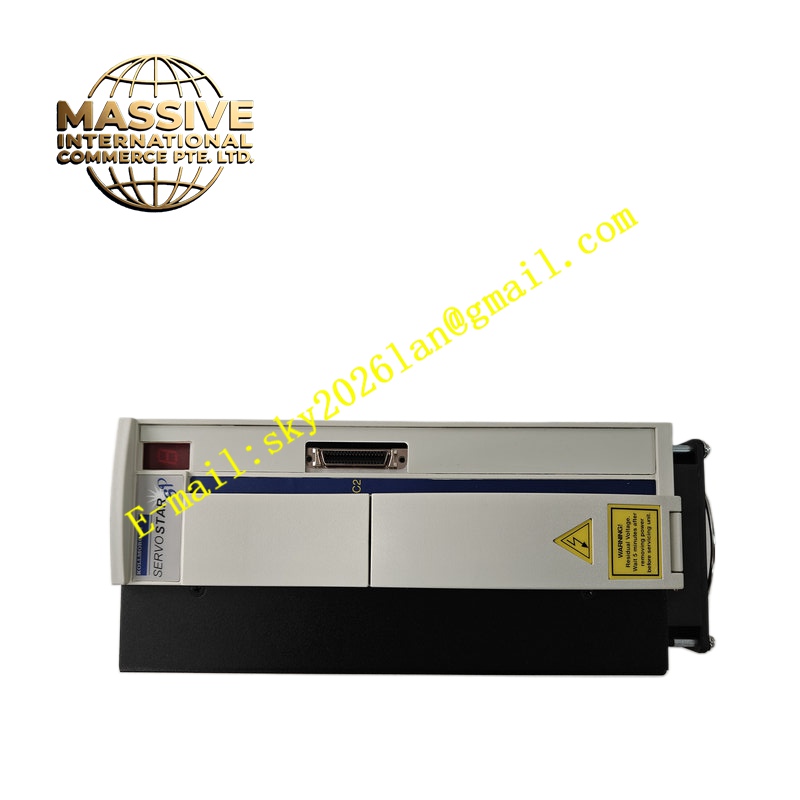
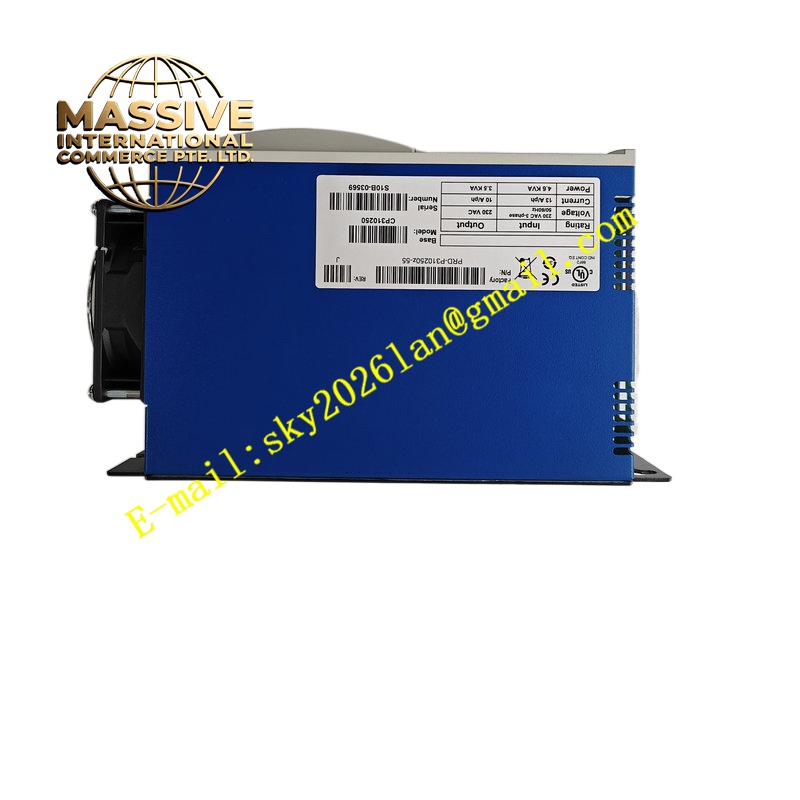
KOLLMORGEN CP310250 PRD-P310250Z-55
Technical Specifications Rated DC supply 24–48 VDC; continuous RMS output current 2.5 A; peak RMS current 7.5 A; encoder interface supports incremental quadrature signal; CANopen communication up to 1 Mbps baud rate; digital I/O for drive enable, fault output and homing trigger; pulse and direction input compatible with pulse motion controllers; altitude rating ≤1000 m above sea level; pollution level 2.
Functional Features Real-time CANopen cyclic process data for position setpoint and status feedback; configurable homing modes including sensor homing and index pulse homing; electronic gearing ratio setup for master-slave synchronization; fault code storage in non-volatile memory; safe torque off function to disable motor current under emergency condition.
Application Scenarios Automated test fixture axes, electronic component sorting equipment, small rotary indexing tables, battery manufacturing micro actuators and portable automation machinery.
Material Composition Aluminum heat sink base; high-voltage power PCB with power semiconductors; low-voltage signal PCB with CAN transceiver; flame-retardant plastic terminal cover; screw terminals rated for stranded copper wire.
Structural Characteristics DIN rail compact form factor; separate power terminal area and signal terminal area to reduce crosstalk; front status LEDs for power, communication and fault; internal conformal coating available for high-humidity cabinet environments.
Working Principle The CANopen master sends target position or velocity PDO messages to the drive. Onboard FPGA and DSP read encoder position, calculate control error and generate PWM output to motor phases. Fault detection circuits monitor temperature, bus voltage and motor current continuously.
Installation Requirements Install in ventilated control cabinet; route encoder cable separately from DC power wiring; install CAN bus terminating resistor at the two physical ends of CAN trunk; use shielded twisted pair for CAN communication.
Operation Notes Download matching firmware version after drive replacement; save parameter file before factory reset; check terminal screw torque after cabinet vibration cycles.