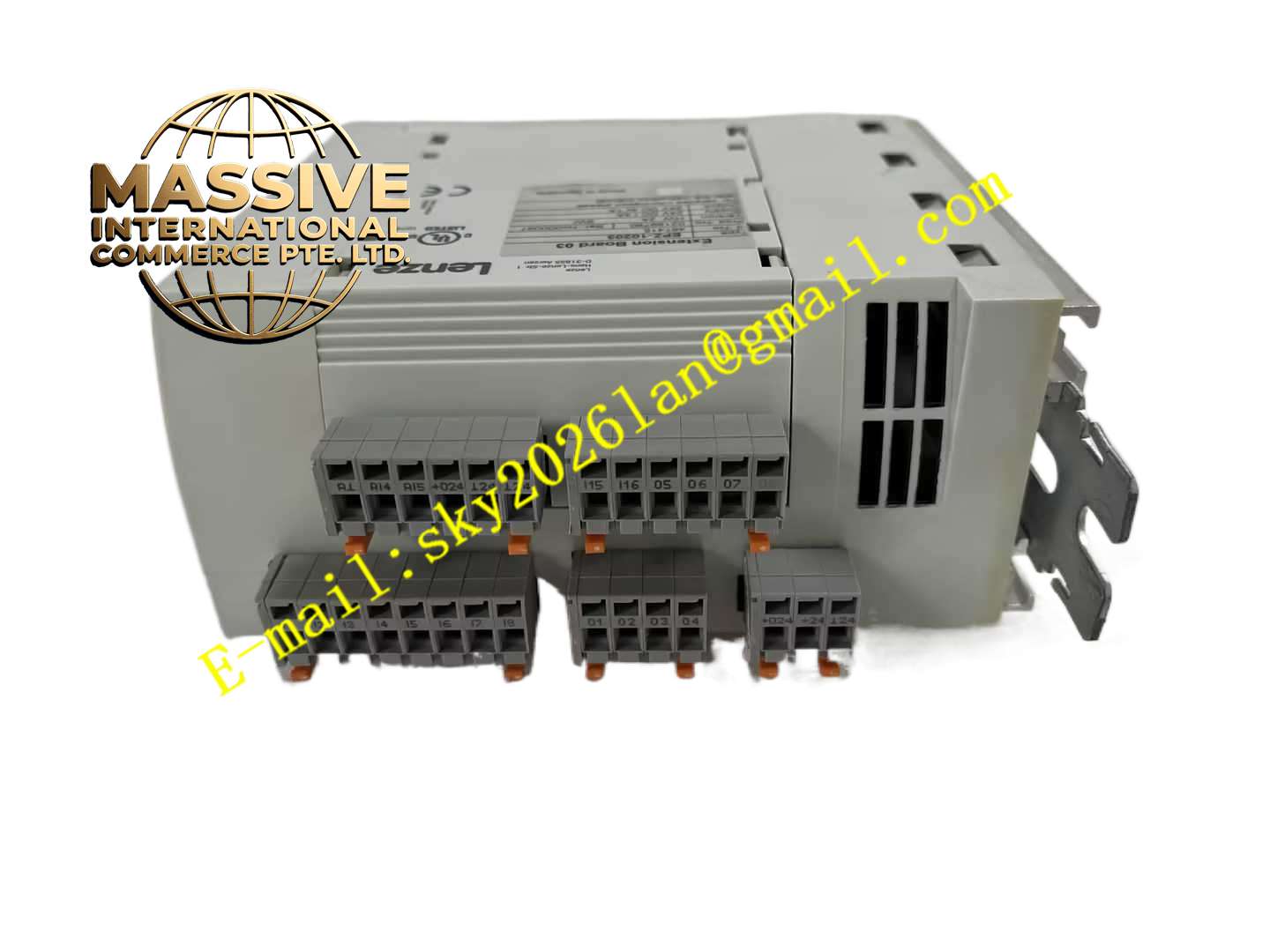
Description
Lenze EPL10200-W
Technical Specifications
- Product Type: Drive operator panel / HMI keypad
- Display Type: Monochrome LCD display
- Input Method: Tactile membrane operation keys
- Communication Interface: Serial connection to Lenze drive
- Power Supply: Powered from connected drive unit
- Protection Rating: IP54 front panel
- Operating Temperature: 0 °C to +50 °C
- Storage Temperature: -20 °C to +70 °C
- Mounting: Panel mounting or handheld direct mount on drive
- Cable: Detachable communication cable
Functional Features
- Real-time display of drive operating parameters including speed, current, voltage and fault codes.
- Full parameter editing and modification for connected Lenze inverter or servo drive.
- Manual jog operation function for commissioning and machine test run.
- Fault code display and fault reset function for drive troubleshooting.
- Parameter copy function to copy parameter set from one drive to another.
- Multi-language menu for international operation.
- Membrane keys with tactile feedback for reliable operation in workshop environment.
- Detachable cable allows remote mounting away from drive unit.
- Parameter lock function to prevent unauthorized parameter modification.
- Simple menu structure for fast commissioning of Lenze drive products.
Application Scenarios
- Conveyor drive local commissioning and monitoring
- Packaging machinery Lenze inverter local operation
- Material processing machine drive parameter adjustment
- Pump and fan variable speed drive on-site test
- Automated machine servo drive manual jog operation
Material Composition
- Front panel: Reinforced plastic frame with polyester membrane keypad
- Display: Monochrome LCD module with LED backlight
- Main PCB: FR4 printed circuit board
- Rear housing: Flame-retardant plastic casing
- Sealing gasket: Rubber foam gasket for front panel sealing
- Communication cable: Shielded twisted pair cable
Structural Characteristics
- Compact rectangular panel structure for flush mounting or direct drive mounting.
- Front membrane keypad and LCD display on front face.
- Rear housing contains PCB and communication connector port.
- Foam sealing gasket between front frame and mounting surface to achieve IP54.
- Rear connector port for detachable communication cable.
- Mounting clips for fixing into cabinet cutout or drive front cover.
Working Principle The panel receives power and bidirectional serial communication data from connected Lenze drive. It reads drive runtime data, fault information and parameter values, then displays data on LCD screen. When operator presses membrane keys, the panel sends corresponding command or parameter modification instruction to the drive. The drive executes jog, parameter write or fault reset command and returns updated data back to the panel. Parameter copy function reads all drive parameters and stores temporary data inside panel memory for downloading to another drive.
Installation Requirements
- Mount panel on drive front cover or cabinet door cutout.
- Install rubber sealing gasket to maintain IP54 front protection.
- Connect shielded communication cable between panel and Lenze drive.
- Tighten cable connector securely to avoid intermittent communication loss.
- Verify communication protocol matching with connected drive model.
- Set parameter lock password if access restriction is required.
- Test jog function during machine commissioning.
Usage Notes
- Do not use sharp hard objects to press membrane keypad.
- Clean panel surface only with soft cloth and mild neutral cleaner.
- Disconnect communication cable before removing panel from drive.
- Do not expose front panel to strong solvent spray.
- Keep cable routed away from high-power motor cables.
- Save parameter backup before large parameter modification.
- Replace backlight module when LCD brightness fades.