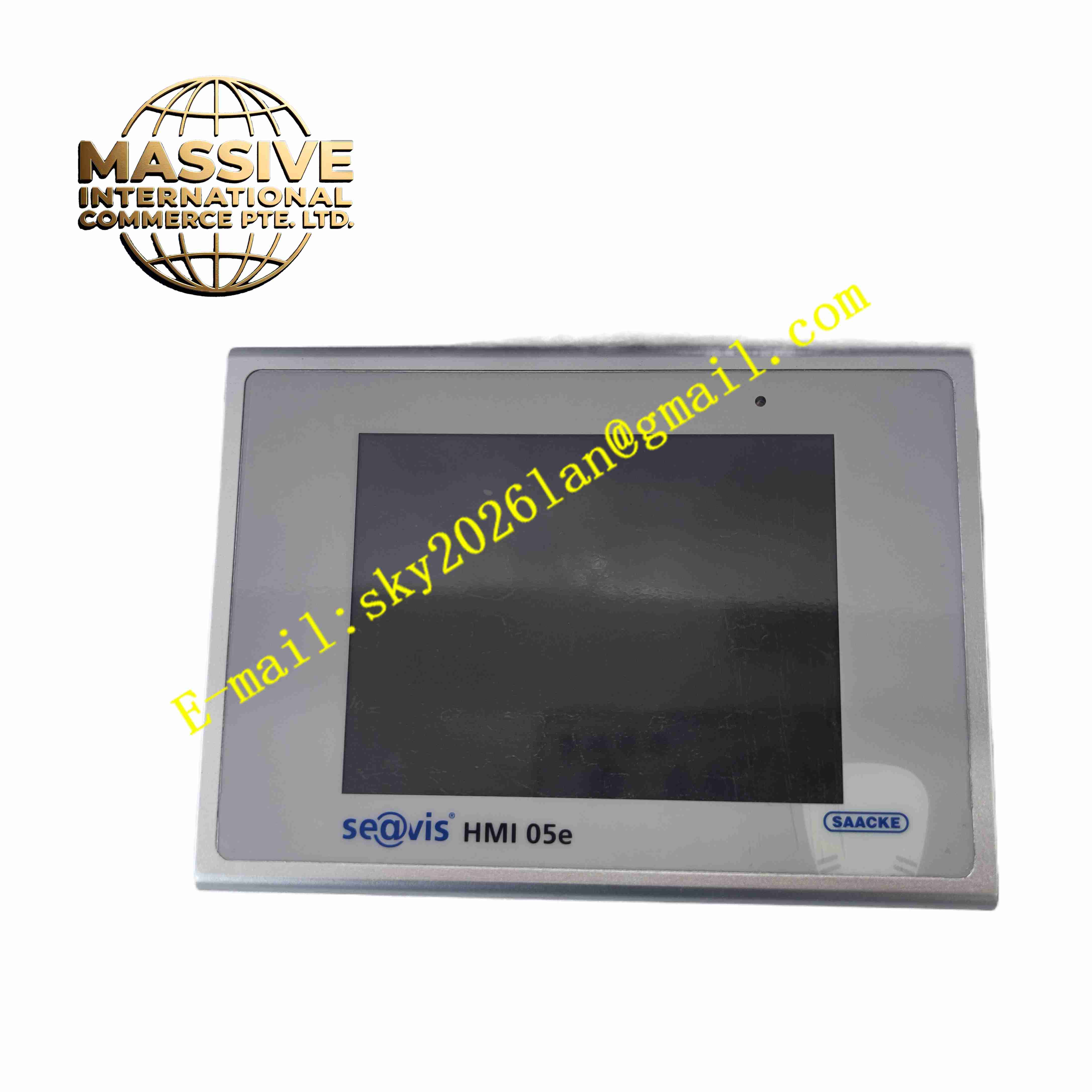
Description
SAACKE HMI 05E
Technical Specifications
- Product Type: Burner dedicated industrial touchscreen HMI
- Display Size: 5.7-inch color TFT LCD
- Screen Resolution: 320 × 240 QVGA
- Touch Type: Resistive industrial touchscreen
- Power Supply: 24 V DC, reverse polarity protection
- Power Consumption: ≤15 W
- Communication Interfaces: RS232, RS485, Ethernet RJ45
- Supported Protocols: Modbus RTU, Modbus TCP, SAACKE proprietary burner bus protocol
- Mounting Type: Panel embedded mounting with rear clamp fastening
- Front Panel Protection Rating: IP65 when properly installed
- Operating Ambient Temperature: -10 °C to +60 °C
- Storage Temperature: -20 °C to +70 °C
- Relative Humidity: 5 % to 90 %, non-condensing
- Weight: Approximately 1 kg
Functional Features
- Real-time display of burner combustion parameters including flame signal, fuel pressure, air pressure and exhaust gas oxygen value.
- Manual operation function for burner start, stop and load adjustment.
- Alarm display and fault code indication for burner safety interlock and trip events.
- Historical event log stores burner operation records and fault trip history.
- Parameter setting interface for burner air-fuel ratio and sequence configuration.
- Multi-level password protection prevents unauthorized modification of combustion safety parameters.
- Front panel IP65 sealing resists dust, water splash and oil mist in boiler room environment.
- Multiple communication ports connect to SAACKE burner controller and upper-level SCADA system.
- LED status indicators show power and communication link status.
- Built-in non-volatile memory retains parameter and log data after power loss.
Application Scenarios
- Industrial boiler SAACKE burner local operation panel
- Thermal oil heater combustion control system operator interface
- Waste heat recovery furnace burner monitoring and operation
- Marine boiler burner management system local HMI
- Thermal power plant auxiliary boiler combustion supervision
Material Composition
- Front bezel: Aluminium alloy with anti-corrosion coating
- Display window: Polycarbonate transparent panel
- Touch layer: Resistive touch film
- Main PCB: FR4 printed circuit board with conformal coating
- Processor: ARM industrial microcontroller
- Memory components: Flash memory and RAM chips
- Rear housing: Flame-retardant ABS plastic
- Sealing gasket: EPDM rubber for IP65 front sealing
Structural Characteristics
- Compact rectangular panel structure for cabinet door embedded installation.
- Front panel fully sealed with rubber gasket to achieve IP65 ingress protection.
- Rear housing integrates communication connectors, power terminal and wiring terminals.
- Internal circuit separates low voltage signal circuit and power supply circuit.
- Rear clamp locking mechanism fastens panel into cabinet cutout.
- Passive convection cooling design without built-in fan.
Working Principle HMI 05E establishes communication connection with SAACKE burner controller after power on. The panel continuously reads combustion process data, flame detection signal and valve feedback status, refreshes graphical display on touch screen. When operator touches screen to send burner operation command, touch controller converts touch coordinate into operation instruction and transmits to burner controller. The panel records burner start-stop events and fault trip information into local memory. When safety interlock triggers burner trip, HMI displays fault code and alarm message for maintenance diagnosis.
Installation Requirements
- Prepare cabinet panel cutout according to official dimension drawing.
- Insert HMI unit from cabinet front side and fasten rear mounting clamps evenly.
- Use shielded twisted pair cable for RS485 burner bus wiring.
- Separate communication signal cable from high voltage power cable.
- Connect 24 V DC power supply and protective earth wire to cabinet ground bar.
- Inspect front gasket to ensure sealing integrity.
- Download burner project and verify communication connection with SAACKE burner controller after wiring completion.
- Perform touch screen calibration before commissioning.
Usage Notes
- Do not use sharp hard objects to press touch screen surface.
- Keep front panel gasket intact to maintain IP65 protection performance.
- Disconnect power supply before replacing panel or modifying wiring.
- Backup burner parameter configuration before firmware upgrade or modification.
- Protect panel from direct high temperature radiation from boiler and burner.
- Use anti-static wristband when handling internal circuit components.
- Replace unit immediately when permanent touch failure or communication hardware fault occurs.