Description
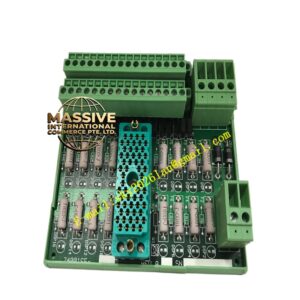
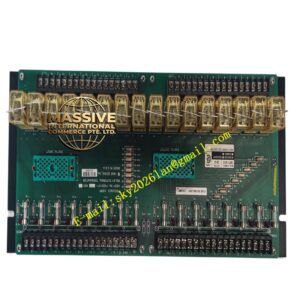
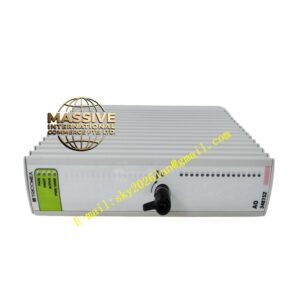
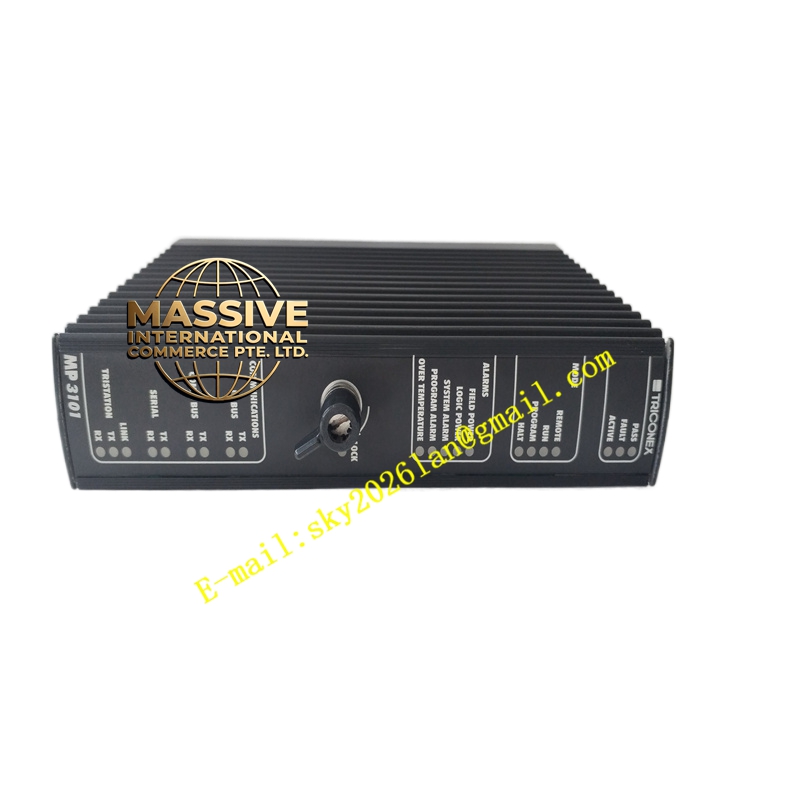
Triconex 3011
Technical Specifications:
- Type: Communication/expansion module
- Interfaces: Typically includes serial ports (RS-232/RS-485) and optional Ethernet ports; supports Modbus and other industrial protocols
- Protocols: Modbus RTU/TCP; may support TriStation proprietary protocol and others depending on firmware
- Power: Powered via Tricon chassis backplane (24 VDC system supply)
- Environment: Operating temperature -40 °C to +70 °C; humidity up to 95% non-condensing
- Mounting: Plugs into Tricon baseplate/MP baseplate chassis
Functional Features:
- Enables Tricon SIS to communicate with external systems (DCS, PLC, SCADA, HMI)
- Supports redundant communication configuration where applicable
- Provides isolation and protection for communication circuits
- Online diagnostics and status reporting through system software
Application Scenarios:
- Integrating Tricon SIS with distributed control systems (DCS)
- Reporting trip and alarm status to plant data historians and operators
- Remote monitoring and supervision of safety instrumented functions
Performance Parameters:
- Deterministic and reliable communication with low latency
- Supports typical data throughput required for alarm and event reporting
Material and Structural Characteristics:
- Industrial PCB with conformal coating options; metal front panel with status LEDs
- keyed connectors for correct installation in Tricon baseplate
Working Principle: The module connects to the Tricon backplane to exchange data with main processors and I/O modules. It serializes or packets data for transmission over Modbus or other protocols, and parses incoming commands or queries. It buffers and handles communication errors and retries, ensuring reliable data exchange. Installation Requirements:
- Insert into designated slot on Tricon MP baseplate or communication baseplate
- Secure with module latch; verify alignment with backplane connectors
- Configure IP addresses, baud rates, and protocol parameters via TriStation software
- Connect external cables to shielded communication ports; ensure proper grounding
Usage Notes:
- Use shielded cables for serial communication; maintain proper grounding to avoid noise
- Verify protocol settings match the connected device or system
- Replace only with identical or compatible firmware versions