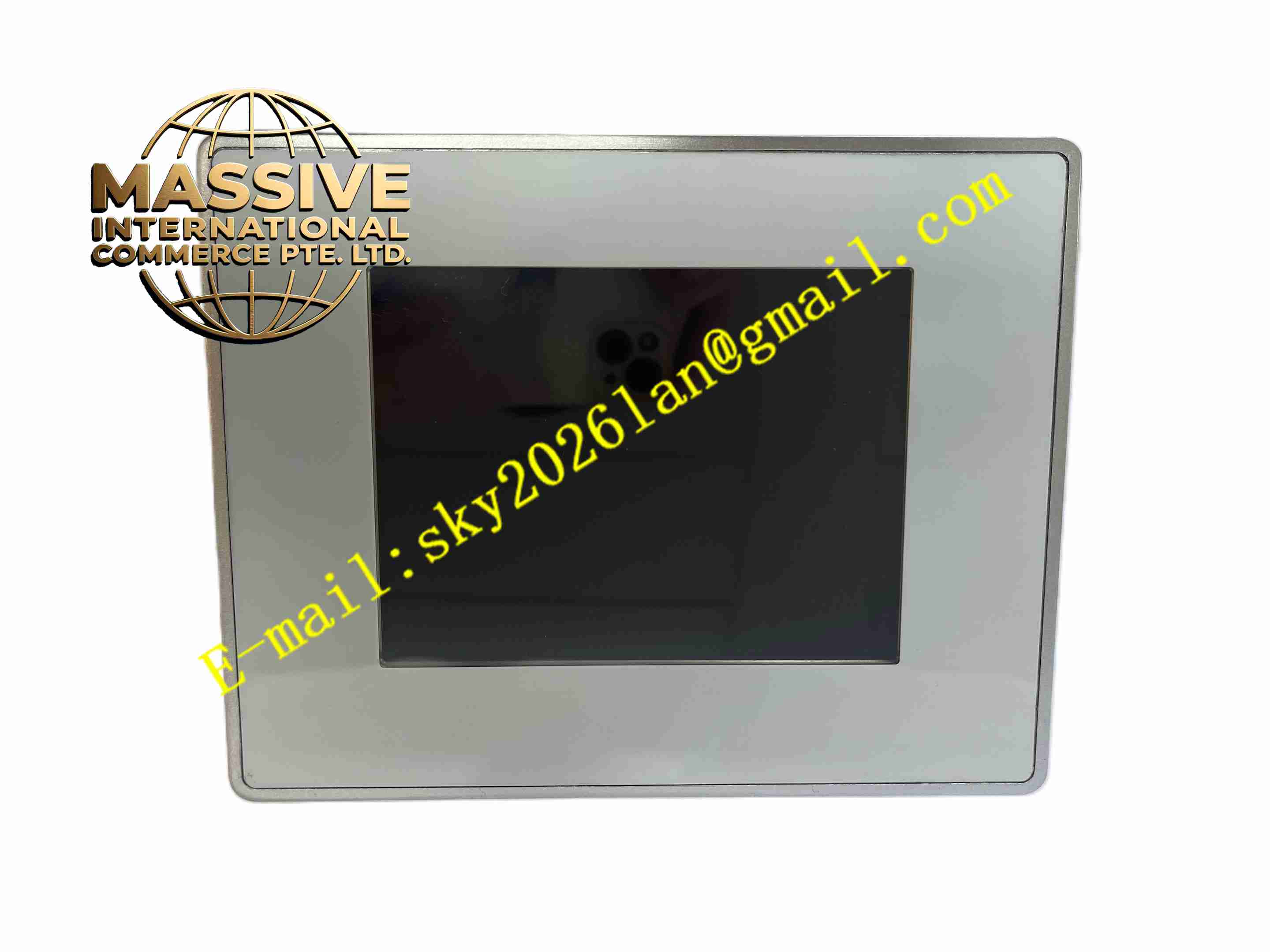
Description
UNIOP ETOP306
Technical Specifications
- Product Type: Industrial touchscreen HMI
- Display Size: 5.7 inch TFT color LCD
- Display Resolution: 320 × 240 QVGA
- Color Depth: 64K colors
- Touchscreen: Analog resistive touch panel
- Power Supply: 24 VDC
- Onboard Memory: 64 MB flash memory
- Communication Ports: RS232, RS422, RS485, Ethernet, USB host port
- Front Panel Protection Rating: IP65
- Operating Temperature: 0 °C to +50 °C
- Certifications: UL, CE
Functional Features
- Resistive touch panel supports operation under industrial workshop environment with gloves.
- Built-in Ethernet port enables network connection to PLC and SCADA systems.
- USB host port supports USB flash drive for project download, recipe storage and data logging.
- Multi-protocol communication driver library compatible with mainstream PLC manufacturers.
- Recipe management function stores multiple production parameter sets for quick product changeover.
- Timestamped alarm logging and event history storage in non-volatile flash memory.
- Adjustable LED backlight brightness with backlight timer for power saving.
- User access password management to restrict unauthorized parameter modification.
- Offline simulation function available in Uniop Designer programming software.
- Optional fieldbus expansion modules for Profibus DP and CANopen connection.
Application Scenarios
- Packaging machinery local operation and monitoring
- Conveyor system operator interface
- Plastic injection molding machine auxiliary HMI
- Water treatment plant local control panel
- Small assembly machine parameter setting and status display
Material Composition
- Front frame: Reinforced flame-retardant plastic
- Display window: Transparent scratch-resistant polycarbonate sheet
- Touch layer: Resistive membrane touch film
- Main PCB: FR4 industrial printed circuit board
- Rear housing: Flame-retardant plastic casing
- Sealing gasket: Rubber foam sealing ring for front panel IP65 sealing
Structural Characteristics
- Flush panel mounting design for cabinet door cutout installation.
- Front panel integrates LCD display and touch surface.
- Rear casing contains PCB assembly, communication connectors and 24VDC power terminal.
- Sealing gasket between front frame and cabinet door prevents liquid and dust ingress.
- Mounting clips lock the panel firmly from cabinet interior.
- Compact rear depth reduces cabinet space occupation.
Working Principle The HMI receives 24VDC power supply. It establishes bidirectional communication with connected PLC through serial or Ethernet port. The panel reads PLC register data and renders graphics, values and alarm information on TFT display. When operator touches screen surface, the resistive touch controller captures touch coordinate and sends corresponding operation command to PLC. Recipe and alarm data are stored in onboard flash memory. Backlight circuit controls display brightness according to configured timer setting.
Installation Requirements
- Cut standard rectangular opening on control cabinet door according to dimensional drawing.
- Install rubber sealing gasket before panel insertion.
- Tighten mounting clips evenly from cabinet rear side.
- Use shielded twisted pair cable for serial PLC communication wiring.
- Route Ethernet cable away from high-power motor cables.
- Connect 24VDC power and protective earth wire.
- Download HMI project and configure PLC communication parameters after installation.
Usage Notes
- Do not use sharp hard objects to scratch touch screen surface.
- Clean front panel only with soft cloth and neutral cleaning agent.
- Disconnect power before removing panel from cabinet door.
- Keep rear side away from oil mist and conductive dust.
- Backup HMI project file before firmware upgrade.
- Replace backlight assembly when brightness declines significantly.
- Verify communication link after PLC program modification.