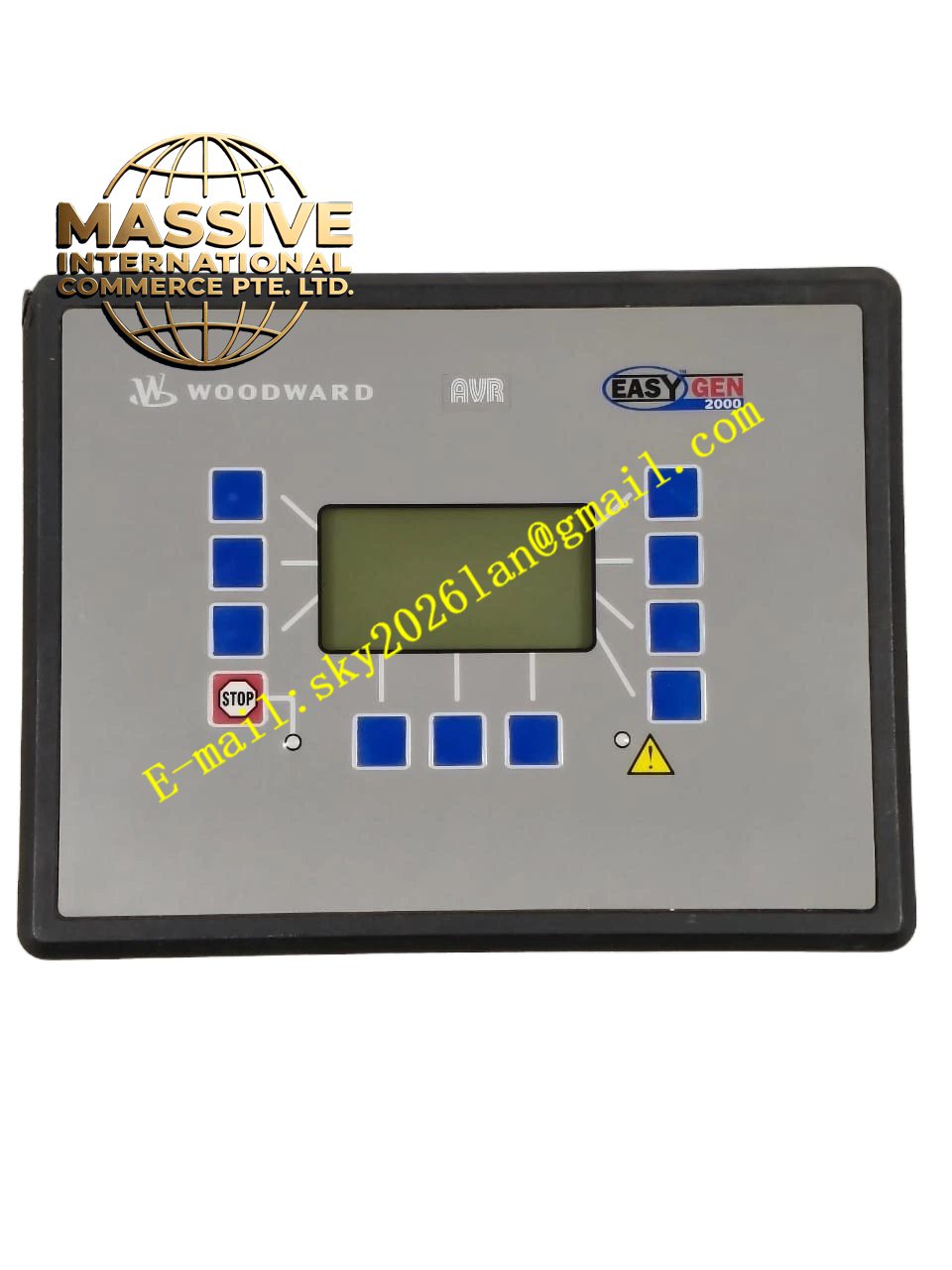
Description
Woodward ART-21874
Technical Specifications
- Product Type: Service Tool / Software / Accessory.
- Compatibility: Specific Woodward controllers (e.g., 505, 2301A, MicroNet).
- Interface: USB, Serial, or Ethernet connection to PC.
- Function: Configuration, calibration, or firmware update.
Functional Features
- System Configuration: Allows engineers to set up control parameters, I/O mappings, and logic.
- Calibration: Provides precise calibration routines for sensors and actuators.
- Diagnostics: Displays real-time data, trend logs, and fault history.
- Firmware Management: Enables safe firmware updates and backups.
Application Scenarios
Used during system commissioning, preventive maintenance, troubleshooting, and system upgrades by qualified Woodward service personnel.
Performance Parameters
- Data Transfer: High-speed communication with the controller.
- Security: Password-protected access to prevent unauthorized changes.
- Compatibility: Backward compatible with legacy controllers.
Material Composition
If hardware, it is a ruggedized interface cable or dongle. If software, it is a digital license key or installation media.
Structural Characteristics
Compact, portable form factor. May include a carrying case and documentation.
Working Principle
Establishes a secure communication link with the target controller. Translates user commands into controller-specific protocols to read/write parameters, execute calibration routines, or upload/download firmware.
Installation Requirements
Install software on a compatible PC. Connect the interface tool to the controller’s service port. Follow the on-screen instructions for safe operation.
Usage Precautions
- Only qualified personnel should use this tool.
- Always backup controller configuration before making changes.
- Do not interrupt firmware updates; this can brick the controller.