Description
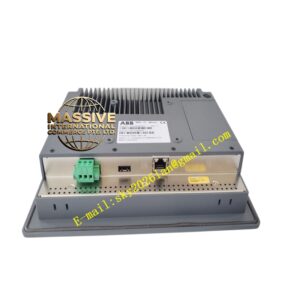
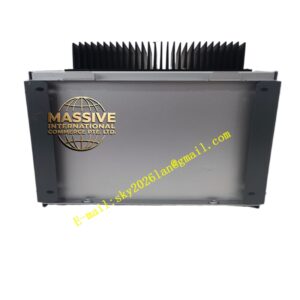
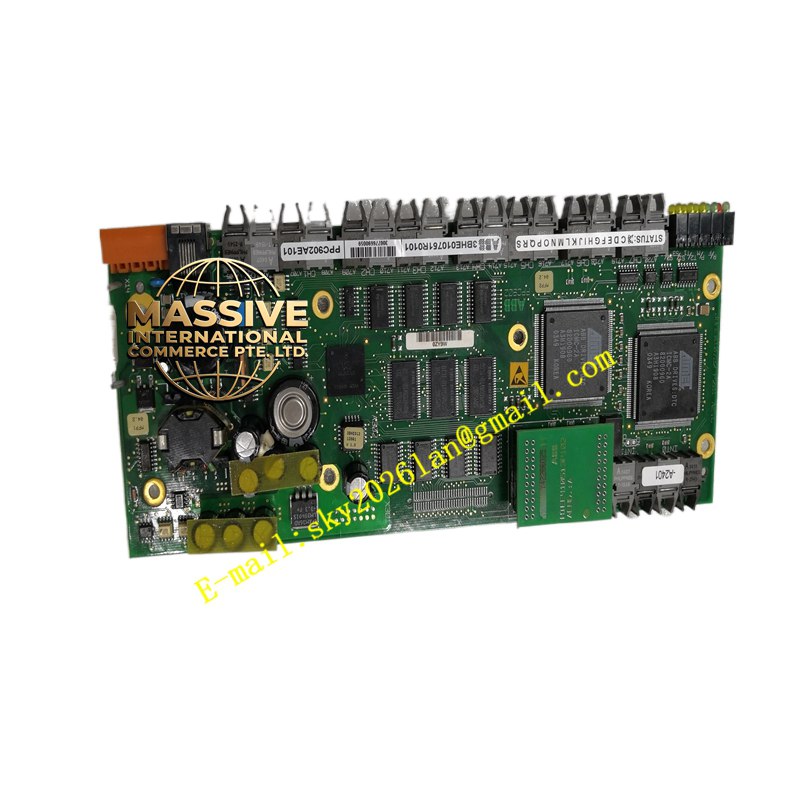
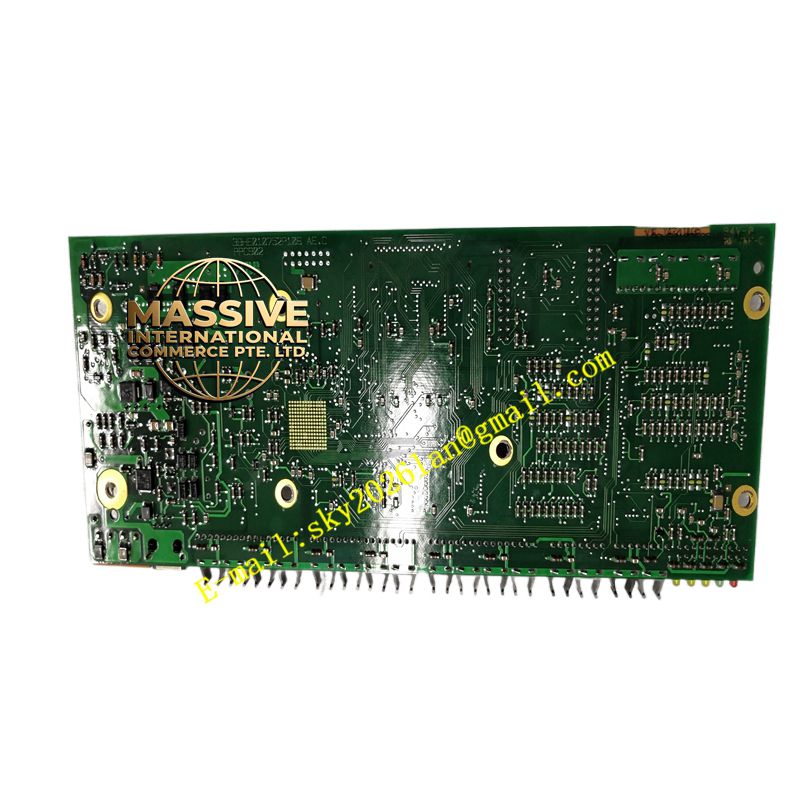
ABB PPC902AE101
- Technical Specifications (typical for PPC902 class OIS):
- CPU: Intel Core i3 / i5 / Xeon (gen depends on delivery year — match to 800xA version requirements)
- RAM: 4 GB – 16 GB DDR3/DDR4 ECC (recommended 8 GB+ for 800xA)
- Storage: 250 GB – 500 GB SSD (RAID-1 mirror typical for OIS redundancy) or HDD
- Display: 17″ SXGA TFT (1280×1024) or 19″ SXGA; optional second display via DVI/VGA
- Interfaces: 2–4 × GbE (RJ45), 4–6 × USB 2.0/3.0, PS/2 (KB/MS), VGA/DVI, audio (optional)
- OS: Windows 10 IoT Enterprise LTSC / Windows Server (as per 800xA compatibility matrix — older PPC902 shipped with Win XP Embedded / Win 7 — now obsolete; modern AE101 = Win10)
- Software Load: ABB System 800xA Operator Workplace + Plant Explorer Viewer; optionally Engineering Workplace (if licensed)
- Power: 100–240 V AC 50/60 Hz (internal PSU) or 24 V DC (some panel-mount versions)
- Mounting: 19″ rack-mount (4U–6U) or panel flush-mount bezel
- Operating Temp.: +5 °C to +40 °C (office/control-room grade — NOT for field)
- Certifications: CE, FCC, UL, cUL (as industrial PC)
- Functional Features:
- Displays ABB 800xA / INFI 92 process graphics with drill-down (Area → Group → Detail / Faceplate)
- Alarm & Event list per ISA-18.2; alarm acknowledge, shelve, filter
- Real-time & historical trend (linked to History Server)
- Operator actions logged (who did what, time-stamped)
- Multi-language UI; role-based access control (Operator / Supervisor / Engineer)
- Redundant OIS concept: multiple OWPs connected to same AS — any OWP can control / view
- Application Scenarios:
- Central control room operator console for System 800xA / INFI 92 plant
- Local panel OIS for smaller unit (single OWP + local AS)
- Retrofit — replace obsolete AdvaCommand OIS with PPC902 running 800xA OWP
- Material & Structure / Working Principle / Installation / Precautions:
- Install in climate-controlled control room cabinet or on operator desk cutout
- Connect to Plant LAN switch (dedicated VLAN for DCS traffic recommended)
- On first boot: join domain (if applicable), point OWP to Aspect Server hostname/IP, verify connectivity (ping AS, check 800xA Connectivity status)
- Restore OWP configuration from AS (or import .xml) → graphics & alarms appear
- Precautions:
- OIS is NOT hardened for shop-floor — keep in clean, temperature-controlled room
- Maintain UPS on OIS + AS + switches — power glitch can corrupt SQL/aspect db
- Keep 800xA version on OIS matched to AS version — mismatch causes connection errors or missing features
- Back up OIS config (registry, display cache) after commissioning — easier recovery if HDD fails
- Replace HDD proactively in older units (5–7 yr lifecycle) — use mirrored RAID or keep cold spare disk image