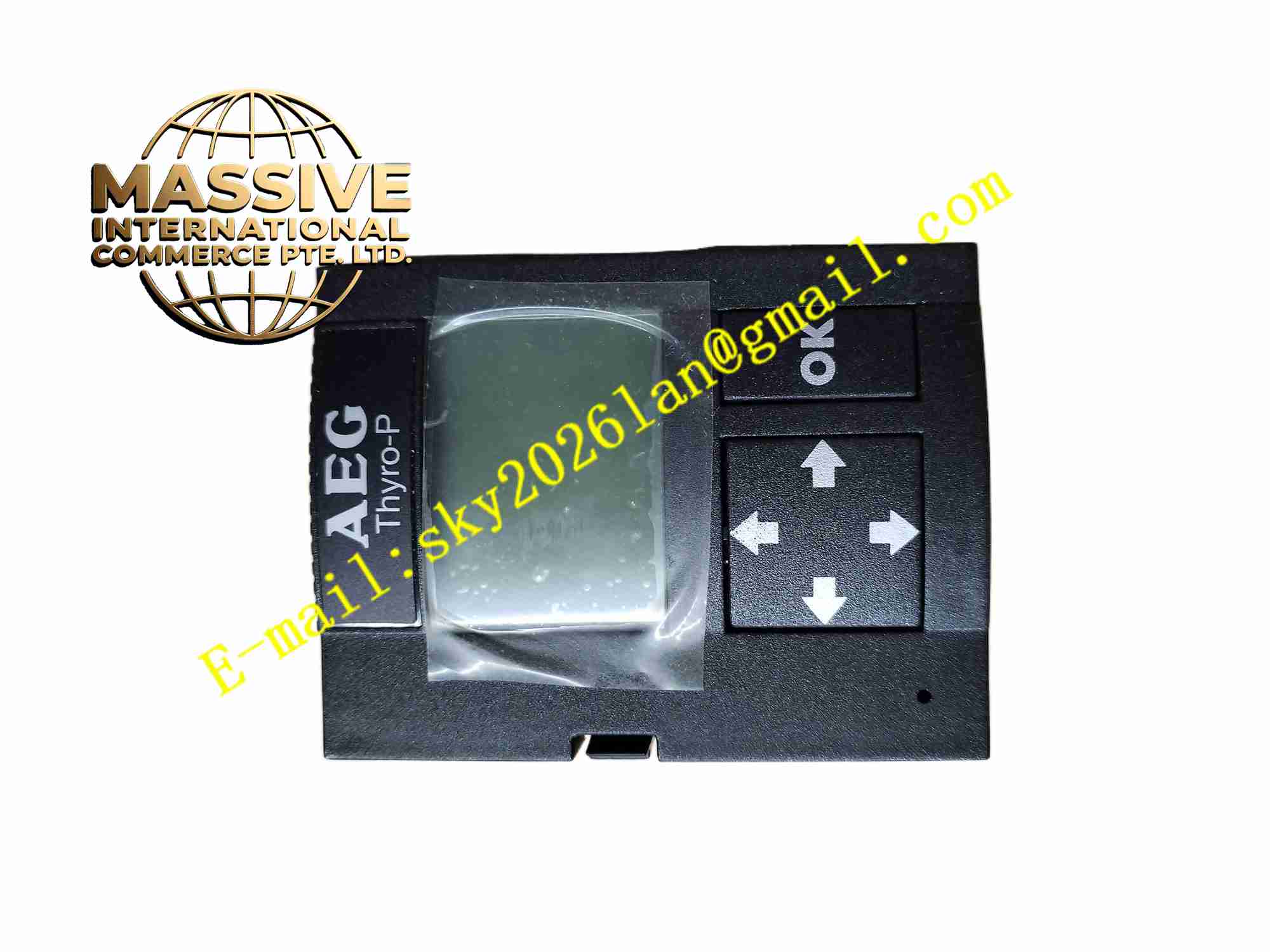
Description
AEG THYRO-P LBA
Technical Specifications
- Brand: AEG Power Solutions / AEG
- Product family: Thyro-P accessory
- Model: LBA
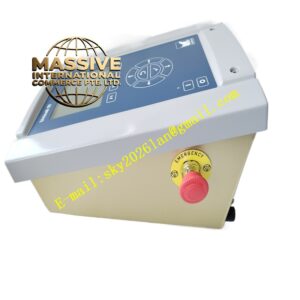
- Product type: Local display and operating unit
- Compatible controllers: AEG Thyro-P thyristor power controllers
- Display: Text/graphic menu-driven display
- Interface: Plugs directly into the Thyro-P controller
- Functions: Parameter setting, status display, diagnostics and value readout
- Mounting: Panel mounting available with appropriate mounting kit
- Language and menu structure: Depends on controller firmware version
Functional Features
- Provides local access to Thyro-P controller parameters.
- Displays measured voltage, current and power values.
- Supports menu-driven navigation for configuration.
- Allows setpoint and monitoring parameter adjustment.
- Shows fault messages and controller status.
- Enables local commissioning without a PC.
- Can be panel-mounted for convenient operator access.
- Works with Thyro-P load monitoring and diagnostic functions.
Application Scenarios
- Industrial heating systems.
- Thyristor-controlled resistive and inductive loads.
- Transformer-coupled heating applications.
- Extrusion and plastic processing equipment.
- Glass and ceramics heating control.
- Furnace and oven temperature control.
- Semiconductor and materials processing.
- Process industries using AEG Thyro-P power controllers.
Performance Parameters
- Compatible with AEG Thyro-P power controller family.
- Displays controller status, setpoints and measured values.
- Supports parameter access through protected menus.
- Provides fault indication and diagnostic information.
- Can show values such as voltage, current and power when supported by the controller.
- Exact display resolution, button layout and supported parameter sets depend on the Thyro-P firmware and LBA version.
Material Composition
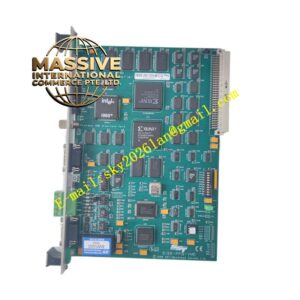
- PCB assembly with display driver circuit
- LCD or graphic display module
- Navigation keys or membrane keypad
- Connector interface for Thyro-P controller
- Plastic front bezel
- Panel mounting hardware
- Identification label
Structural Features
- Compact operator interface unit.
- Designed to plug into the Thyro-P controller.
- Optional panel mounting using SEK mounting kit.
- Display shows status lines, measured values and menu items.
- Navigation keys allow parameter browsing and editing.
- Connector orientation matches Thyro-P control interface.
- Exact dimensions and display type depend on the production version.
Working Principle
The LBA connects to the Thyro-P controller through its control interface. After connection, it reads controller status, measured values and parameter data, then presents them on the local display. Operators use the keypad to navigate menus, view voltage, current and power readings, adjust setpoints and configure monitoring functions. Password-protected submenus prevent unauthorized changes. When a fault occurs, the LBA displays the corresponding diagnostic message so maintenance personnel can identify the issue.
Installation Requirements
- Power down the Thyro-P controller before connecting or removing the LBA.
- Align the connector correctly and avoid forced insertion.
- Use the SEK panel mounting kit if panel installation is required.
- Ensure the controller firmware supports the installed LBA version.
- Verify that displayed values match expected process conditions.
- Keep the display window clean and free from chemical solvents.
- Confirm parameter access rights before changing settings.
Precautions for Use
- Do not change critical parameters without understanding process impact.
- Use password protection to restrict unauthorized access.
- Record original settings before making adjustments.
- Investigate fault messages before resetting the controller.
- Do not use the LBA as the only means of safety monitoring.
- Keep spare LBAs compatible with the installed Thyro-P firmware.
- Specific menu structure, fault codes and parameter ranges should be confirmed from the official AEG Thyro-P manual.