Description
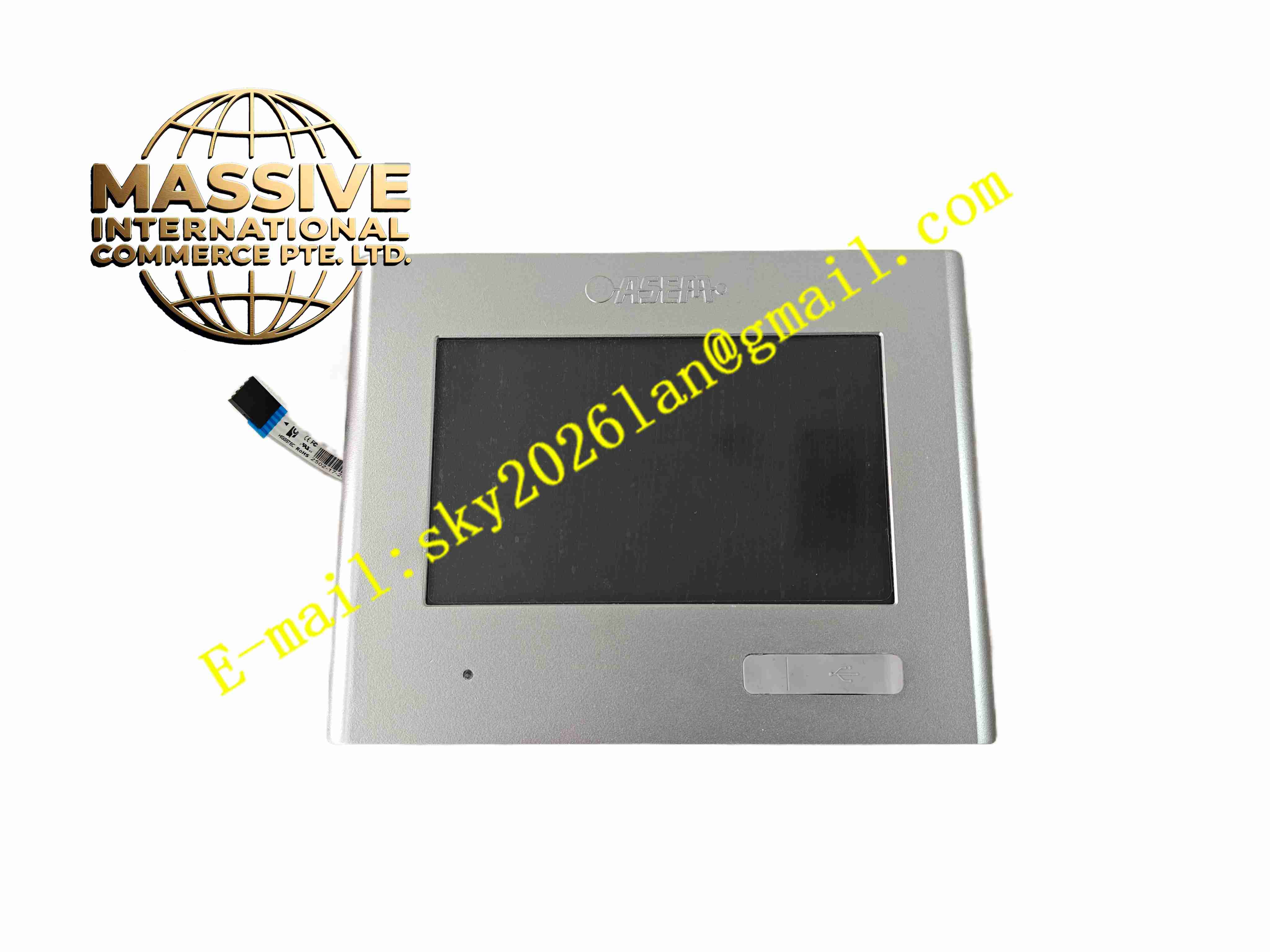
ASEM HT2150/S0
Technical Specifications
- Product Type: 15-inch Industrial Panel PC HMI
- Display Size: 15-inch TFT LCD
- Touch Type: Projected capacitive or resistive touchscreen
- Processor: Intel x86 industrial embedded processor
- Operating System: Windows Embedded Compact / Windows Embedded Standard
- Software Platform: Premium HMI runtime
- Memory: Industrial RAM and solid-state flash storage
- Communication Interfaces: Ethernet, RS232, RS485, USB
- Supported Protocols: Modbus TCP, Modbus RTU, OPC UA, Profinet
- Mounting Type: Panel flush mounting
- Front Panel Protection Rating: IP65
- Power Supply: 24 V DC
- Operating Temperature: -10 °C to +55 °C
- Storage Temperature: -20 °C to +70 °C
- Relative Humidity: 5 % to 90 %, non-condensing
Functional Features
- Integrated industrial panel PC combines display, touch operation and embedded computing hardware.
- Premium HMI runtime software realizes process visualization, alarm management and trend recording.
- OPC UA server/client function supports Industry4.0 data exchange and upper MES system connection.
- Multiple Ethernet and serial ports connect to different brand PLC and automation controllers simultaneously.
- Solid-state storage without mechanical hard disk adapts to vibration industrial environment.
- Front panel IP65 sealing resists dust and liquid splash.
- USB ports support data export, program download and peripheral device connection.
- Multi-user access permission management for industrial operation and maintenance.
- Built-in data logging function saves production and process data to local storage.
- Watchdog timer automatically restarts system after software crash.
Application Scenarios
- Automotive production line machine operation panel
- Packaging and converting factory process supervision station
- Food and beverage batch production control
- Logistics automation equipment monitoring
- General factory MES on-site data collection and visualization
Material Composition
- Front bezel: Aluminium alloy with anti-corrosion coating
- Display window: Scratch-resistant polycarbonate panel
- Touch layer: Industrial capacitive or resistive touch film
- Mainboard: x86 industrial embedded motherboard with conformal coating
- Storage: Industrial solid-state flash memory
- Rear housing: Aluminium alloy heat dissipation housing
- Sealing gasket: EPDM rubber for IP65 front sealing
Structural Characteristics
- Flat rectangular panel structure designed for cabinet door flush installation.
- Front panel fully sealed with rubber gasket to achieve IP65 ingress protection.
- Rear aluminium housing acts as passive heat sink for embedded processor.
- Rear housing integrates communication ports, USB connectors and power terminals.
- Internal circuit layout separates low-voltage signal circuit and power circuit.
- Rear clamp locking mechanism fastens panel into cabinet cutout.
Working Principle After power on, HT2150/S0 boots Windows embedded operating system and launches Premium HMI runtime software. It communicates with field PLC and controllers via Ethernet or serial bus, reads real-time production and process data. The panel renders graphical visualization screens on touch display. Operator touch input sends operation commands to connected automation controllers. The unit records process data and alarm events into local solid-state storage, and exchanges production data with MES system via OPC UA. Hardware watchdog monitors system operation status and triggers automatic reboot on system failure.
Installation Requirements
- Prepare cabinet panel cutout according to official dimension drawing.
- Insert panel unit from cabinet front side and fasten rear mounting clamps evenly.
- Use shielded twisted pair cable for serial communication wiring.
- Route Ethernet cable separated from high-power motor cables.
- Connect 24 V DC power supply and protective earth wire to cabinet ground bar.
- Inspect gasket to ensure front panel sealing integrity.
- Install HMI project and verify communication connection with PLC after wiring completion.
- Perform touch screen calibration before commissioning.
Usage Notes
- Do not use sharp hard objects to press touch screen surface.
- Keep front panel gasket intact to maintain IP65 protection performance.
- Disconnect power supply before replacing panel or modifying wiring.
- Backup operating system and HMI project before firmware upgrade or modification.
- Protect unit from continuous heavy vibration and strong corrosive gas.
- Use anti-static wristband when handling internal circuit components.
- Replace unit immediately when permanent touch, display or mainboard hardware fault occurs.