Description
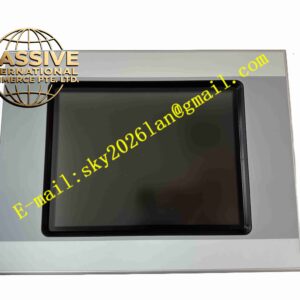
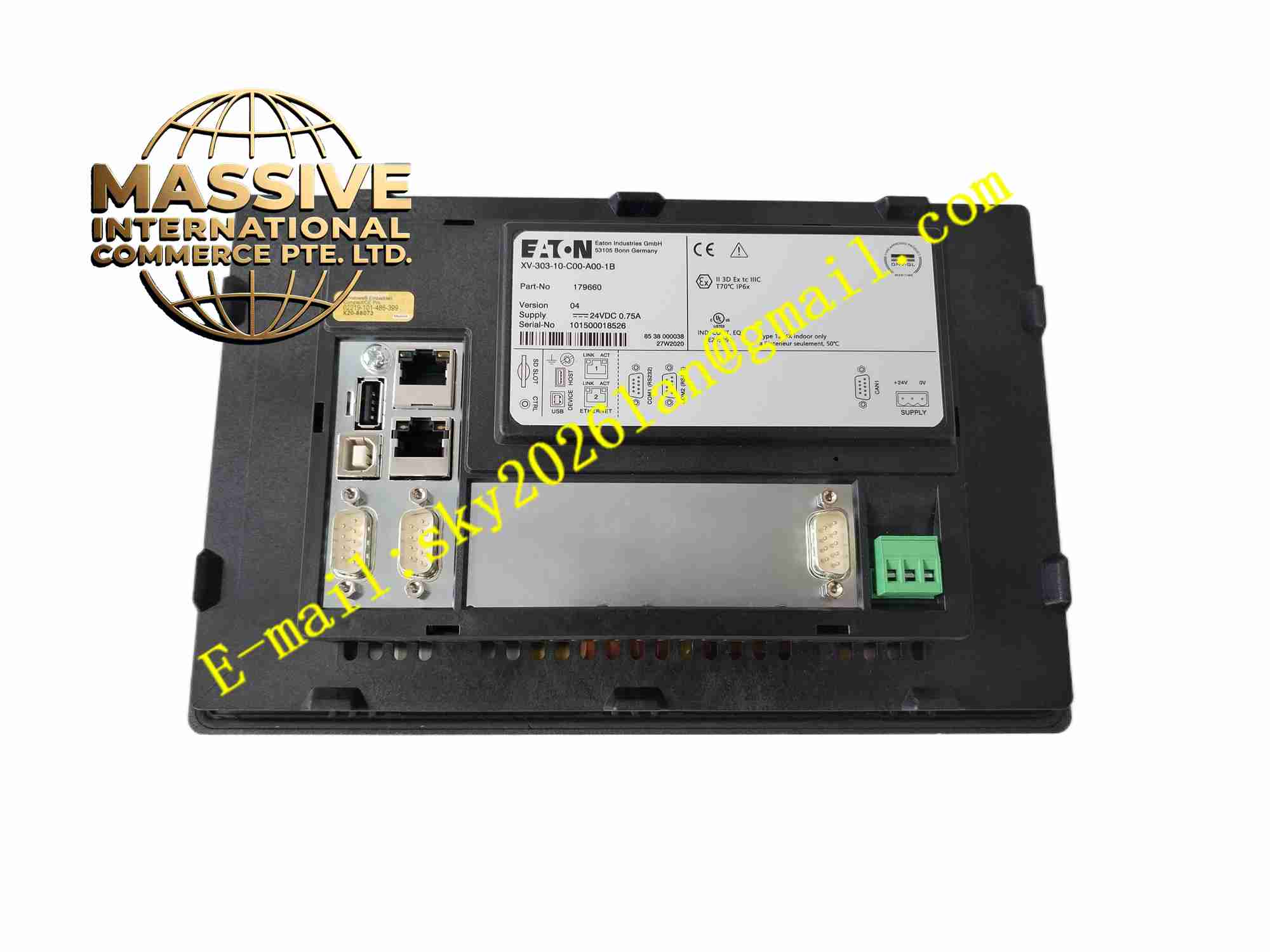
Eaton XV-303-10-C00-A00-1B
Technical Specifications
- Brand: Eaton
- Model: XV-303-10-C00-A00-1B
- Series: Eaton Moeller XV300
- Product type: Advanced HMI/PLC multi-touch display
- Display size: 10.1-inch widescreen
- Resolution: 1024 × 600 typical for XV300 10-inch devices
- Touch technology: Projected capacitive multi-touch
- Processor: ARM Cortex-A9 800 MHz typical for XV300 family
- Memory: Internal flash memory and RAM according to XV300 platform
- Communication: One or two Ethernet interfaces depending on configuration
- Additional interfaces: USB host/device, RS-232, RS-485, CAN depending on variant
- Optional interfaces: SmartWire-DT, Profibus-DP
- Power supply: 24 V DC typical for XV300 family
- Protection rating: IP65 front, IP20 rear typical for XV300 family
- Mounting: Front panel mounting
- Software: Galileo, XSOFT-CODESYS, Visual Designer
- Operating system: Embedded Linux or Windows Embedded depending on generation
Functional Features
- Provides intuitive multi-touch operation similar to smartphones and tablets.
- Supports pinch-to-zoom, scrolling and gesture-based navigation.
- Can operate as a standard HMI or as an HMI with integrated PLC.
- Supports alarm management, trend display and recipe functions.
- Provides Ethernet-based remote access through Galileo WebVisu.
- Supports communication with PLCs, drives, sensors and remote I/O.
- Allows landscape or portrait screen orientation.
- Supports SD card or USB-based project transfer and system updates.
- Provides diagnostic indicators and system monitoring.
Application Scenarios
- Modern machine visualization panels.
- Packaging and food processing equipment.
- Pharmaceutical and hygienic production lines.
- Water and wastewater treatment systems.
- Energy management and utility monitoring.
- OEM equipment requiring tablet-like HMI operation.
- Process control systems with remote access requirements.
- Applications requiring clean, easy-to-wipe front panels.
Performance Parameters
- 10.1-inch widescreen color display.
- 1024 × 600 resolution typical for 10-inch models.
- Projected capacitive multi-touch front.
- ARM Cortex-A9 processor platform typical for family.
- IP65 front protection for industrial panel mounting.
- Exact memory size, communication protocol list, operating temperature, power consumption, certification data and software version must be confirmed from the Eaton nameplate and official documentation.
Material Composition
- Industrial printed circuit board.
- TFT LCD widescreen display.
- Projected capacitive touch sensor.
- Tempered anti-reflective glass front.
- Processor and memory circuits.
- Communication interface circuits.
- Power supply and protection circuits.
- Plastic or polymer rear housing.
- Connector interfaces and terminal blocks.
- Status LEDs and identification labels.
Structural Features
- Slim tablet-style front design.
- Flat glass front with minimal bezel.
- Rear housing designed for panel cutout installation.
- Power, Ethernet, USB and serial connectors on the rear.
- Panel mounting clips for secure installation.
- Status indicators for power and system operation.
- Nameplate with model, serial number and electrical ratings.
- Designed for front installation in industrial control panels.
Working Principle
The XV-303-10-C00-A00-1B receives data from connected controllers or field devices and displays it as graphical screens, alarms, trends and status pages. Operators interact with the system through the projected capacitive touch screen using single or multi-finger gestures. The internal processor handles visualization, communication and optional PLC logic. Remote access is supported when WebVisu or equivalent functions are enabled.
Installation Requirements
- Cut the panel opening according to the official dimensional drawing.
- Install the device from the front of the panel.
- Secure the unit with the specified retaining clips.
- Use a clean 24 V DC power supply within the rated range.
- Ground the device and communication shields properly.
- Separate communication cables from high-voltage power cables.
- Maintain adequate ventilation behind the panel.
- Ensure the installation environment meets the IP65 front and IP20 rear requirements.
Precautions for Use
- Do not exceed the rated supply voltage or environmental limits.
- Avoid using sharp objects on the touch screen.
- Clean the screen with a soft, lint-free cloth.
- Do not expose the rear of the device to moisture or conductive dust.
- Back up projects before firmware updates or replacements.
- Verify communication and PLC settings before commissioning.
- Do not disassemble the display or touch module.
- Refer to the official Eaton manual for exact specifications, wiring and maintenance procedures.