Description
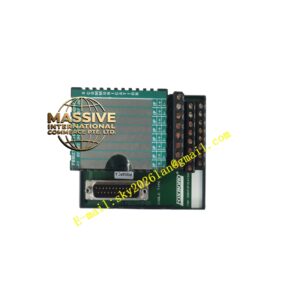
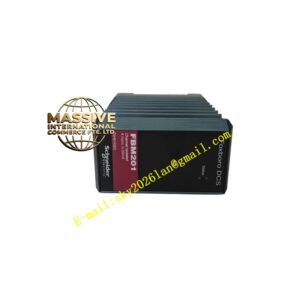
Foxboro P0973JX
Technical Specifications
- Function: Backplane Interface / Signal Adapter.
- Bus Speed: Supports 2 Mbps redundant module fieldbus.
- Power Distribution: Routes 24VDC backplane power to the FBM.
- Form Factor: Matches standard FBM dimensions.
Functional Features
- High-Speed Data Transfer: Facilitates rapid communication between the FBM and the controller.
- Redundancy Support: Maintains bus integrity even if one communication path fails.
- Hot-Swap Capability: Allows for the replacement of FBM components without shutting down the system.
- Signal Integrity: Minimizes crosstalk and electromagnetic interference.
Application Scenarios
Essential in large-scale distributed control systems where I/O points are spread across multiple cabinets or remote locations.
Performance Parameters
- Latency: Negligible signal propagation delay.
- Reliability: Designed for continuous industrial duty cycles.
- Compatibility: Plug-and-play with compatible Foxboro FBMs.
Material Composition
Precision-molded connectors with high-conductivity contacts. Durable plastic housing with UL94 V-0 flame retardant rating.
Structural Characteristics
Features alignment guides and locking mechanisms to ensure proper mating with the backplane. Includes test points for maintenance troubleshooting.
Working Principle
Acts as a physical and electrical adapter, mapping the pinout of the FBM to the specific bus architecture of the I/A Series backplane, while conditioning power and data signals.
Installation Requirements
Align the module carefully before insertion to avoid bending connector pins. Secure the module with mounting screws to ensure proper grounding and vibration resistance.
Usage Precautions
- Never force the module into the backplane.
- Check for bent pins before installation.
- Ensure the backplane is powered correctly before inserting the module.