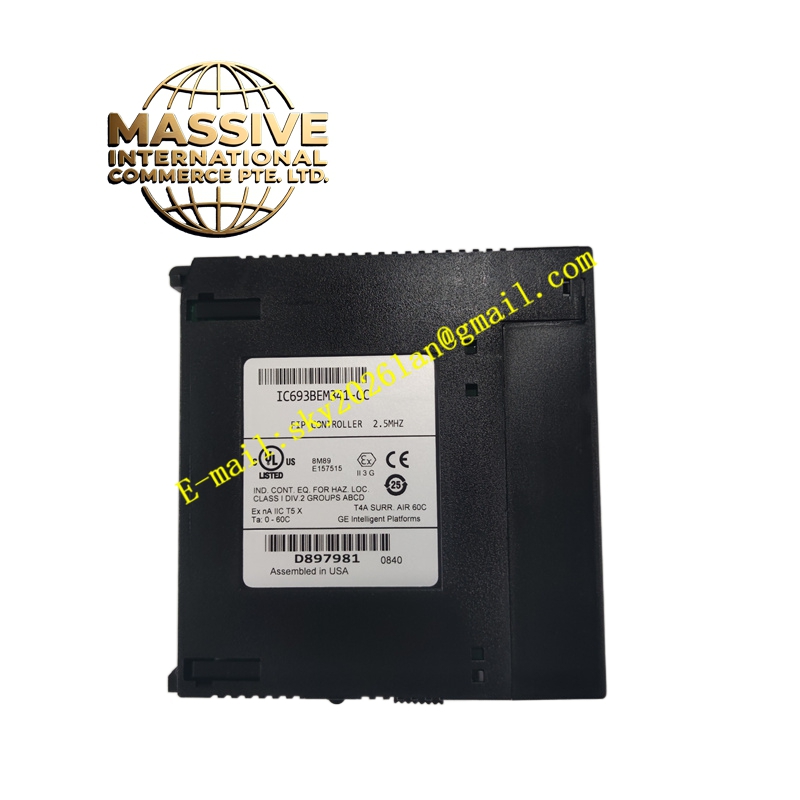
Description
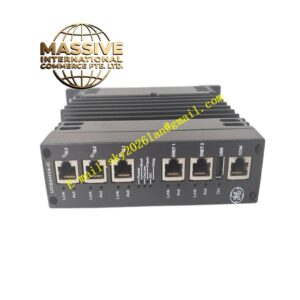
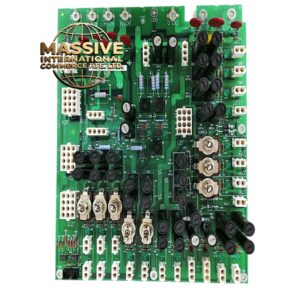
GE IC693BEM331M Technical Specifications:
- Module Type: Genius Bus Controller (GBC)
- System Compatibility: GE Fanuc Series 90-30 PLC
- Data Transfer Rate: Supports high-speed data transfer up to 1.5 Mbps
- Device Capacity: Supports up to 31 Genius I/O devices on a single bus
- Data Throughput: Handles up to 128 bytes of input data and 128 bytes of output data
- Power Supply: Operates on 5V DC supplied by the Series 90-30 backplane
Functional Features:
- Versatile Device Communication: Seamlessly communicates with Genius discrete, analog, and special-purpose field devices.
- Remote I/O Support: Facilitates communication with remote I/O branches, including Series 90-70 I/O racks and Field Control I/O stations.
- Handheld Monitor Integration: Supports connection to Genius Hand-Held Monitors (HHM) for local field diagnostics and configuration.
- Status Diagnostics: Equipped with front-panel LEDs indicating normal operation (OK) and active communication status (COM).
Application Scenarios:
- Distributed control systems requiring remote I/O placement.
- Machine automation and packaging equipment.
- Industrial process control utilizing Genius I/O field devices.
Performance Parameters:
- CPU Firmware Requirement: Requires Series 90-30 CPU firmware version 5.0 or higher.
- System Expansion: A single Series 90-30 PLC can support up to 8 Genius Bus Controllers.
- Latency: High-speed deterministic scanning for real-time field control.
Material Composition & Structural Characteristics:
- Enclosure: Ruggedized industrial plastic housing designed for DIN rail or backplane mounting.
- Connectors: Standard Series 90-30 backplane edge connector and front-panel Genius bus port.
- Indicators: Dual LED status indicators for immediate visual troubleshooting.
Working Principle: The module acts as a protocol bridge. It translates the internal PLC backplane data into the Genius serial bus protocol. It continuously polls connected Genius I/O modules, collects input states, and transmits output commands, managing the 128-byte data window allocated to it by the CPU.
Installation Requirements:
- Slot Placement: Can be installed in any available I/O slot in the Series 90-30 rack.
- Bus Wiring: Connect the Genius bus using the designated shielded twisted-pair cabling with proper termination.
- Configuration: Must be configured using Logicmaster 90 software or a Genius Hand-Held Monitor.
Usage Precautions:
- Firmware Check: Verify that the host CPU firmware is V5.0 or above before installation.
- Incompatibility: Cannot be installed in a system that already contains a Genius Communication Module (GCM).
- Grounding: Ensure proper shielding and grounding of the Genius bus cable to prevent electromagnetic interference.