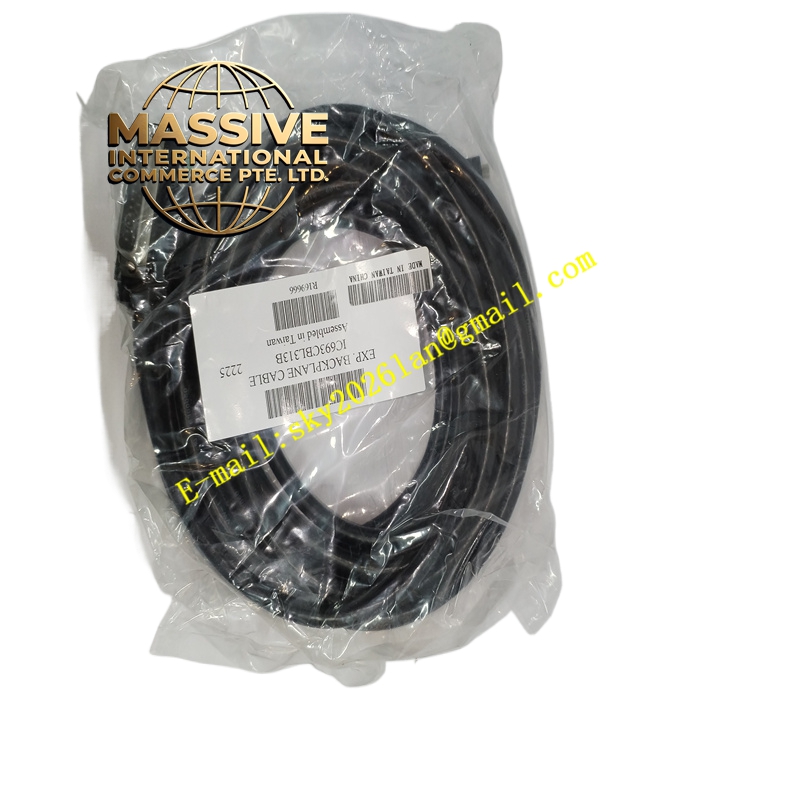
Description
GE IC693CBL313 Technical Specifications:
- Cable Type: Serial Communication Cable
- PC Interface: Standard RS-232 DB9 connector
- PLC Interface: Dedicated port connector compatible with Series 90-30 CPUs (e.g., CPU313, CPU323, etc.)
- Length: Standard length for typical panel installations
Functional Features:
- Reliable Data Transfer: Ensures stable communication for uploading, downloading, and online monitoring.
- Direct Connection: Eliminates the need for external modems or complex network setups for local programming.
- Rugged Construction: Designed to withstand industrial environments and frequent connection/disconnection cycles.
Application Scenarios:
- Initial programming and commissioning of Series 90-30 PLCs.
- Routine maintenance and troubleshooting.
- Logic modifications and data monitoring.
Performance Parameters:
- Baud Rate: Supports standard serial communication speeds (typically up to 19.2K or 38.4K baud depending on CPU).
- Protocol: Proprietary GE Fanuc serial protocol.
Material Composition & Structural Characteristics:
- Cable Jacket: Flexible, industrial-grade PVC or TPE jacket.
- Shielding: Internal foil and braid shielding to protect against EMI/RFI.
- Connectors: Molded strain relief boots for durability.
Working Principle: The cable acts as a serial data bridge. It converts the RS-232 signals from the PC’s serial port (or USB-to-serial adapter) into the specific voltage levels and pinout required by the Series 90-30 CPU’s programming port.
Installation Requirements:
- PC Setup: Install the appropriate COM port drivers and configure the programming software (Logicmaster 90 or VersaPro) to match the COM port settings.
- Connection: Connect the DB9 end to the PC and the proprietary end to the CPU’s programming port.
Usage Precautions:
- Hot-Plugging: Avoid connecting or disconnecting the cable while the PC or PLC is powered on to prevent port damage.
- Cable Care: Do not bend sharply or run the cable near high-voltage power lines.
- Compatibility: Verify the cable is specifically for Series 90-30; it is not compatible with Series 90-70 or Micro PLCs.