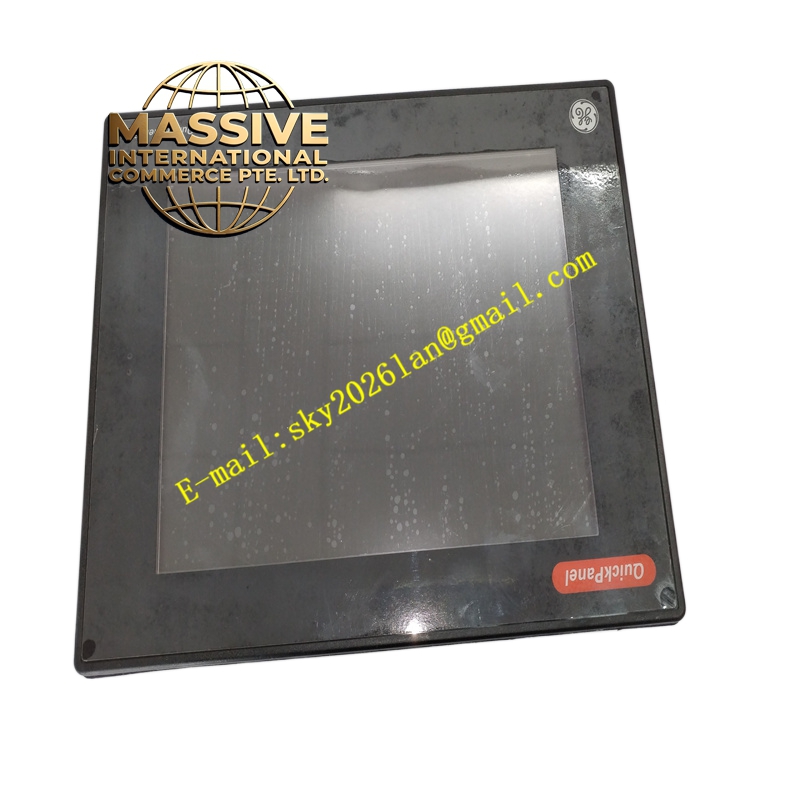
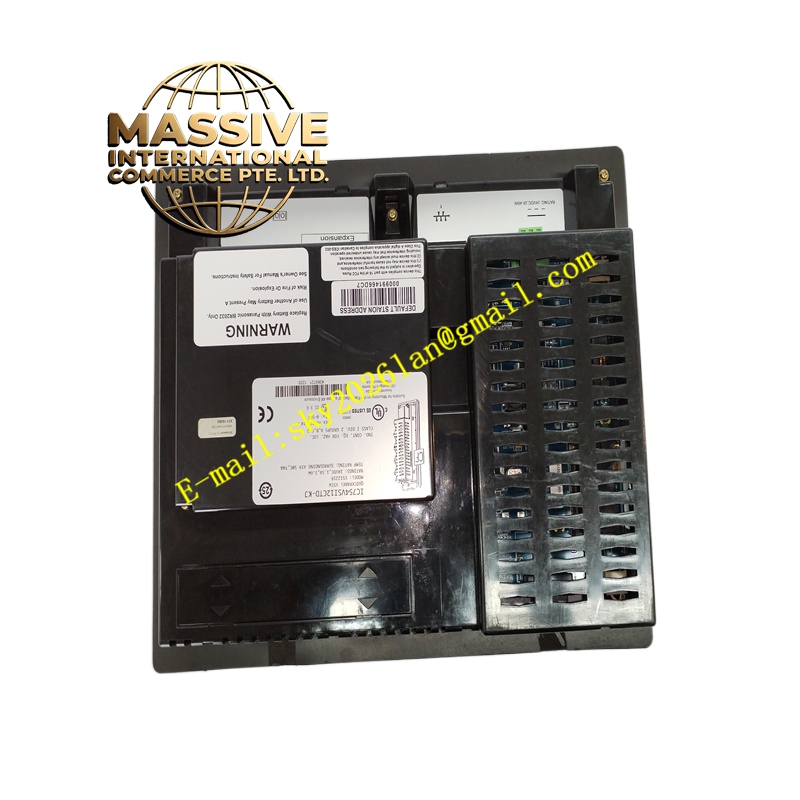
Description
GE IC754VSI12CTD Technical Specifications:
- Display: 12.1-inch active matrix color TFT.
- Resolution: 800 x 600 pixels.
- Touch Interface: Supports finger or stylus input (avoid sharp objects).
- OS: Windows CE.
- Programming Software: Proficy Machine Edition (PME).
Functional Features:
- Standalone or Networked: Can operate as an independent node or integrated into a larger SCADA network.
- Extensive Drivers: Native support for GE, Allen-Bradley, Siemens, and Modbus devices.
- Multimedia Support: Capable of displaying images and basic animations for enhanced operator guidance.
- Security: User-level security to restrict access to critical parameters.
Application Scenarios:
- Centralized monitoring in power generation and utilities.
- Complex manufacturing execution system (MES) interfaces.
- Infrastructure control (tunnels, airports, water treatment).
Performance Parameters:
- Graphics Engine: Hardware-accelerated rendering for smooth animations.
- Communication Throughput: High-speed Ethernet for rapid data synchronization.
- Storage: Ample flash memory for extensive recipe and alarm databases.
Material Composition & Structural Characteristics:
- Bezel: Rugged, chemical-resistant plastic bezel.
- Internal Architecture: Solid-state storage (no hard drives) for shock and vibration resistance.
- Backplane: Integrated high-speed internal bus.
Working Principle: The Windows CE OS manages hardware resources, communication stacks, and the HMI runtime. The runtime engine interprets the compiled project, managing screen transitions, tag polling, and user input. Data is exchanged with external controllers via the configured communication drivers.
Installation Requirements:
- Panel Cutout: Strict adherence to cutout dimensions for proper mechanical fit.
- EMC Compliance: Use shielded cables and proper grounding to meet EMC requirements.
- Power Quality: Ensure clean 24VDC power; use filters if necessary.
Usage Precautions:
- Stylus Use: Only use recommended styluses; sharp tools will destroy the touch digitizer.
- Ventilation: Do not block rear ventilation fins.
- Data Integrity: Implement regular data logging backups to external USB drives.