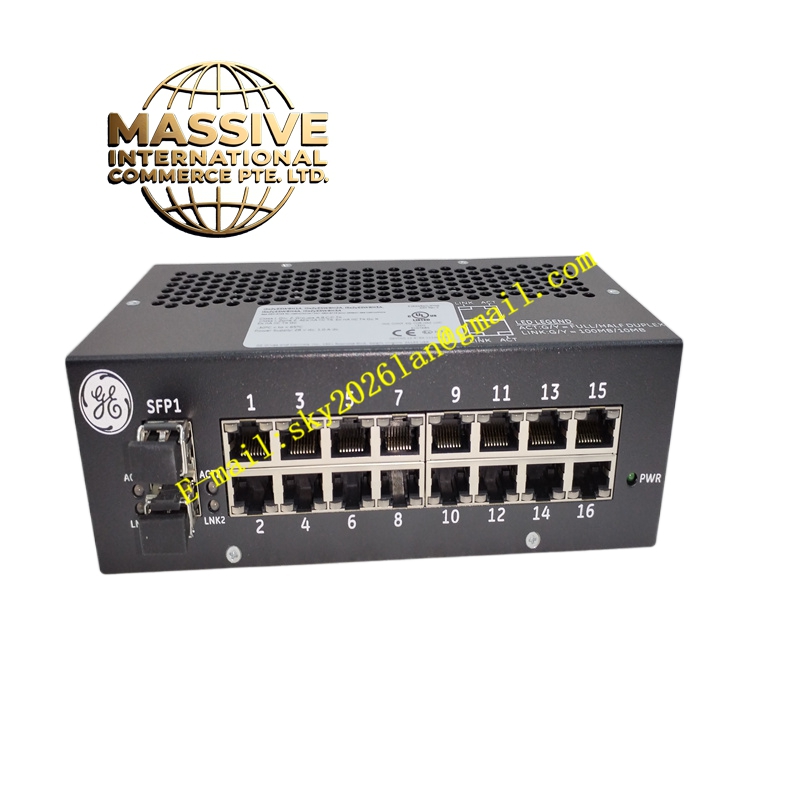
Description
GE IS420ESWBH4A
Technical Specifications:
- Brand: General Electric (GE)
- Model: IS420ESWBH4A
- Product Type: 16-Port IONet Ethernet Switch
- Copper Ports: 16 x 10/100Base-TX (RJ45)
- Fiber Ports: Multi-mode or single-mode fiber uplink options
- Operating Voltage: 9 V to 16 V DC
- Internal OS: QNX
Functional Features:
- High Port Density: Accommodates extensive local I/O networking requirements within a single module footprint.
- Auto-Negotiation: Supports 10/100 Mbps auto-negotiation and HP-MDIX auto-sensing on all copper ports.
- Full/Half Duplex Operation: Automatically optimizes network performance based on connected device capabilities.
- IEEE Compliance: Fully compliant with IEEE 802.3, 802.3u, and 802.3x standards.
Application Scenarios:
Ideal for large-scale turbine control systems and distributed I/O architectures requiring extensive local device interconnection and high-bandwidth data aggregation.
Performance Parameters:
- Port Count: 16 Copper Ports
- Memory: 256 MB onboard flash
- Dimensions: 162 mm x 115 mm x 72 mm
Material Composition:
Manufactured with premium industrial-grade PCBs and components, featuring conformal coating for protection against moisture and corrosive industrial atmospheres.
Structural Characteristics:
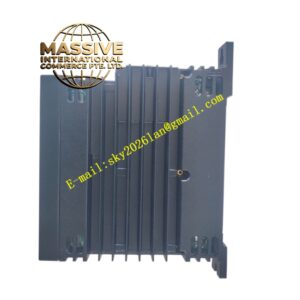
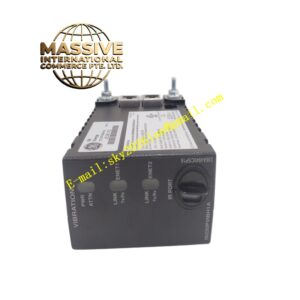
Compact industrial form factor supporting both parallel and perpendicular DIN-rail or panel mounting configurations. Includes comprehensive front-panel LED status indicators.
Working Principle:
Aggregates data from up to 16 connected field devices or I/O modules, utilizing high-speed internal switching fabric to route traffic efficiently to the uplink fiber port or controller connection.
Installation Requirements:
Ensure adequate clearance for convection cooling. Use appropriate fiber optic patch cables for uplink connections and verify link quality via front-panel LEDs.
Usage Precautions:
Verify the specific fiber optic port configuration (multi-mode vs. single-mode) matches the network infrastructure before installation. Configure using ToolboxST software as required.