Description
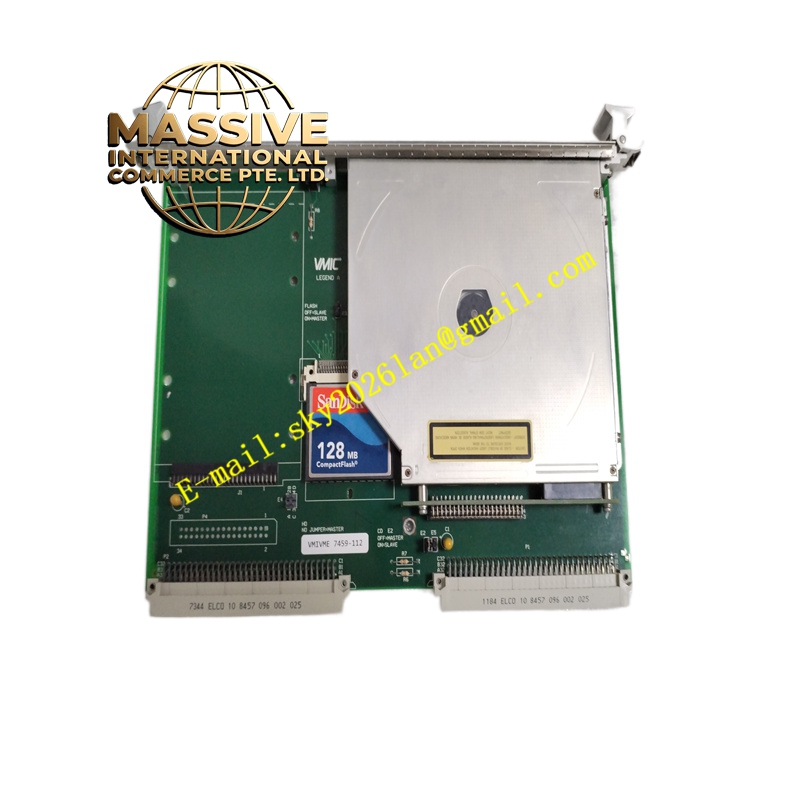
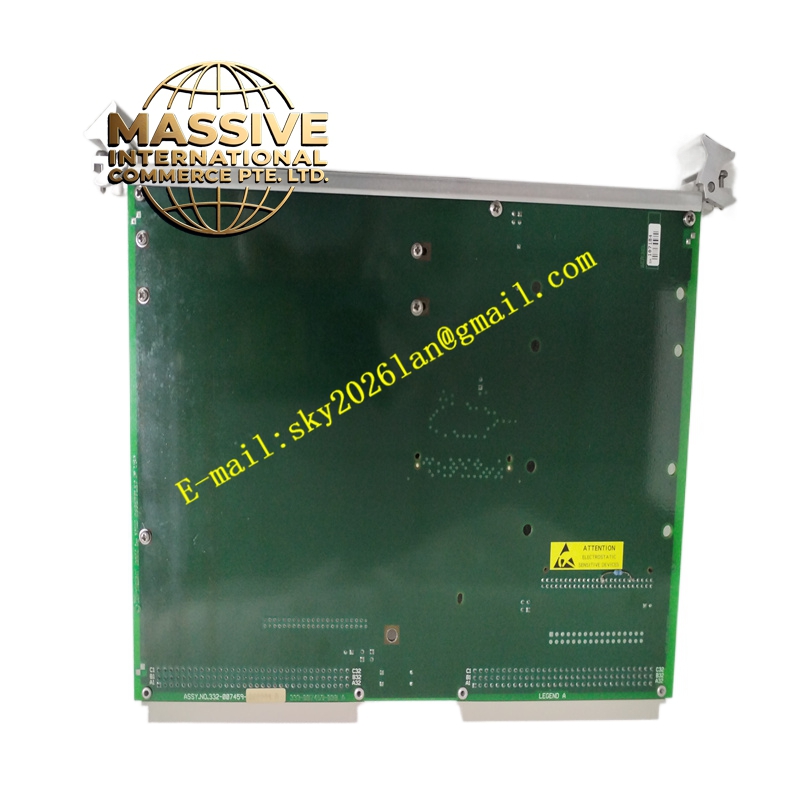
GE VMIVME-7459 Technical Specifications:
- Processor: High-performance PowerPC or Intel Xeon/Pentium architecture (specific generation depends on sub-model).
- Memory: High-capacity DDR SDRAM with ECC support.
- Storage: Onboard CompactFlash or solid-state storage for operating system and application code.
- I/O Interfaces: Dual Gigabit Ethernet, multiple RS-232/422/485 serial ports, USB, and VGA.
- VME Interface: VME64 (A32:D32) master/slave capabilities.
Functional Features:
- Real-Time Performance: Optimized for deterministic real-time operating systems (RTOS) like VxWorks or RTX.
- Extensive Connectivity: Built-in network and serial interfaces eliminate the need for separate I/O carrier boards.
- Watchdog Timer: Hardware watchdog to automatically reset the system in case of software lockups.
- Battery-Backed SRAM: Non-volatile memory for storing critical system configuration and state data.
Application Scenarios:
- Primary controller for gas turbine and steam turbine management systems.
- Advanced motion control and CNC machining centers.
- Railway signaling and traffic management systems.
- Military and aerospace test and simulation platforms.
Performance Parameters:
- Clock Speed: Multi-core or high-frequency single-core processing for parallel task execution.
- Bus Bandwidth: Full utilization of VME64 bandwidth for rapid data exchange with I/O modules.
- Boot Time: Fast boot capability from solid-state storage.
Material Composition & Structural Characteristics:
- Form Factor: 6U VME form factor.
- Cooling: Conduction-cooled or air-cooled variants with ruggedized mechanical retention.
- Panel I/O: Front-panel access to Ethernet, serial, and USB ports for easy field maintenance.
Working Principle: The SBC boots the RTOS from onboard flash storage and initializes the VMEbus. It acts as the bus master, polling or receiving interrupts from various I/O modules (like the VMIVME-4140 or 5565). It executes the control logic, processes sensor data, and outputs control commands over the VMEbus or front-panel network interfaces.
Installation Requirements:
- Slot Assignment: Install in the designated system slot with appropriate arbitration and system clock connections.
- Firmware/BIOS: Configure VME address space, interrupt levels, and boot device via BIOS or jumper settings.
- Cabling: Connect front-panel network and serial cables using strain-relieved industrial connectors.
Usage Precautions:
- Thermal Limits: Ensure chassis cooling fans are operational; SBCs generate significant heat under full load.
- Software Compatibility: Verify that the application software and device drivers match the specific CPU architecture and VME firmware.
- Battery Replacement: Periodically check and replace the onboard CMOS/RTC battery to prevent loss of configuration.