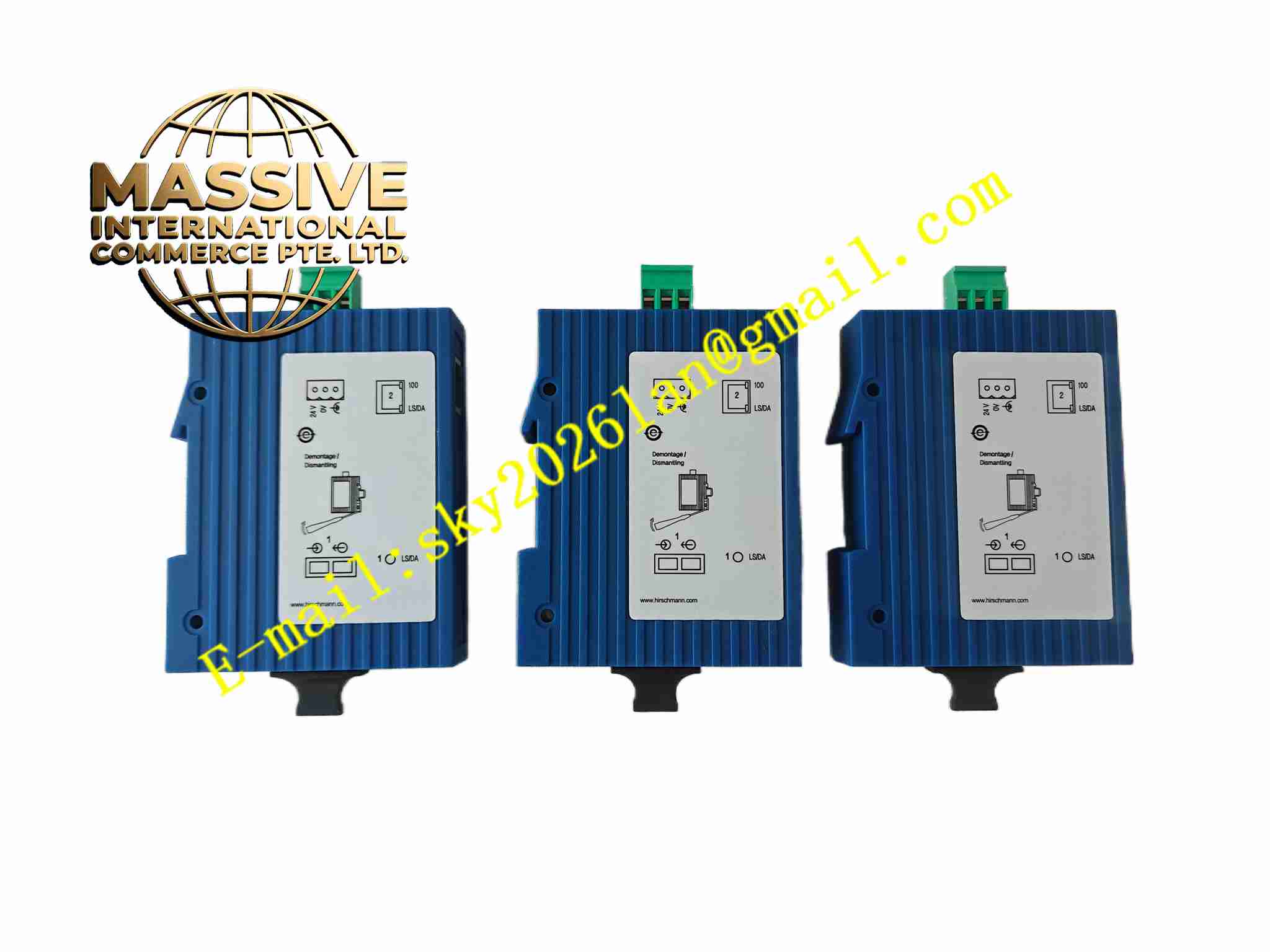
Description
Hirschmann SPIDER 1TX1FX-SM EEC
Technical Specifications
- Product type: Unmanaged industrial Ethernet switch
- Ports: 1 × 10/100 BASE-TX copper, 1 × 100 BASE-FX single-mode fiber
- Fiber distance: Single-mode up to 30 km
- Switching speed: 100 Mbps
- Supply: DC9 V to DC36 V
- Power consumption: Low
- Operating temperature: -40 °C to +70 °C
- Storage temperature: -40 °C to +85 °C
- Humidity: 5 % to 95 %, non-condensing
- Protection: IP30
- Installation: DIN rail
- Certification: CE, UL, EEC
- LEDs: Link and activity
Functional Features
- Unmanaged plug and play
- Copper to fiber media conversion
- Single-mode fiber long distance link
- Wide temperature range
- Auto negotiation on copper port
- Auto MDI/MDI-X
- Store and forward switching
- Link fault auto signaling
- Compact DIN rail housing
- Industrial EMC immunity
Application Scenarios
- Factory floor Ethernet to fiber link
- Process network copper to fiber conversion
- Building network long distance extension
- Machine to plant network connection
- CCTV and access control industrial link
Materials and Construction
- Housing: Plastic or coated metal
- PCB: FR4
- Fiber port: SC connector
- Copper port: RJ45
- Terminal block: DC power
- LED: Link LEDs
Structural Features
- Compact DIN rail housing
- Front RJ45 and fiber SC ports
- Side DC power terminal block
- Internal switch ASIC and fiber PHY
- DIN rail clip
- No moving parts
Working Principle Received Ethernet frames on copper port are switched to fiber port and vice versa. Fiber PHY converts electrical to optical. Auto negotiation on copper port configures speed and duplex. LEDs indicate link and activity.
Installation Requirements
- Snap onto 35 mm DIN rail
- Connect DC9 to 36 V supply
- Insert RJ45 copper cable
- Clean SC fiber connector and insert
- Ground shield
- Temperature -40 °C to +70 °C
- No configuration required
- Avoid fiber bend radius violation
Precautions
- Do not touch fiber end face
- Clean SC connector before insertion
- Fiber must be single-mode
- DC polarity correct
- Store spares in dust-free packaging
- Keep fiber cable bend radius
- Do not exceed fiber distance