Description
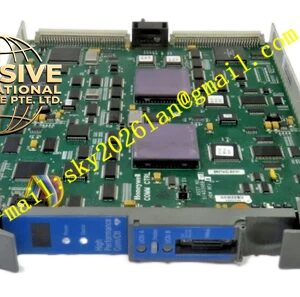
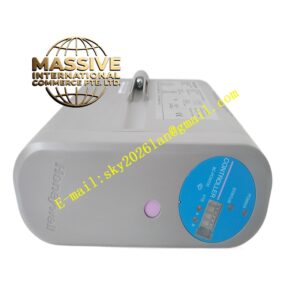
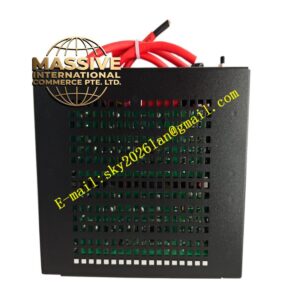
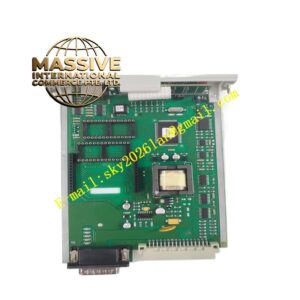
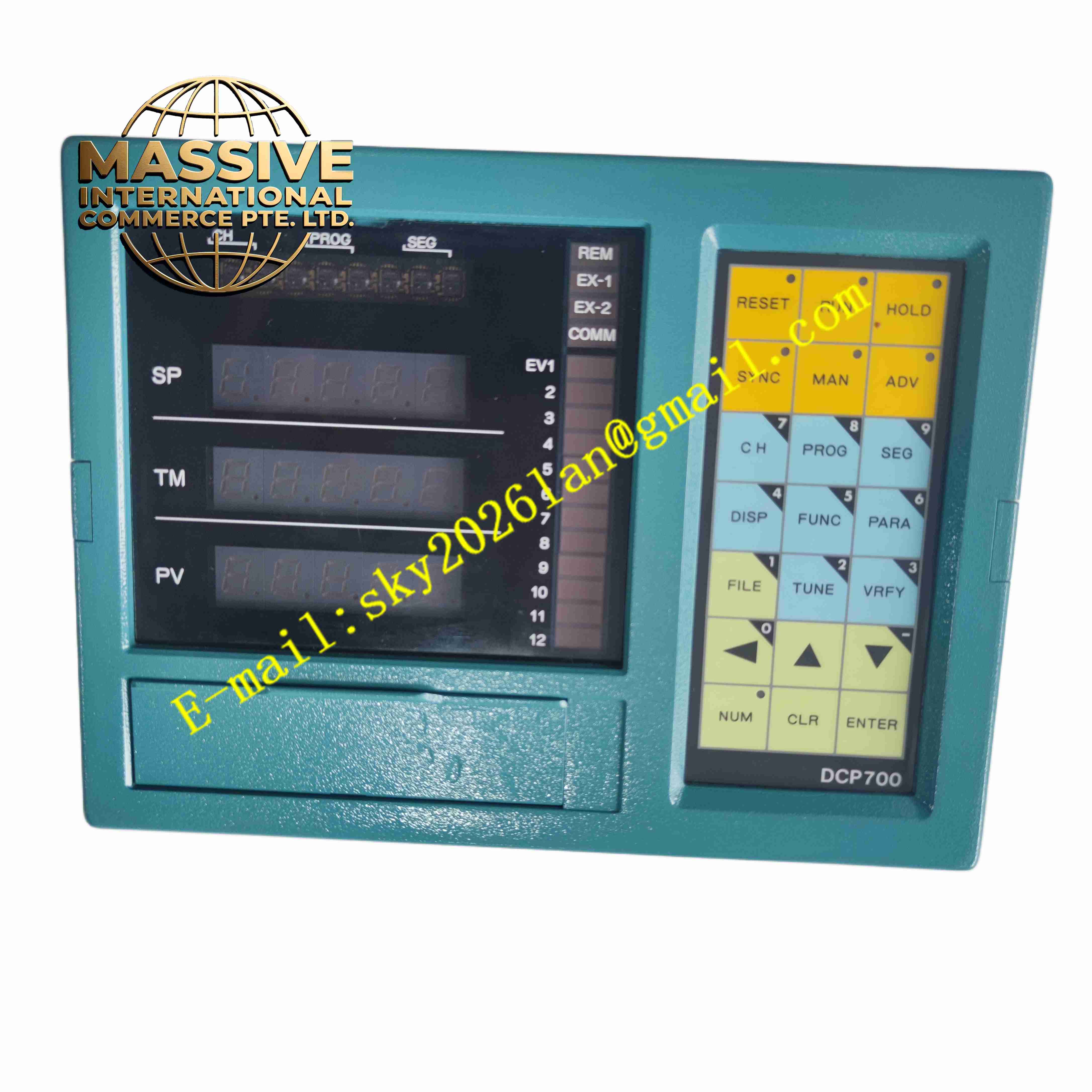
Honeywell DCP71150C012010H0
Technical Specifications Segmented digital LED display for PV and SP readout; membrane tactile function keys for mode switching and parameter entry; 24 V DC auxiliary power supply; dedicated serial communication protocol for Honeywell controller linkage; multiple LED alarm and status indicators; front panel rated for IP65 against liquid splash and dust ingress; operating temperature 0 °C to +55 °C.
Functional Features Local setpoint entry and adjustment; auto/manual operation switching; alarm indication and alarm reset function; process value and output percentage display; parameter lockout to restrict operator modification; fault communication diagnostic indicators.
Application Scenarios Industrial furnace local control stations, boiler burner control panels, heat treatment equipment operator stations, Honeywell controller local human-machine interface replacement.
Material Composition IP65 rated ABS plastic front housing; polycarbonate protective display window; silicone rubber membrane keypad; FR4 display and driver PCB; copper screw terminal blocks for power and communication wiring.
Structural Characteristics Panel cutout mounting form; sealed front panel for cabinet exterior installation; rear wiring cavity with removable terminal cover; mounting lugs secure the unit to control panel sheet metal.
Working Principle The panel continuously exchanges data with the matched Honeywell controller over serial lines. It receives process value, setpoint and alarm status from the controller and refreshes display states. Operator key presses are transmitted as command frames to modify controller operating modes and setpoints.
Installation Requirements Prepare specified panel cutout dimension; mount the unit from cabinet front and fasten rear mounting lugs; use shielded cable for communication wiring; apply silicone gasket correctly to maintain IP65 front-panel rating.
Operation Notes Avoid sharp objects pressing the membrane keypad; confirm communication cable polarity after wiring; enable parameter lock for production environments to prevent unauthorised setpoint changes; clean front panel only with mild non-abrasive cleaners.